102
TO STOP/PAUSE A SLIDESHOW
Press
to stop a slideshow and return to the previous view (Single-Image,
Contact Sheet, etc.).
• The image that the slideshow stops on will become the currently selected
image.
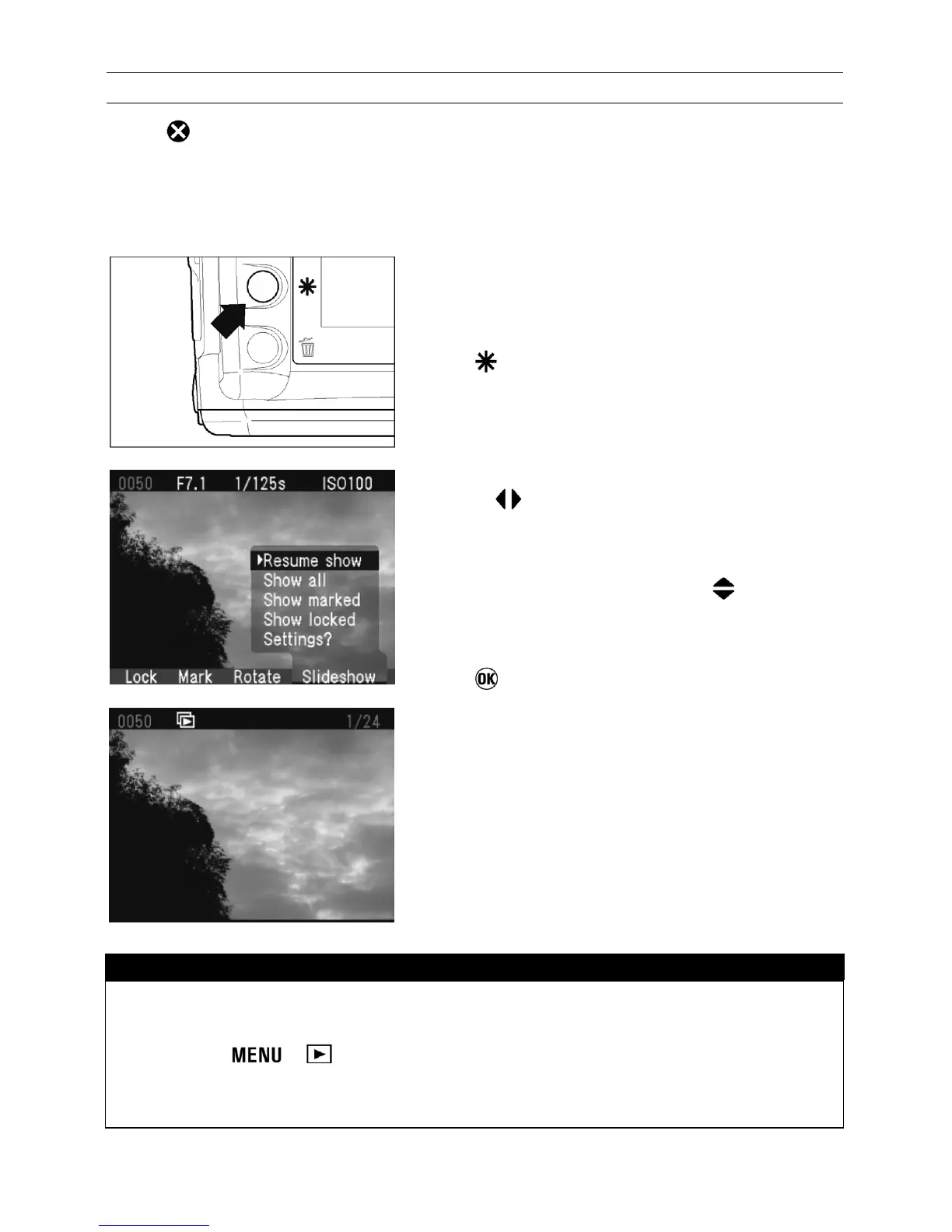
TO RESUME A STOPPED SLIDESHOW
1
Press
to display the Modification Menu.
2
Use the
arrows on the 4-way controller to
select the Slideshow Menu.
3
If not already selected, use the
arrows on
the 4-way controller to select “Resume show”.
4
Press
to close the Modification Menu and
resume the slideshow.
• The slideshow will resume with the next
image in the sequence following the one the
slideshow was stopped on.
TIP
• It will not be possible to resume a slideshow that has stopped automatically
after the last image. (See P.100 for setting slideshow repetition.)
• Pressing , or the shutter release will also stop a slideshow,
however, it will not be possible to resume a slideshow stopped in this
manner.



 To Next Page