55
1
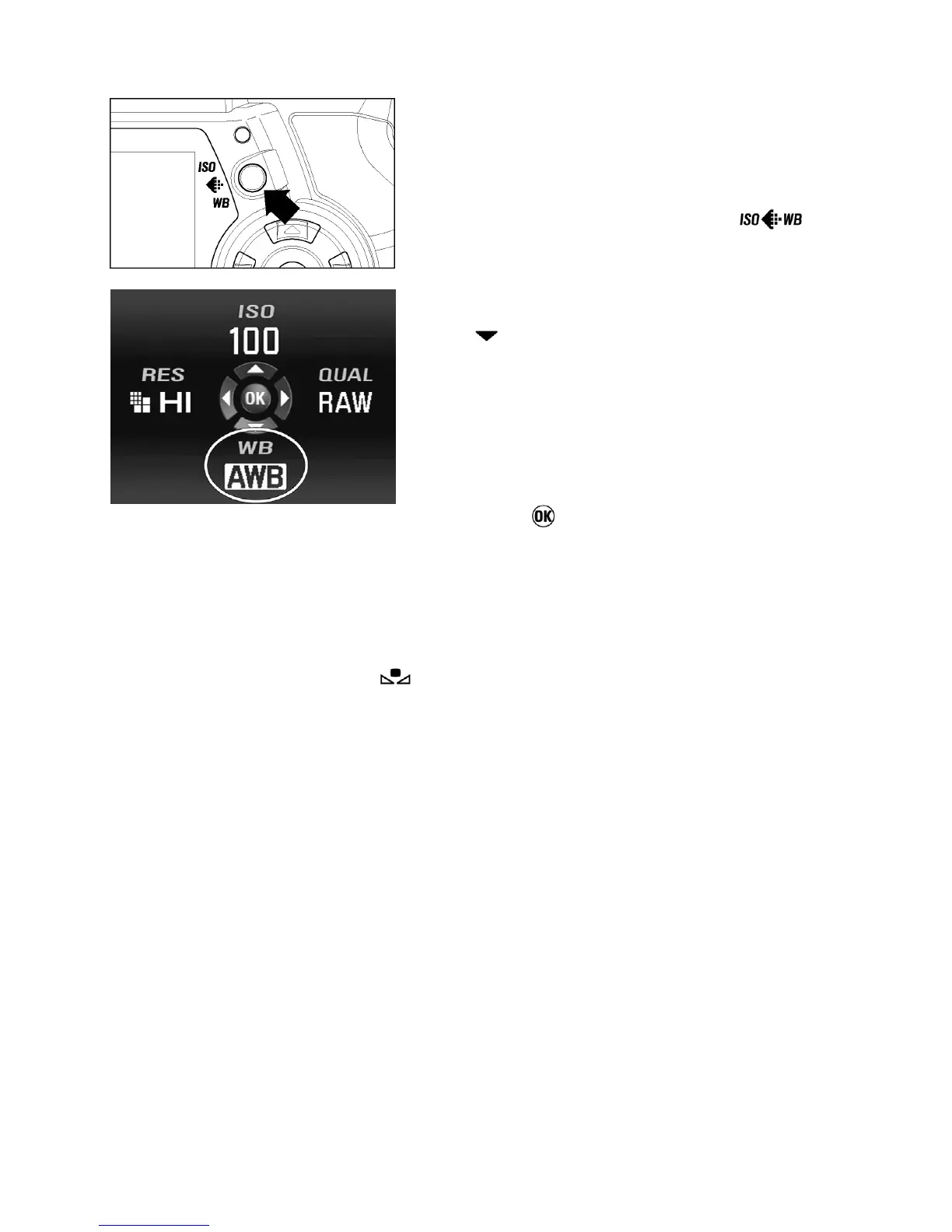
Make sure the camera is turned on.
2
Press the Image Setting Button ( ) to
open the quick set menu.
3
The desired mode can be chosen by pressing
the (
) button of the 4-way controller.
--------------
4
A photograph can be taken when the shutter
button is pressed half-way and this will
determine the white balance mode.
(alternatively, the mode can be chosen by
pushing the
button ).
■ If Custom White Balance ( ) is selected, “Set custom-WB” of set-up menu
will be used for shooting.



 To Next Page