92
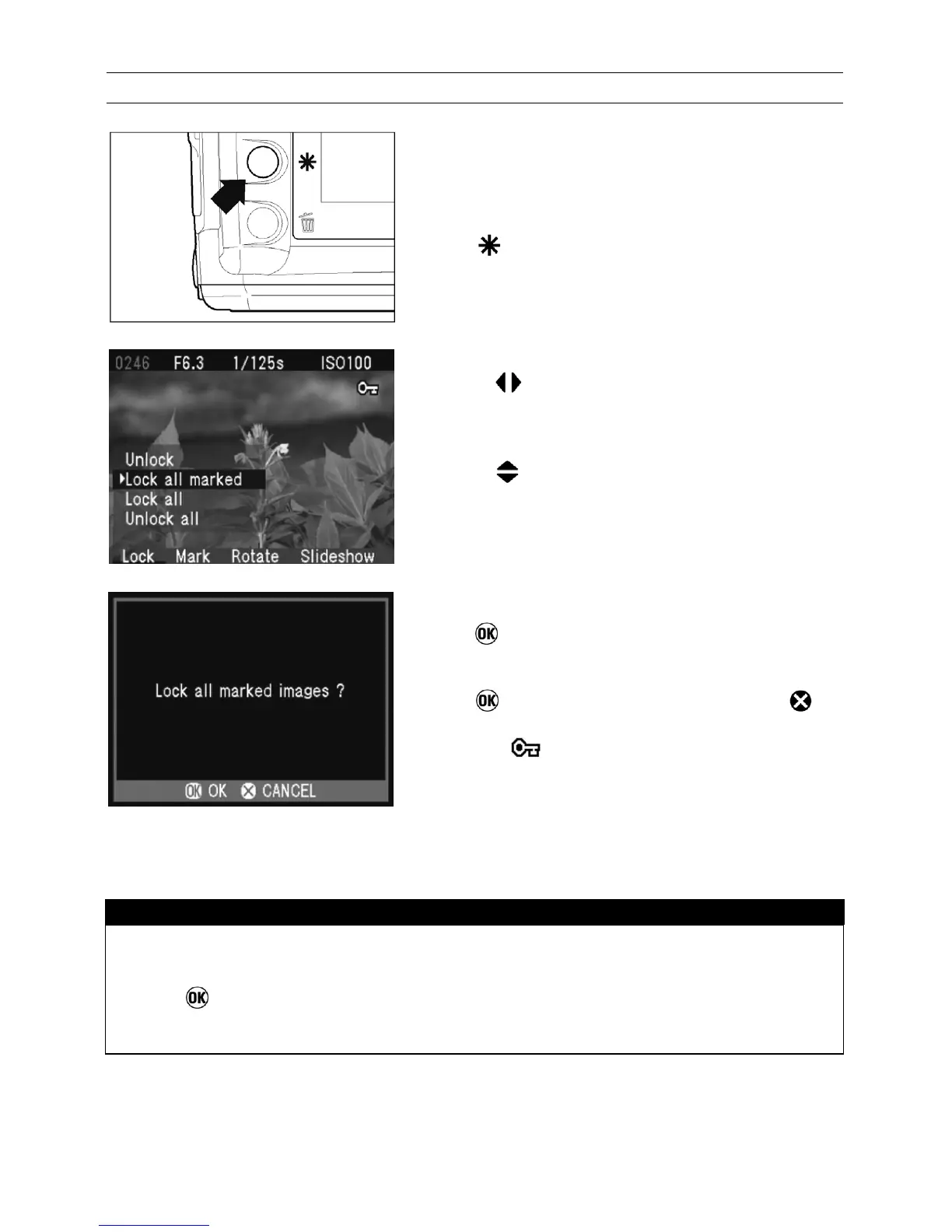
TO LOCK MULTIPLE IMAGES
1
Press to display the Modification Menu.
2
Use the
arrows on the 4-way controller to
select the Lock Menu.
3
Use the
arrows on the 4-way controller to
select “Lock all marked” or “Lock all”.
• If all images are already locked, the "Lock all"
menu item will not be available.
4
Press
to display the confirmation dialog.
5
Press
to lock the images or press
to
return to reviewing images without locking. A
key icon
will appear in the upper-right
corner of all locked images.
TIP
• Select “Unlock all” from the Lock Menu to unlock all locked images on the
CF card.
• The
button can be used as a shortcut key for locking images. (See
P.98)



 To Next Page