97
5
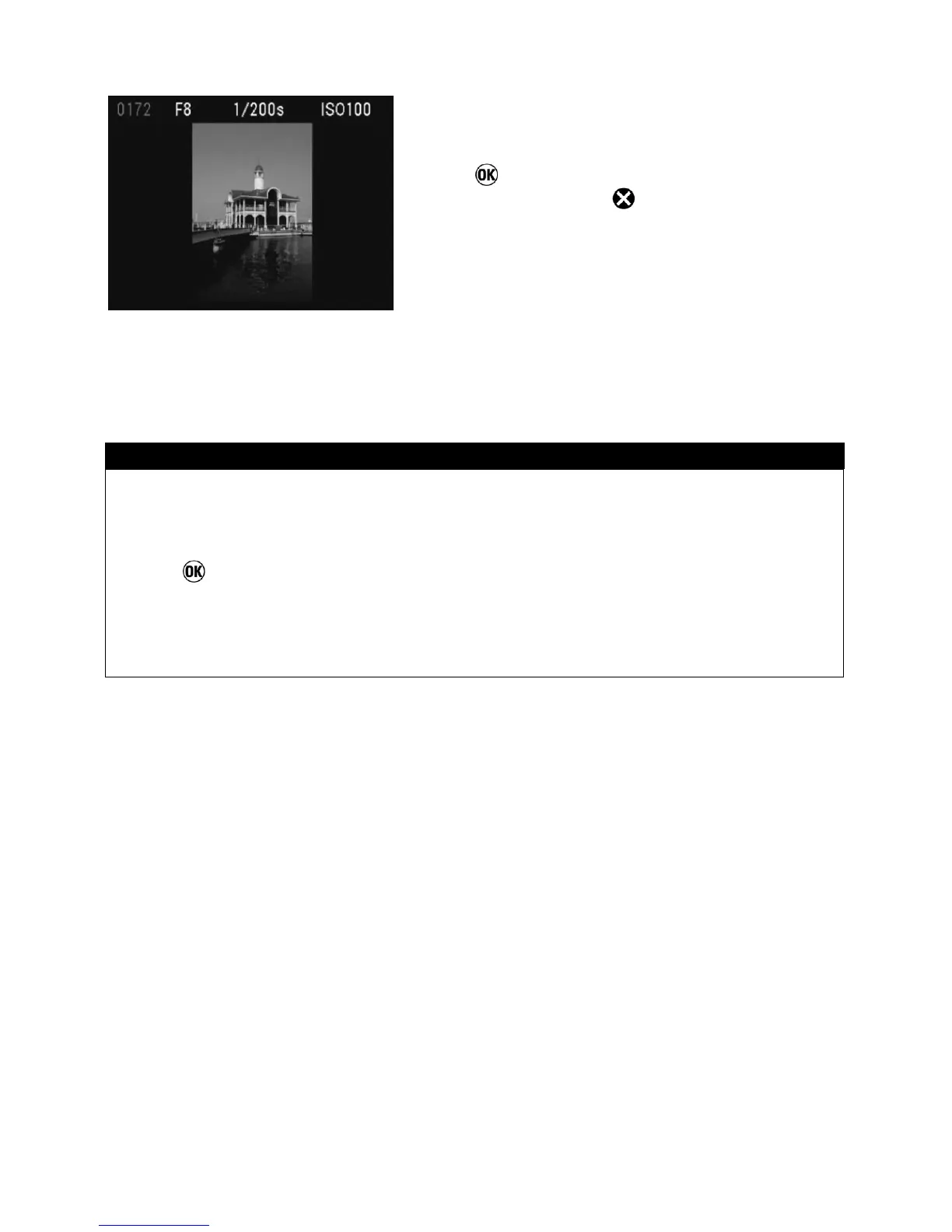
Press
to rotate the image and close the
Modification Menu or
to return to reviewing
images without rotating.
TIP
• To rotate an image 180 degrees, rotate it twice in the same direction.
• To get an image back into its original orientation, rotate it in the opposite
direction.
• The
button can be used as a shortcut key for rotating images. (See
P.97)
• If the Rotate Menu was opened from Jump Mode, both “Rotate” menu items
will be unavailable.



 To Next Page