7
Installing SimpleShare
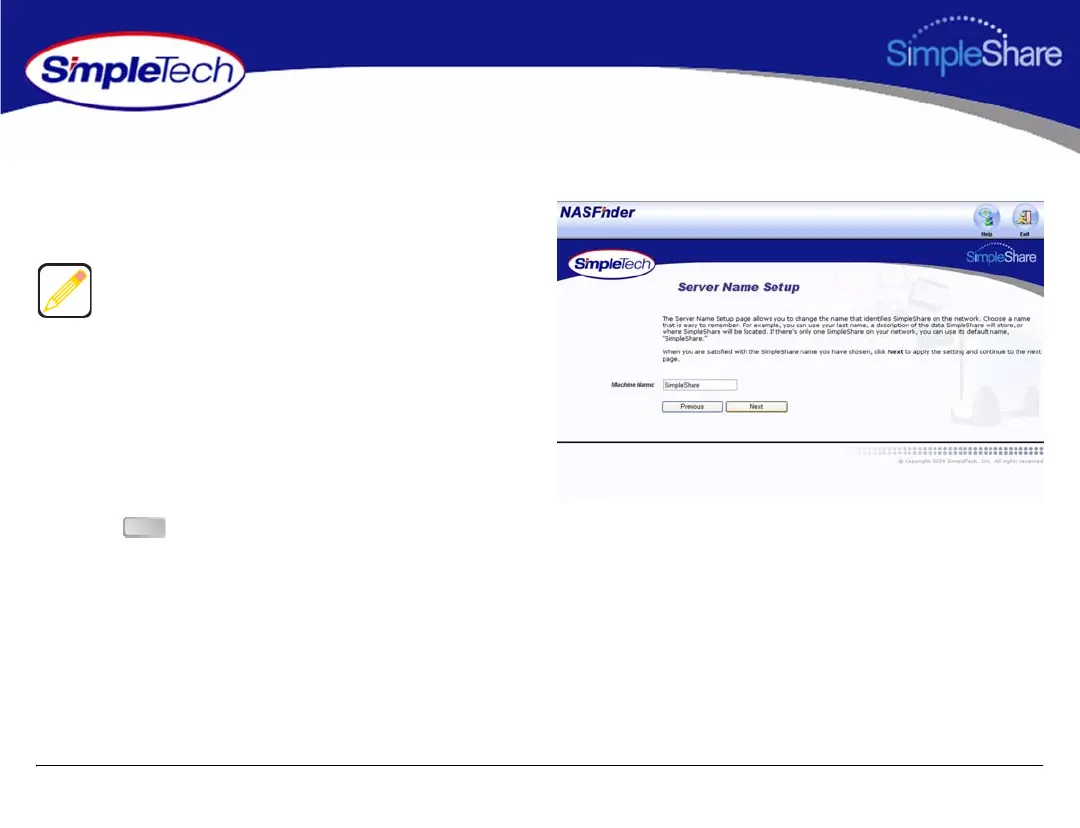
The Server Name Setup page allows you to change SimpleShare’s network name.
5 In Machine Name, enter a new name for SimpleShare
or choose to keep the current name.
6 Click to continue.
Choose a name that is easy to remember. For example, you
can use the owner’s last name, a description of the data
SimpleShare will store, or where SimpleShare will be
located. If there’s only one SimpleShare on your network,
you can use its default name, “SimpleShare.”
The SimpleShare name can be up to 15 characters in length,
containing any combination of alphanumeric (A-Z and 1-9)
characters. You may also use the dash (-) character. Spaces
and special characters are not allowed. If you share
SimpleShare with MS-DOS computers, do not use more than
eight characters in the SimpleShare name.
Next



 To Next Page