8
Installing SimpleShare
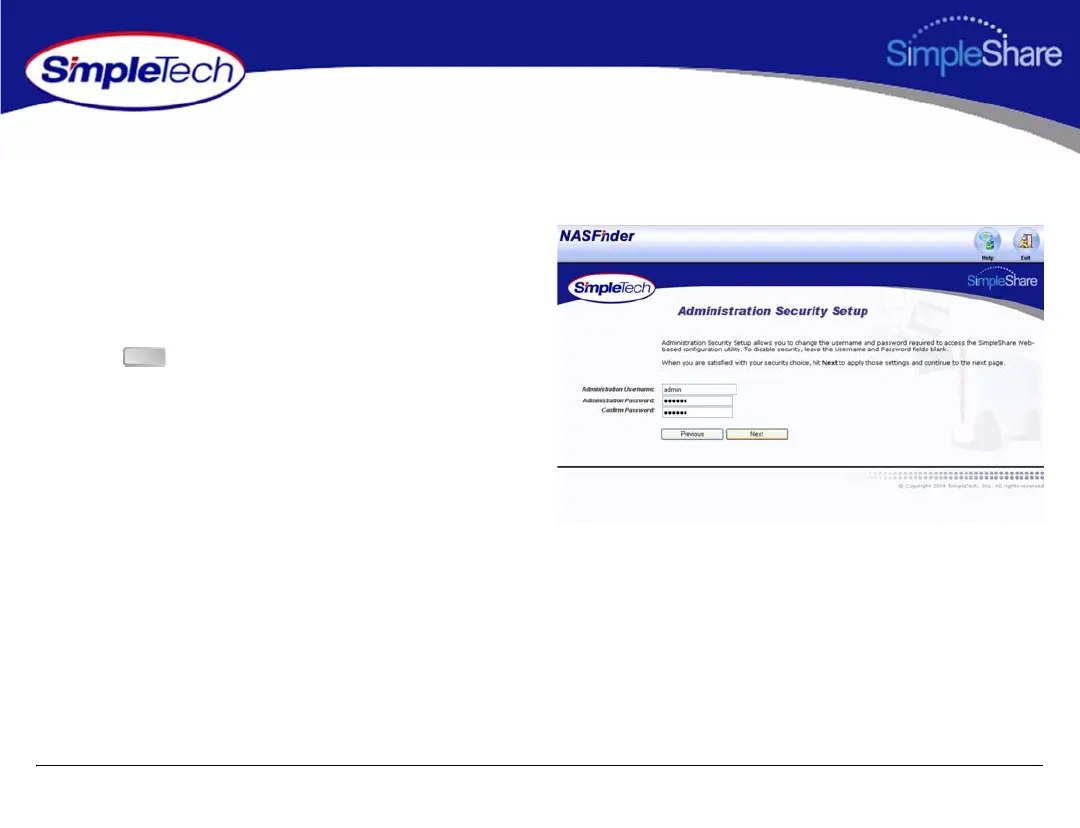
The Administration Security Setup page allows you to change the administration username and password required to access
SimpleShare configuration data.
7 Enter a new username and password for accessing
SimpleShare. If you are logging onto SimpleShare for
the first time, enter the default username “admin” and
password “simple.” In Confirm Password, re-enter the
new password to verify that it was entered correctly.
8 Click to continue.
Next



 To Next Page