72
Managing SimpleShare Disk Pool
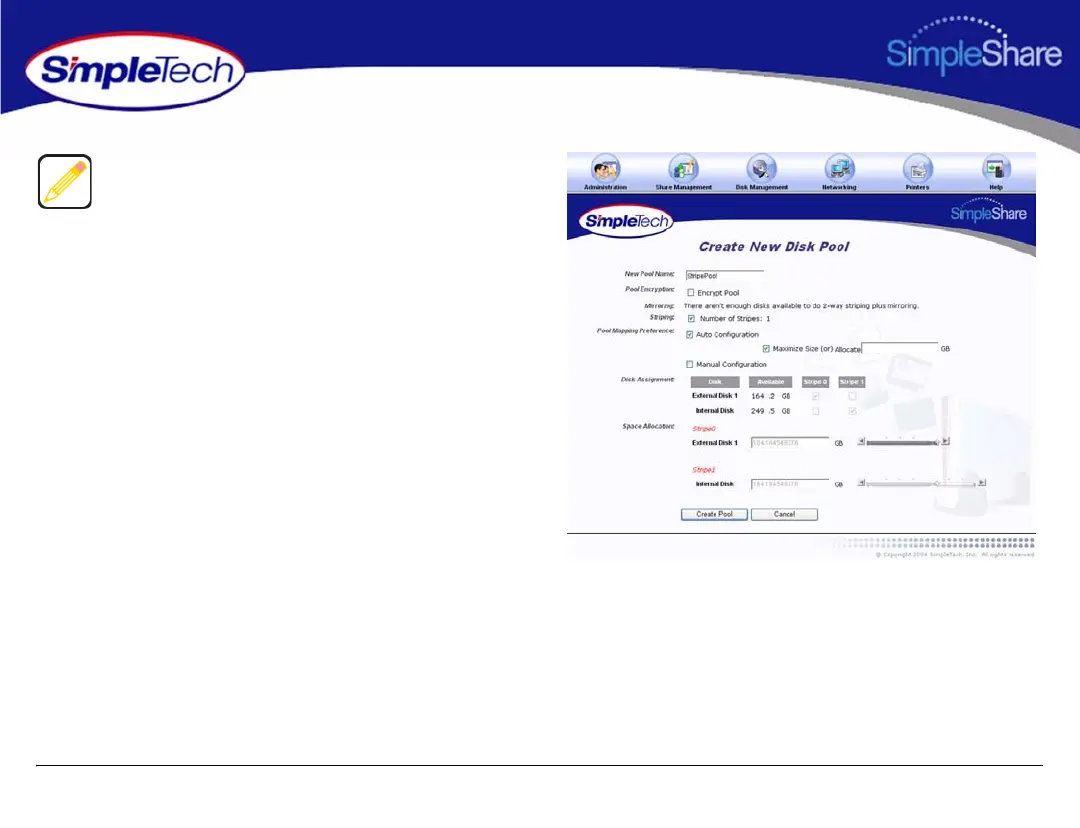
5 To configure the pool parameters automatically, in Pool
Mapping Preference select Auto Configuration, then
do one of the following to set the capacity of the each
stripe in the pool:
• To create the largest pool possible, based on the
amount of available disk space on each disk, select
Maximize Size, then continue to Step 7 on page 73.
• To specify the size of stripe to be placed on each
disk, deselect Maximize Size and enter the desired
capacity (in gigabytes) in Allocate, then continue to
Step 7 on page 73.
To configure the Mirror pool automatically, continue to
Step 4. To configure the pool manually, go to Step 7 on
page 73.



 To Next Page