73
Managing SimpleShare Disk Pool
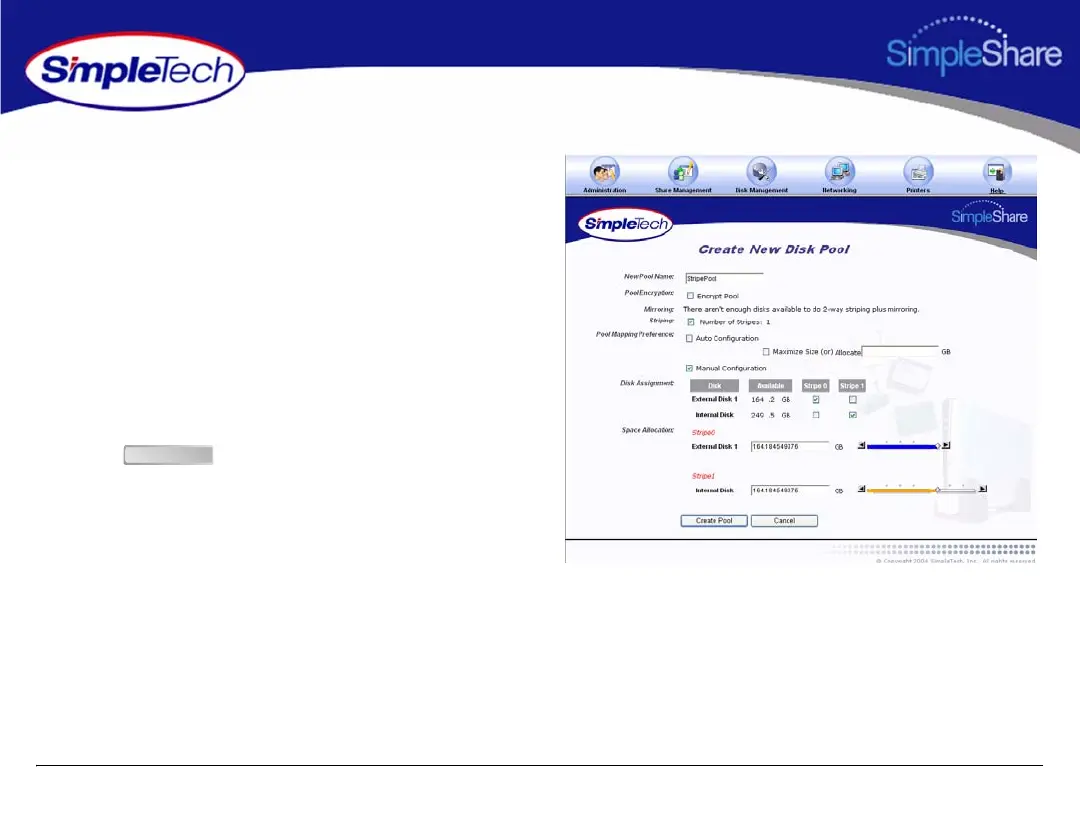
6 To configure the pool parameters manually, in Pool
Mapping Preference select Manual Configuration,
then do one of the following to set the capacity of the
each stripe in the pool:
• In Disk Assignment, select the disk to contain
Stripe 0, Stripe 1 and Stripe 3 (if three drives are
connected to SimpleShare).
• In Space Allocation, enter the size (in gigabytes) of
the stripe to be created on each disk. The stripe size
can be set by entering the capacity in the text box or
using the slider control.
7 Click .
Create Pool



 To Next Page