Sinterit LISA X User Manual | 20
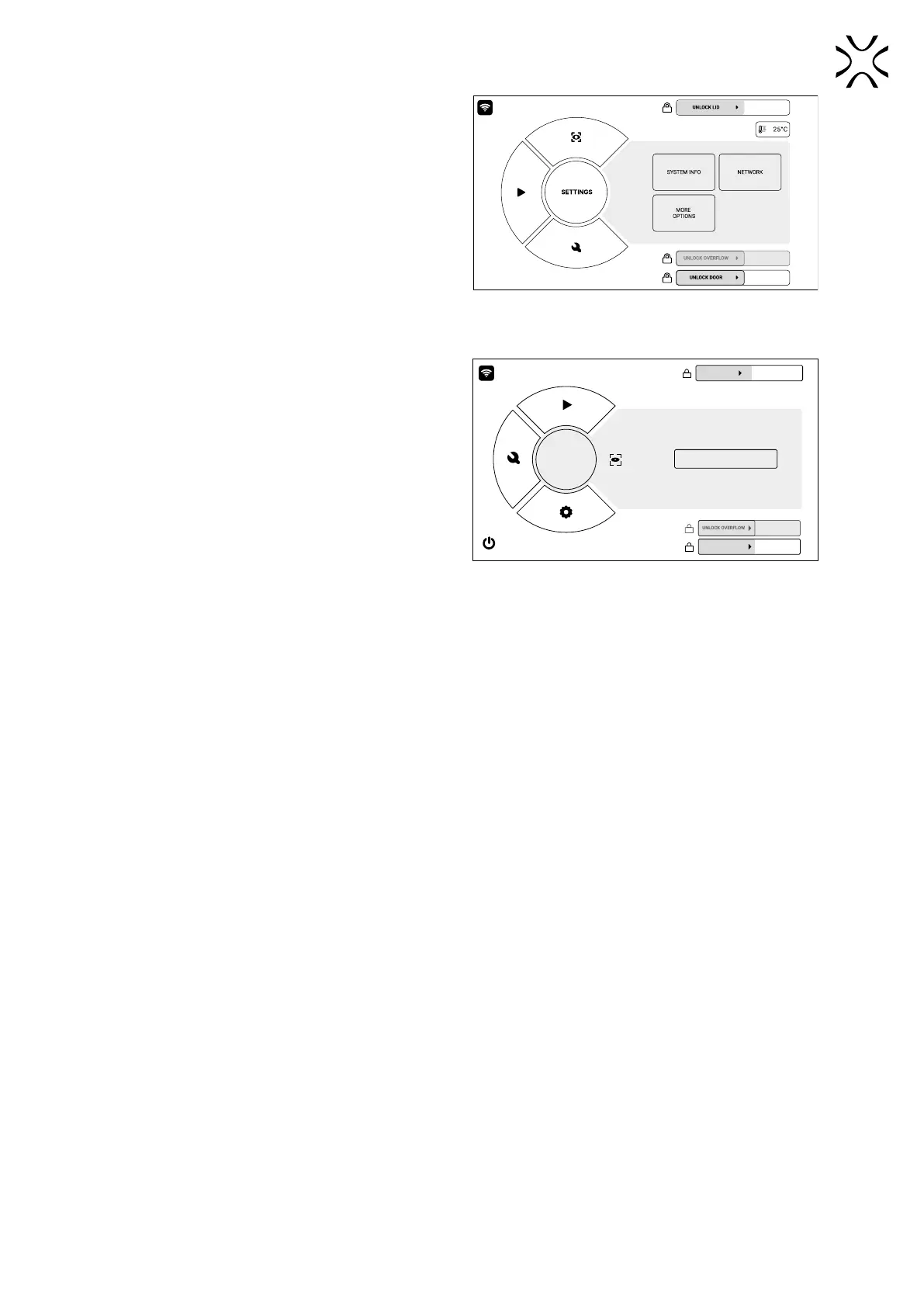
SETTINGS – printer settings
• CONNECT WITH SINTERIT STUDIO choose this option
to connect with the dedicated printer software on a
computer,
• NETWORK – choose this option to connect to a Wi-Fi
network,
• SYSTEM INFO – this option lets you view basic
technical information of the printer: current software
version, IP address on the network and the last used
printing material
• MORE OPTIONS – choose this option in order to update
the printer rmware or to restore factory settings.
Fig. 5.9 The SETTINGS screen.
CAMERA VIEW – view from the built-in camera
• Choose this option to view the inside of the print
chamber, including while printing, as seen by the built-in
camera.
CAMERA
VIEW
UNLOCK LID
CAMERA VIEW
OPEN THE DOOR
Fig. 5.10 The CAMERA VIEW screen.



 To Next Page