Sinterit LISA X User Manual | 52
12.9 REPLACING INFRARED BULB
IMPORTANT!
• Replacement of Infrared bulbs must be carried out with the device switched off!
• To avoid burning your hands, only operate on a cooled-down device!
You will need: Protective gloves, clean cloth or paper towel, spare Infrared bulb(s)
Before each printout, the printer checks the condition of the components. If one of the Infrared bulbs is faulty, an error will
appear. Printing is then not possible and the defective bulb(s) must be replaced.
1. To see which Infrared bulb needs replacing, go to MAINTENANCE // PRINTER STATUS, then Infrared bulbS.
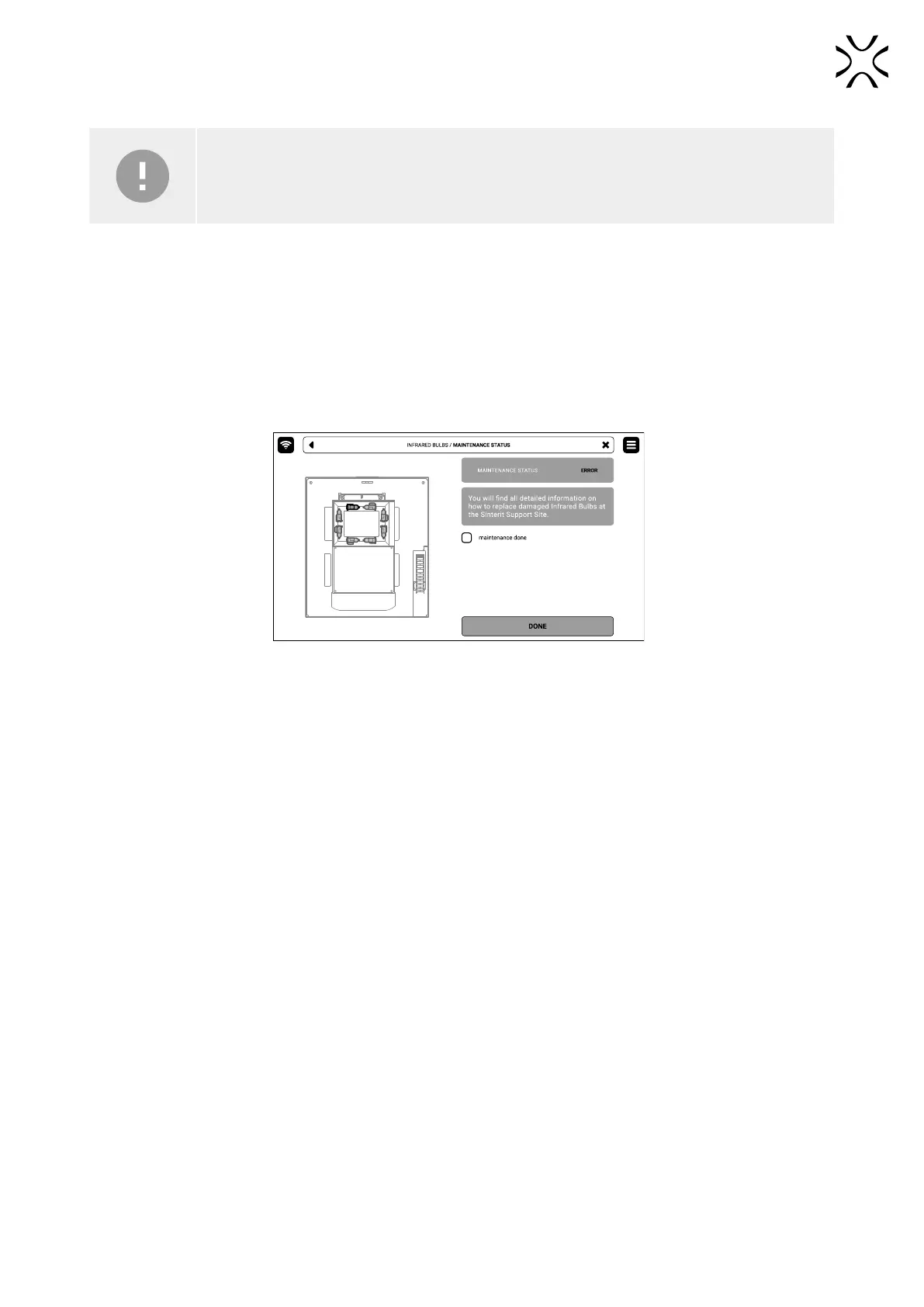
2. On the screen, a drawing will appear with the Infrared bulb(s) requiring replacement highlighted.
3. Mark the MAINTENANCE DONE and then the DONE button (g. 12.53).
Fig. 12.53 The screen of the maintenance of the Infrared bulbs.
4. Back to the MAIN MENU screen.
5. Choose UNLOCK LID on the screen.
6. Push on the lid and pull it up using the lid handle. Remember, you only have 10 seconds to open it before the lock
activates again.
7. Turn off the printer. Replacement of Infrared bulbs must be carried out with the device switched off!
8. Put on the protective gloves.
9. Make sure the Infrared bulbs are not hot.
10. Use a clean cloth or paper towel while replacing the infrared bulb. Do not touch it with your bare hands!
11. Gently grab the Infrared bulb with your ngers and remove it parallel to its slots. Do not twist it in any direction because
it may cause damage to the heater’s slots!
12. Take a new Infrared bulb and insert it to the slot. It will work regardless of the heater orientation.
13. Good job. The printer is ready to work again.



 To Next Page