Sinterit LISA X User Manual | 31
9.2 CLEANING THE OVERFLOW CONTAINER
1. Press UNLOCK DOOR, to open the printer door.
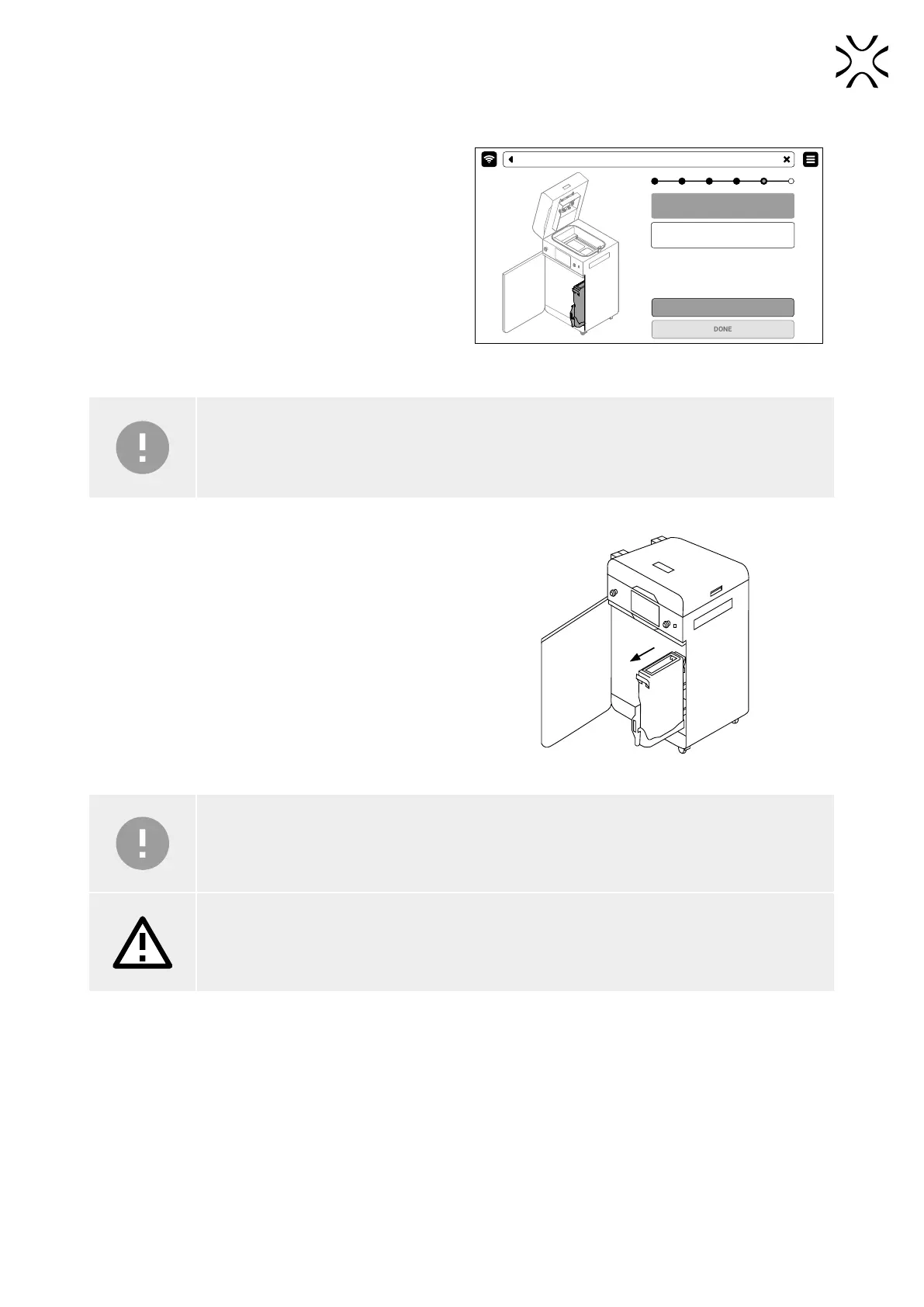
2. Press the UNLOCK OVERFLOW button to release the
electrolock (g. 9.5).
3. Slide out the overow container.
Unlock overflow bin to side it out. Empty
the overflow container.
Remeber to unlock the overflow container
once again before you slide it back.
UNLOCK OVERFLOW
CLEAN THE PRINTER - EMPTY OVERFLOW BIN
Fig. 9.5 Remember! Unlock Overow container
on the screen before sliding out.
IMPORTANT!
After 10 seconds the electrolock will activate and it will no longer be possible to slide out the overow
container. If you still want to slide out the overow container, press the UNLOCK OVERFLOW button
again on the printer screen.
4. Slide out the overow container (g. 9.6).
5. Take the overow container from its drawer and
transfer its content onto the PHS worktop or into the
metal container.
6. Put the overow container back in its drawer.
Fig. 9.6 Sliding out the overow container.
IMPORTANT!
Make sure the overow container is oriented correctly once you put it back. Pay attention to the
markings on the container.
ATTENTION!
Attempting to slide the overow container back into the printer without unlocking the security
system may damage the drawers mechanisms.
7. Press the UNLOCK OVERFLOW button to release the lock and slide the drawer back into the printer.
8. Close the printer door and press DONE.
9. If you want to know how much fresh powder you need to add to the used powder press SHOW REFRESH INFO. If you
wish to instead do that another time, press SKIP.



 To Next Page