Sinterit LISA X User Manual | 25
6.5 FINAL STEPS BEFORE PRINTING
1. Press the RESET button on the printer, in order to activate the security system.
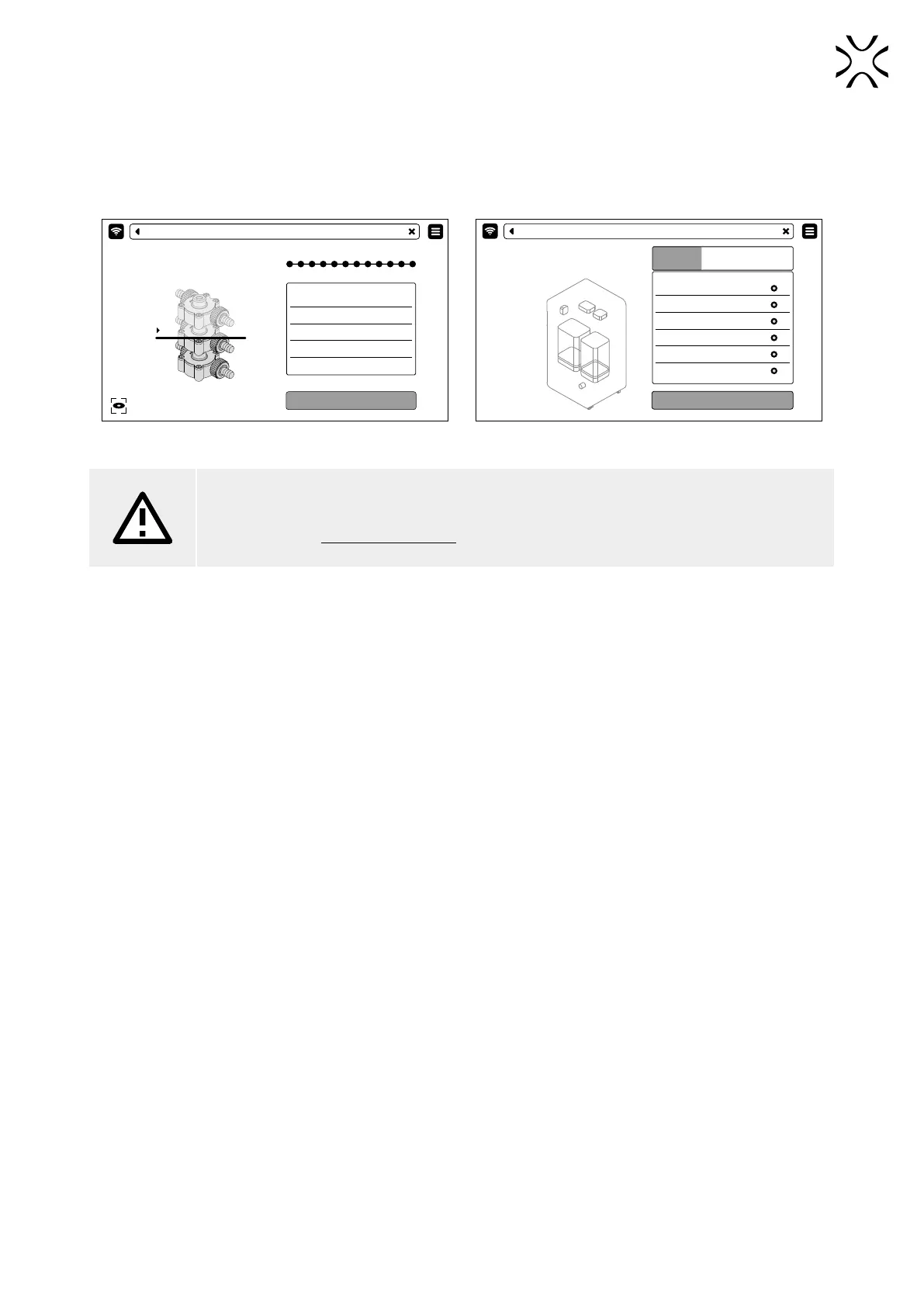
2. Press START PRINT (g. 6.12). Before printing, an automatic component check will be performed (g. 6.13)
3. You can stop the process at any time, just press ABORT PRINTING.
START PRINT
MODEL NAME PUMP_01
MATERIAL PA12
INTROGEN NO
PRINTING TIME 23:34:23
LAYER 1543/3455
CAMERA VIEW
PRINTING - OPEN THE LID
CHECKING...
PRINTING - SUMMARY
CHECKING ... (35%)
TEXT
TEXT
TEXT
TEXT
TEXT
TEXT
Fig. 6.12 START PRINT screen. Fig. 6.13 SELF-CHECK screen before printing.
ATTENTION!
If anything during the printer operation concerns you, press the E-STOP button and contact our
after sales team: support@sinterit.com



 To Next Page