Sinterit LISA X User Manual | 26
7. During printing
7.1 PRINTING PROCESS
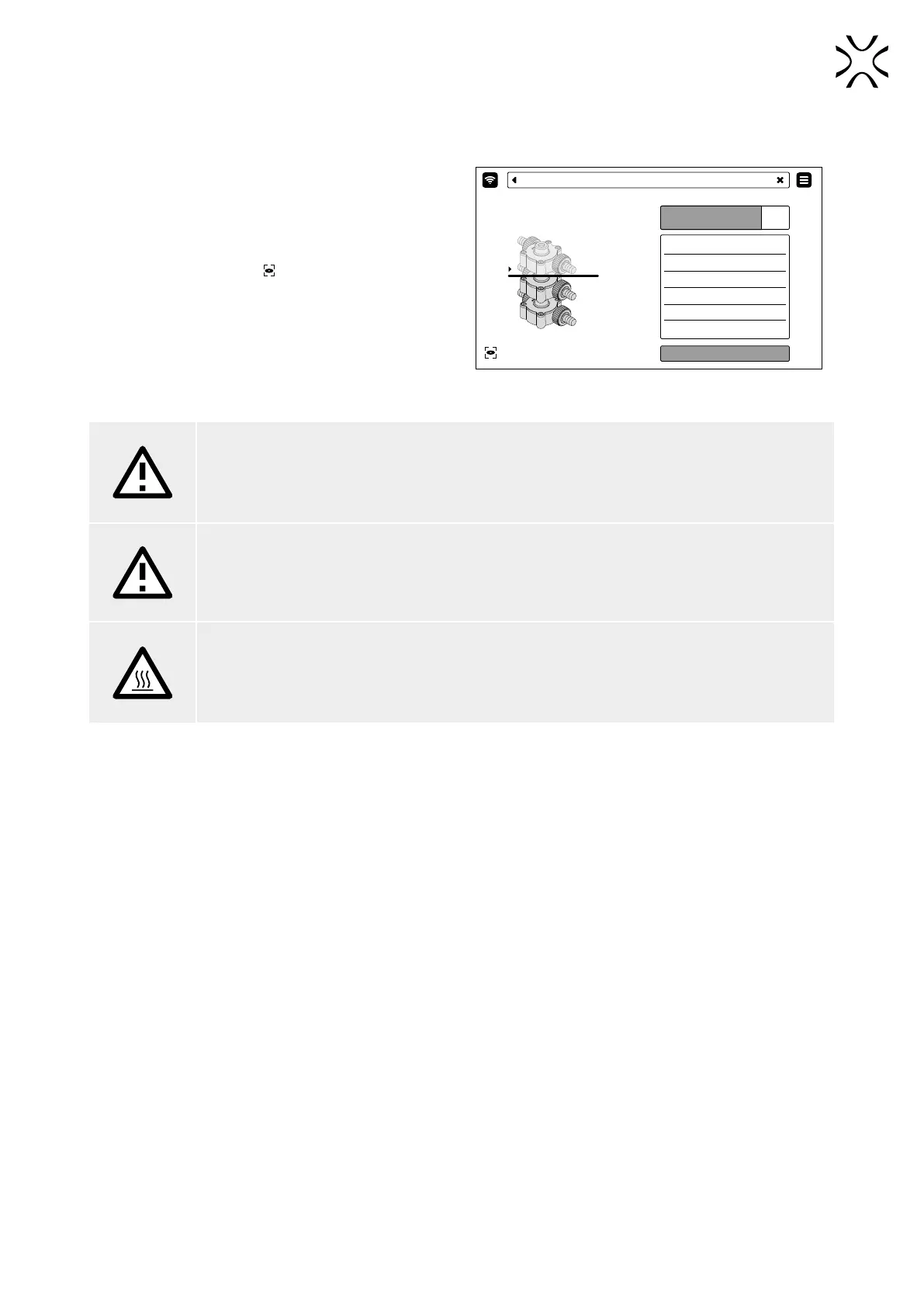
1. While the printing is in progress, the display will show
basic information about the printing process (g. 7.1).
2. Choose CAMERA VIEW to see into the print chamber
via the built-in camera.
3. In case you want to abort the process, choose ABORT
PRINTING.
ABORT PRINTING
PRINTING
MODEL NAME PUMP_01
MATERIAL PA12
INERT GAS NO
REMAINING TIME 23H 34M
LAYER 1543/3455
PRINTER TEMPERATURE
CAMERA VIEW
152°C/180°C
PRINTING (69%)
Fig. 7.1 The PRINTING screen.
ATTENTION!
While the printing is in progress, in case you observe smoke, an irritating smell or any other
dangerous signs, it is important to quickly press the Emergency stop pushbutton (E-STOP). This
will immediately cut off power to the printer.
ATTENTION!
It is important to note that the printer will not open while the temperature inside the print chamber
stays above 50 [°C].
WARNING!
While the printing is in progress, the printer’s case might get dangerously hot.
Do not touch any elements beside the screen, the E-STOP button, the RESET button, the USB port
and the power switch on the back.



 To Next Page