Sinterit LISA X User Manual | 50
12.8 REPLACING REFLECTOR SEALING
IMPORTANT!
Replacing the reector sealing must be carried out with the device switched off!
You will need: protective gloves, ethyl alcohol, cotton cloth, new reector sealing
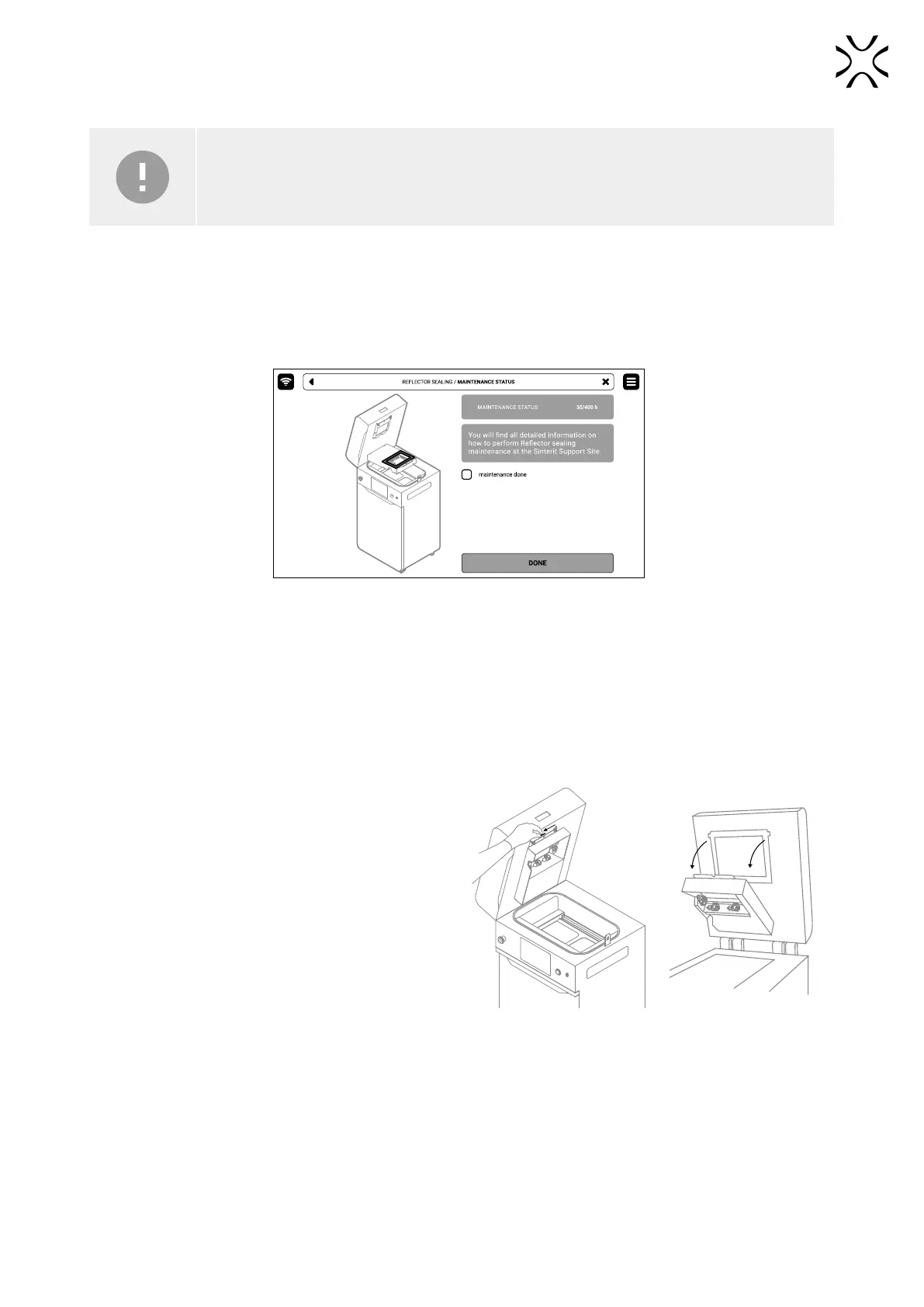
1. On the PRINTER STATUS tab, select the REFLECTOR SEALING position.
2. Mark MAINTENANCE DONE to complete the cleaning procedure, and then the DONE button. The timer will reset to
zero (g. 12.47).
Fig. 12.47 The screen of the maintenance of the Reector sealing.
3. Back to the MAIN MENU screen.
4. Choose UNLOCK LID on the screen.
5. Push on the lid and pull it up using the lid handle. Remember, you only have 10 seconds to open it before the lock
activates again.
6. Turn off the printer. Replacing the reector sealing must be carried out with the device switched off!
7. Put on the protective gloves.
8. Remove the split pin from the heating module (g.
12.48).
9. Lower the heating module (g. 12.48).
12.48 Lower the heating module to access
the reector sealing.



 To Next Page