Sinterit LISA X User Manual | 30
DANGER!
The vacuum cleaner used to collect the powder must be suitable for handling combustible dust.
Sinterit recommends the ATEX/INTERTEK Vacuum Cleaner available in the offer.
4. If you have the PHS connected to the printer, a
corresponding message will appear on the screen.
Turn on depowdering program and press DONE on the
screen (g. 9.3)
Turn on thepowdering program on PHS
and use Suction Handle in next step.
Use a Powder Handling Station
DONE
CLEAN THE RPINTER - REMOVE POWDER
PHS
DEPOWDERING
CHECK POWDER CONTAINER
VACUUMING
COLLECTION
PLUG HOSE A
Fig. 9.3 Turn on the depowdering program on PHS.
5. Whether you are using the PHS or an ATEX/INTERTEK Vacuum Cleaner with a Separator, a message about cleaning
the print chamber will appear (g. 9.4).
6. Collect the remaining powder in the print chamber with the suction hose with dedicated nozzles.
7. Press the arrow buttons to move the Recoater and collect the remaining powder underneath (g. 9.4).
8. Once the print chamber is clean, press DONE.
ATEX Vacuum Cleaner with Cyclon
Separator to clean the printer.
Remove remaining powder from the Feed
and Print Beds.
Use steering arrows to move the Recoater
to clean the area under it.
Use a general surface nozzle.
DONE
CLEAN THE PRINTER - REMOVE POWDER
Use PHS Suction Handle to clean the
printer. Remove remaining powder from
the Feed and Print Beds.
Use steering arrows to move the Recoater
to clean the area under it.
Use a general surface nozzle.
DONE
CLEAN THE PRINTER - REMOVE POWDER
Fig. 9.4 Clean the print chamber using a PHS or an ATEX vacuum cleaner with Separator.
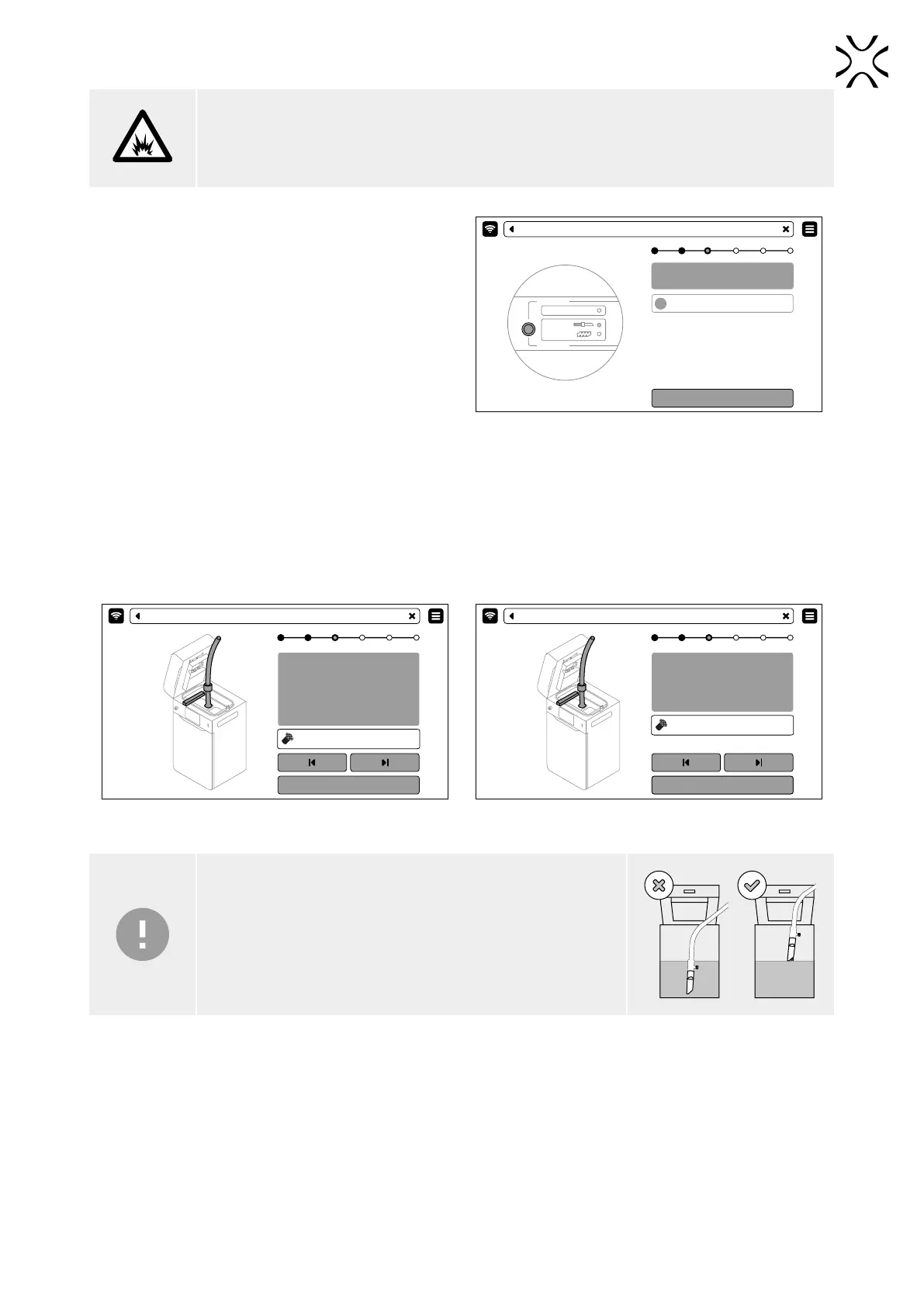
IMPORTANT!
Keep the PHS/vacuum hose inlet just above the powder surface.



 To Next Page