Sinterit LISA X User Manual | 28
7. Unfold the IO BOX elements as much as possible.
Inside the IO BOX you should see a covered Feed Bed
and an uncovered Print Bed.
8. Press REMOVE PRINTOUT on the screen and wait until
the content of the Print Bed (the cake) is ejected.
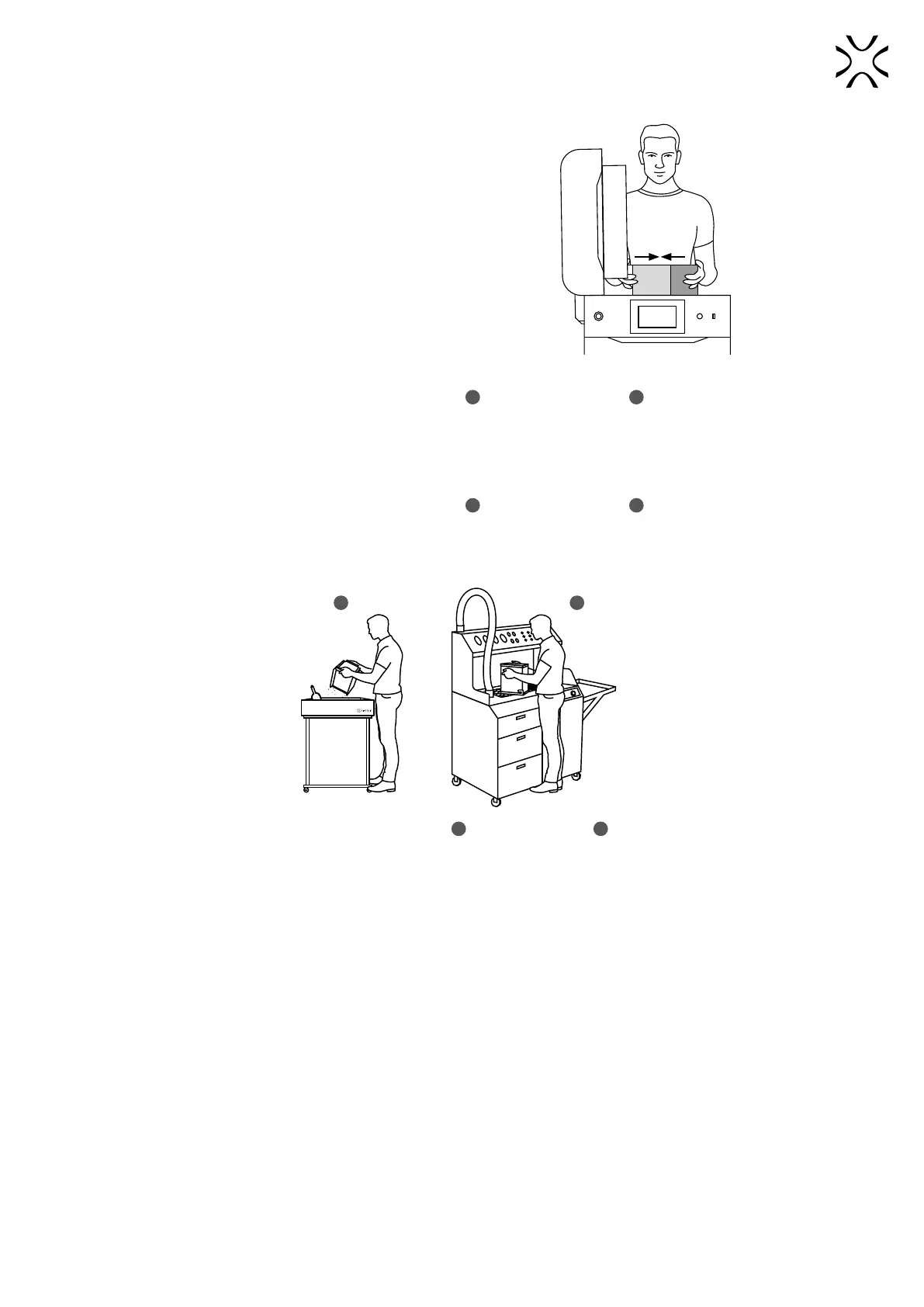
9. Close the IO BOX (g. 8.4).
Fig. 8.4 Closing the IO BOX.
10. Carry the IO BOX and its contents onto the foldable tray
1
or on the PHS worktop
2
(g. 8.5) then press DONE on
the screen.
11. Clean the printout of unsintered powder. You may use the accessories provided in Dedicated Powder Tools.
12. Carry the IO BOX and its contents onto the foldable tray
1
or on the PHS worktop
2
(g. 8.5) then press DONE on
the screen.
13. Clean the printout of unsintered powder. You may use the accessories provided in Dedicated Powder Tools.
or
1 2
Fig. 8.5. Moving the IO BOX to the foldable tray
1
or to the PHS worktop
2
to clean the printout.



 To Next Page