INTEGRATION WITH SKF @PTITUDE OBSERVER
Enlight Collect IMx-1 System View
SKF Enlight Collect IMx-1 System
User Manual
Revision F
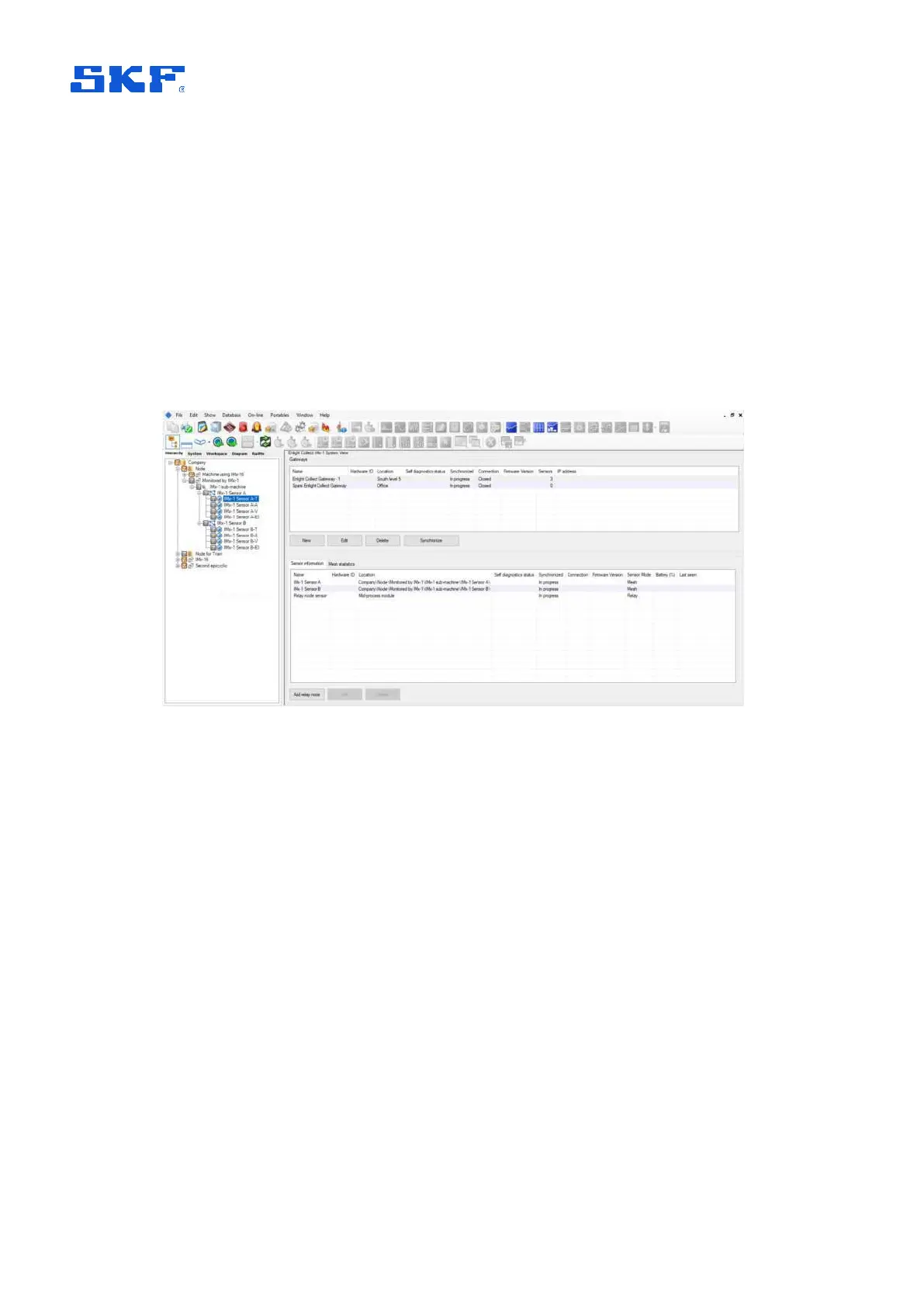
The view opens in the main window, where the top section relates to a gateway view
or table and the lower section contains a sensor view or table. Within both tables, line
entries can be ordered by any column: click on the column header to sort by that
column.
Beneath both the gateway and sensor tables are buttons for Edit and Delete
functions as well as a button for adding a New gateway or Add relay node. In
addition, because all synchronisation is carried out at a gateway level, under the
gateway table is a
Synchronize button.
Note that like Add relay node, the Delete sensor button is only usable for relay
mode sensors.
Figure 14 Enlight Collect IMx-1 System view
In this view the upper area is a table of all gateways in the database (see also note
about external databases, below). The lower area lists sensors and can be filtered by
gateway or by hierarchical position:
• Filter by gateway:
o Select an entry in the gateway table/list: the associated measurement
and relay sensors for the selected gateway are shown.
• If ‘Link to hierarchy’ is on:
o In the Hierarchy view, select a machine or lower level node: if that
machine has a linked gateway, the measurement sensors associated
with it are shown. The sensor list is cleared if there is no gateway
linked to that machine.
o Important note: if an external database has been added, ‘Link to
hierarchy’ must be on for the gateway table to update and reflect the
gateways in the database that is currently selected by hierarchical
position.



 To Next Page