MAINTENANCE FUNCTIONS
Troubleshooting
SKF Enlight Collect IMx-1 System
User Manual
Revision F
4.3.5 Commissioning troubleshooting
NFC is a higher frequency, very short-range radio system so positioning and
closeness are important. When using an NFC ‘tap’ to toggle the mode of a sensor, be
aware that the ‘sweet spot’ for NFC will be device dependent. To ascertain this for a
particular device, move it around so that different areas of the rear of the phone are
in close proximity to/touching the sensor. It may also be necessary to remove any
external case or cover around the phone.
On iOS mobile phones, the NFC scanner is located at the top of the phone.
Point the NFC scanner to the sensor to activate the NFC tab.
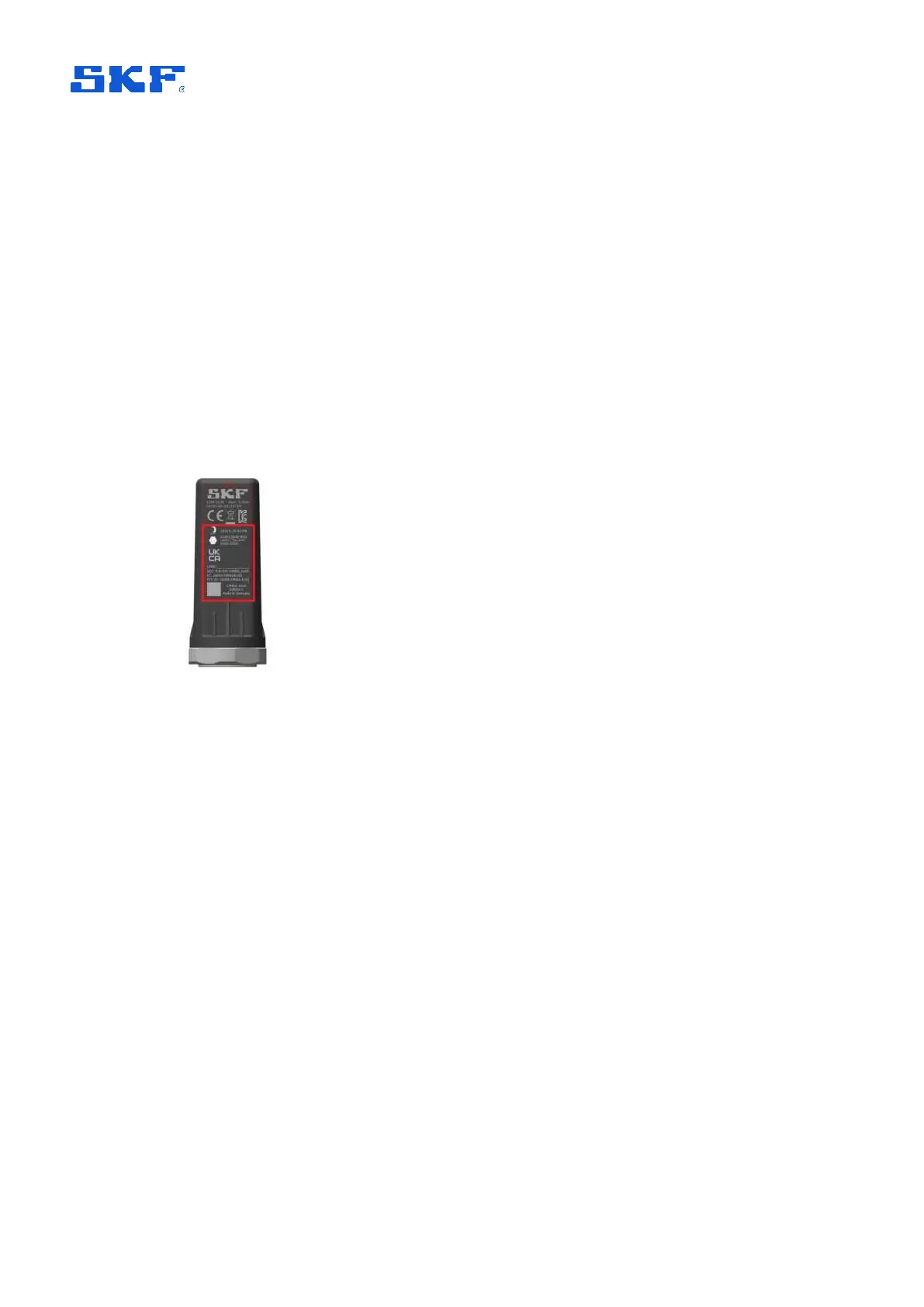
The sensor antenna is located internally, towards the middle of the ‘flat side’ of the
sensor case. Its approximate location is marked in the figure below:
Figure 55 Approximate NFC antenna location
In a ‘quiet’ environment it may be possible to hear an audible ‘ding’ as a notification
that the NFC tap was registered by the phone.
Be aware that the consistency of NFC and Bluetooth interactions with IMx-1 sensors
may vary between phone models, even within those from the same manufacturer,
due to differences in the detailed design. Where practicable, for IMx-1 system
commissioning, standardise on known ‘good performers’ and check the behaviour of
new models before deploying them widely.
The app includes the capability to store application, activity log files. To enable the
feature, from the Main menu touch the more options, vertical ellipsis
⋮, then select
Support:



 To Next Page