INTEGRATION WITH SKF @PTITUDE OBSERVER
Enlight Collect IMx-1 System View
SKF Enlight Collect IMx-1 System
User Manual
Revision F
Synchronized:
• No: the configuration held by @ptitude Monitor/Observer is different to that in
the sensor.
• In progress: a synchronise action is underway.
• Yes: the configuration in @ptitude Monitor/Observer and in the sensor are
verified as being the same.
Connection: Current connection status for the sensor, may indicate OK, Temporarily
unreachable or Unreachable.
Firmware Version: The firmware version that is installed in the sensor. Note that
before a connection to the sensor has been established this field will be empty.
Sensor Mode: Mesh, Leaf or Relay. Refer description and notes on
Sensor Mode
and Sensor
.
Battery (%): A battery health indication of the estimated percentage battery life
remaining. Note that before a connection to the sensor has been established this
field will be empty.
Last seen: A date and time corresponding to when the sensor was last
communicated with.
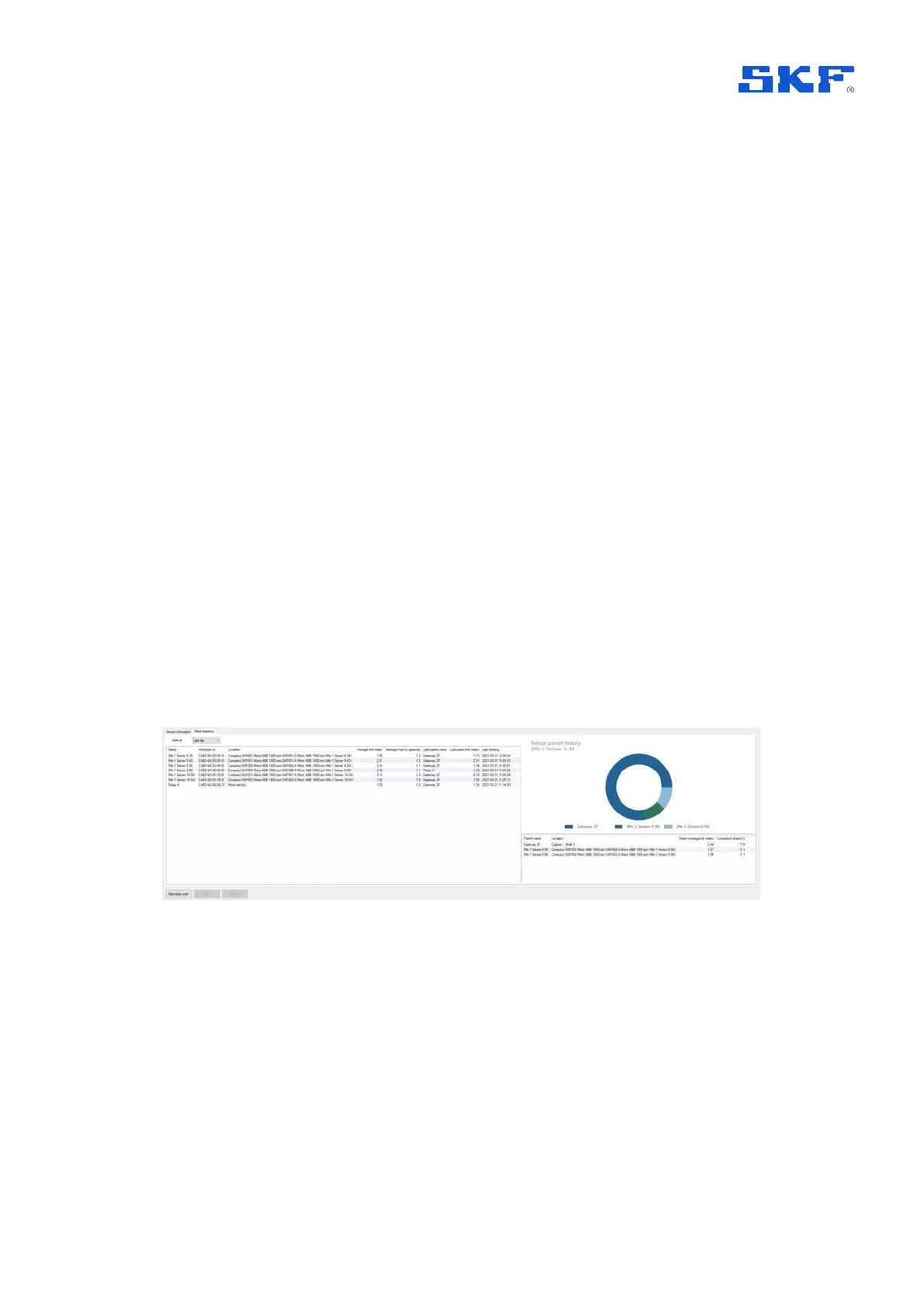
2.3.3 Mesh Statistics
Within the sensor table area, a second tab: Mesh statistics, provides data to support
an understanding of how the wireless mesh is performing and adapting to the
physical sensor layout.
Figure 16 Mesh statistics tab
Using the drop-down, the mesh statistics can be based on an Interval setting of All,
Last day, Last week, Last month or Last year.
In the main table each sensor occupies one row and is identified by a Name,
Hardware ID and its Location. The statistics give an indication of the routing being
taken by providing Last parent name and Average hops to gateway. A guide to the
‘quality’ of the routing is offered by way of Average link metric and Last parent link
metric. Here the metric is effectively the average number of attempts needed to
make the communication so a metric of 1 is ‘perfect’ and a metric of 7 would indicate
a poor quality routing that invoked the maximum number of retries allowed. The



 To Next Page