INTEGRATION WITH SKF @PTITUDE OBSERVER
Hierarchy view – adding sensors and measurements
SKF Enlight Collect IMx-1 System
User Manual
Revision F
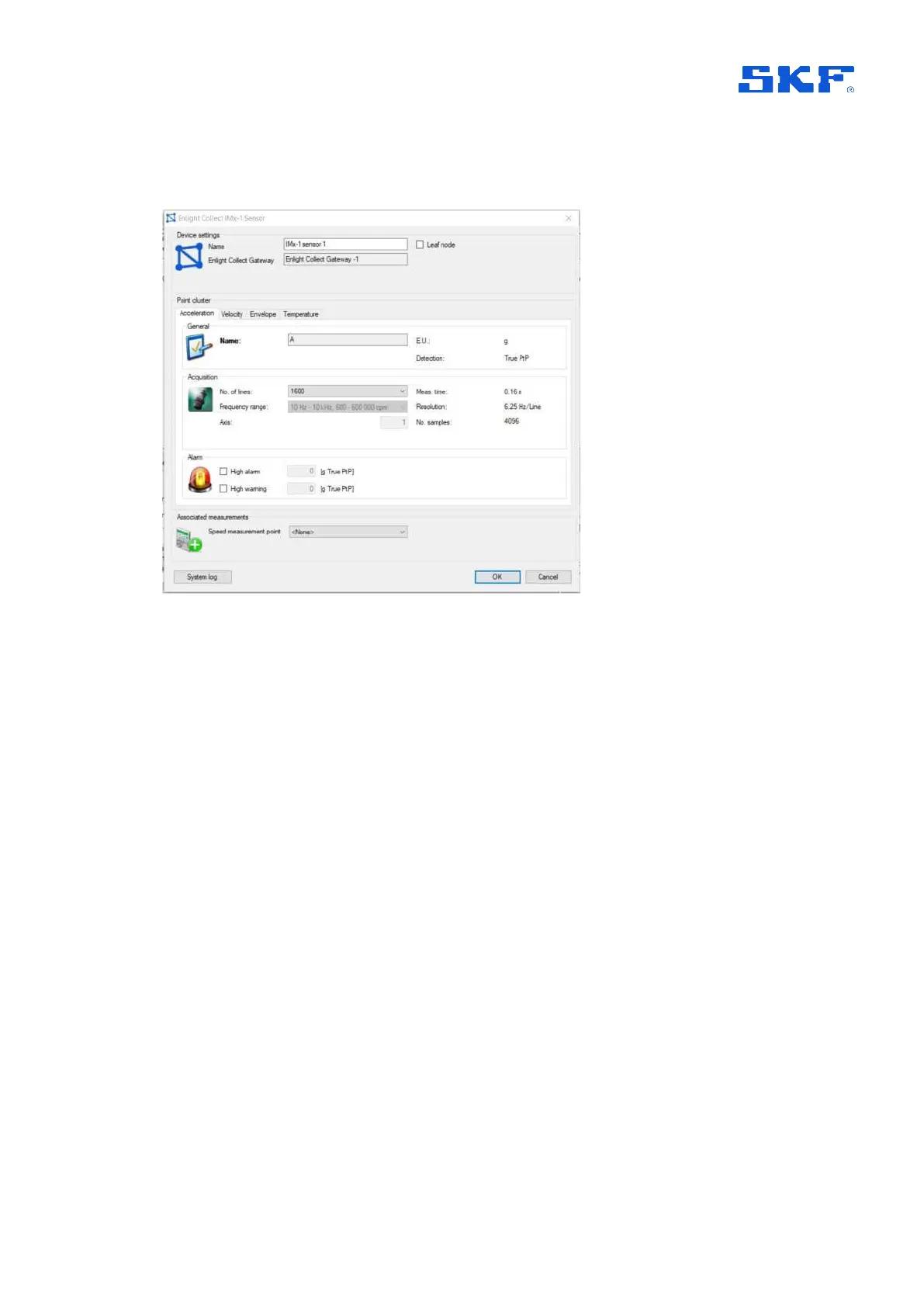
To open the properties of an existing sensor node, right click and select Properties or
double click.
Figure 11 IMx-1 sensor dialog example
Main tab: in the upper area are the sensor Name and the Leaf node selection,
noting that the node type cannot be changed once the sensor is commissioned.
Name can usefully be used to indicate the sensor’s physical location using standard,
vibration measurement point, taxonomy.
Also provided is a read back of the gateway allocation – Enlight Collect Gateway.
For sensors, this gateway allocation process is indirect, in that measurement sensors
are associated with a machine and in the machine’s properties, it and all its sensors
have a gateway allocated,
Figure 23.
Note:
• It is recommended to use the default mesh mode unless it is known that the
sensor location is subject to movement or its ‘wireless environment’ is subject
to temporary interruption by vehicle/machinery movements. In these cases,
leaf mode can be selected.
• Relay nodes, which make no measurements but are there to support/extend
the mesh infrastructure, are created and configured in the Enlight Collect
IMx-1 System View.
• Mesh networks auto-adapt but have a rebuild time, therefore:
o Do not activate sensors until they are at their mounting position



 To Next Page