INTEGRATION WITH SKF @PTITUDE OBSERVER
Use of @ptitude Observer machine templates
SKF Enlight Collect IMx-1 System
User Manual
Revision F
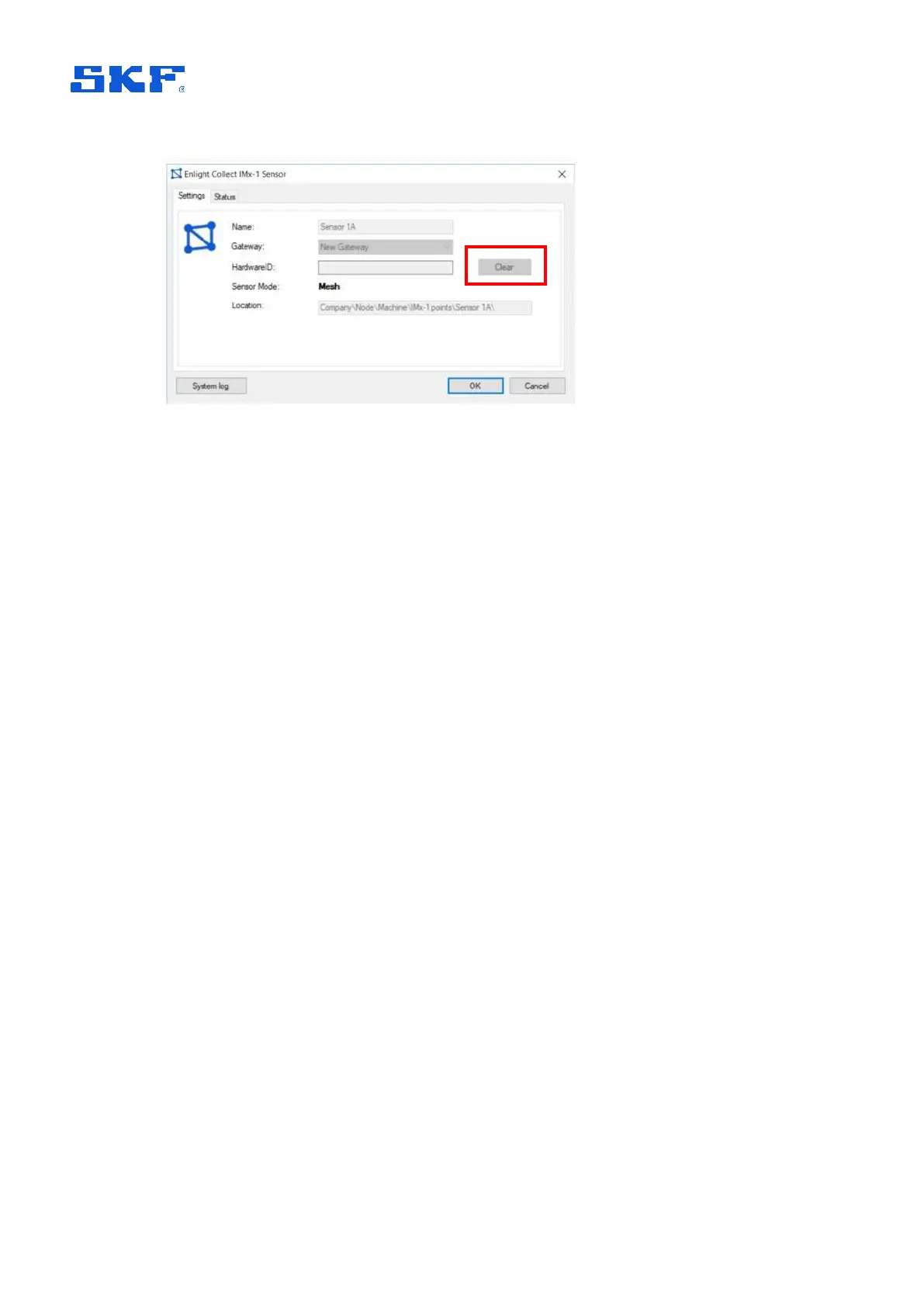
Figure 29 Hardware ID clear button – Mesh mode sensor example
2.5 Use of @ptitude Observer machine templates
When creating a new machine, @ptitude Observer supports the use of machine
templates, where the template to be used is selectable from a drop-down list. These
templates are complete with all machine and measurement point properties.
As IMx-1 measurements are somewhat different to those performed by other IMx
devices it is important to be able to easily distinguish ‘IMx-1’ templates. To achieve
this, it is recommended that users adopt the following naming taxonomy for all
machine templates:
DAD_Asset Class_Asset Type_Manufacturer Name_Manufacturer Model
Example IMx1_Turbine_Wind_Company_V99
• DAD (Data Acquisition Device): IMx1
• Asset Class: Turbine
• Asset Type: Wind
• Manufacturer Name: Company
• Manufacturer Model: V99



 To Next Page