INSTALLATION AND COMMISSIONING
Offline commissioning
SKF Enlight Collect IMx-1 System
User Manual
Revision F
3.6 Offline commissioning
Choose this option if you need to commission sensors in advance at a different
physical location before installing them at their final position on-site. This option will
put the commissioned sensors into flight mode and thus prevent significant battery
degradation while waiting or in transit.
Once in its final position, when the NFC tap process is followed, the sensor will
automatically go into mesh mode. This allows you to quickly activate the sensors
onto the network.
Note: you should ensure that sensors are clearly labelled beforehand so they can be
mounted at the correct positions and that the associated gateway is in place and
powered on.
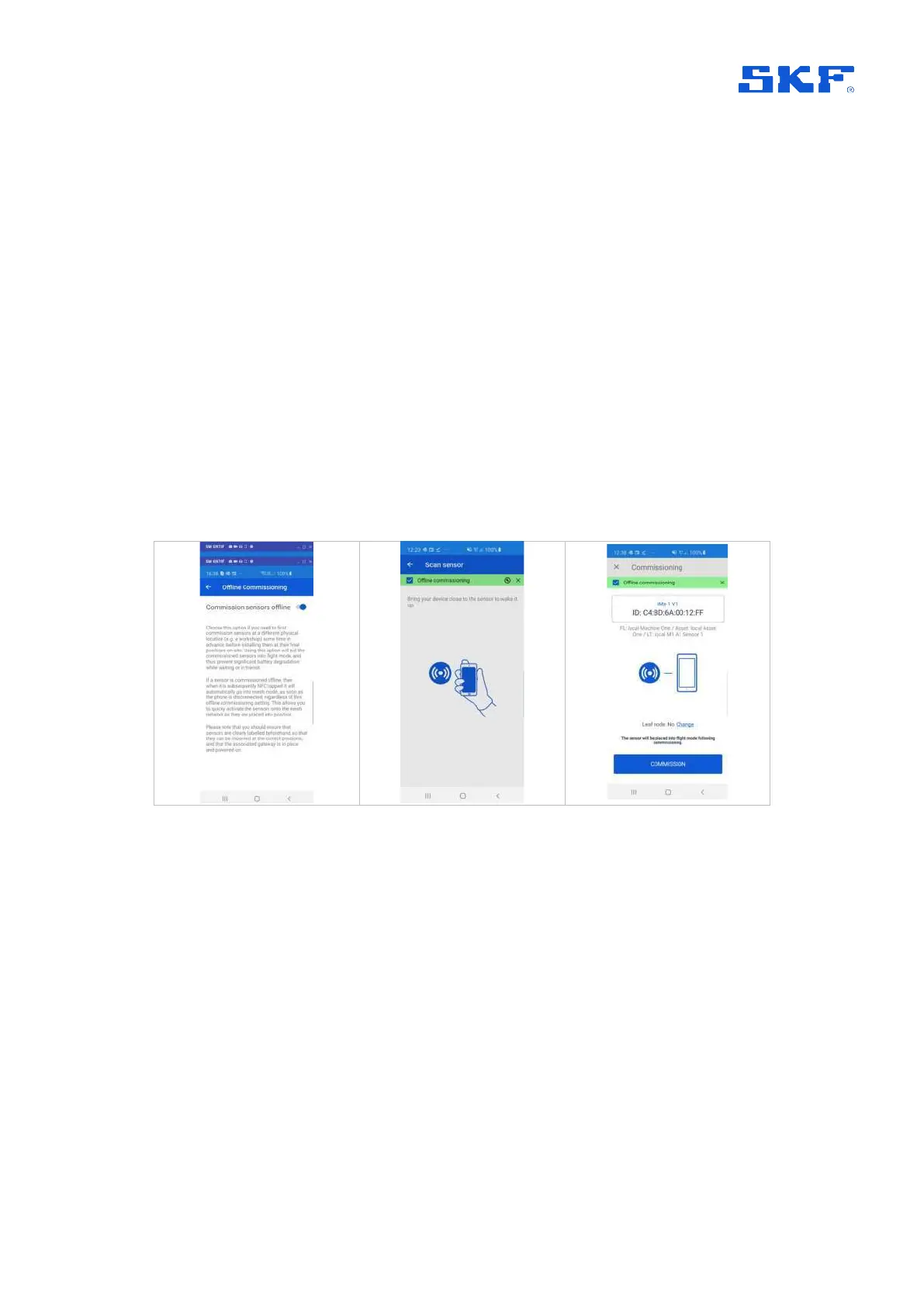
To activate the offline commissioning, in the main menu click on the vertical ellipsis
⋮,
select Offline commissioning and toggle the
Commissioning sensors offline
button
. Or go to the Scan sensor view and select the Offline commissioning banner
located at the top of the screen.
Figure 36 Offline Commissioning
To perform an offline commissioning of sensors, go to the Sensor scan view and tap
the sensor to connect to it.
When the user connects to a non-commissioned sensor, there is an offline
commissioning icon at the top right of the screen. Tap the icon to open a banner with
controls to activate or deactivate offline commissioning mode.



 To Next Page