INTEGRATION WITH SKF @PTITUDE OBSERVER
Enlight Collect IMx-1 System View
SKF Enlight Collect IMx-1 System
User Manual
Revision F
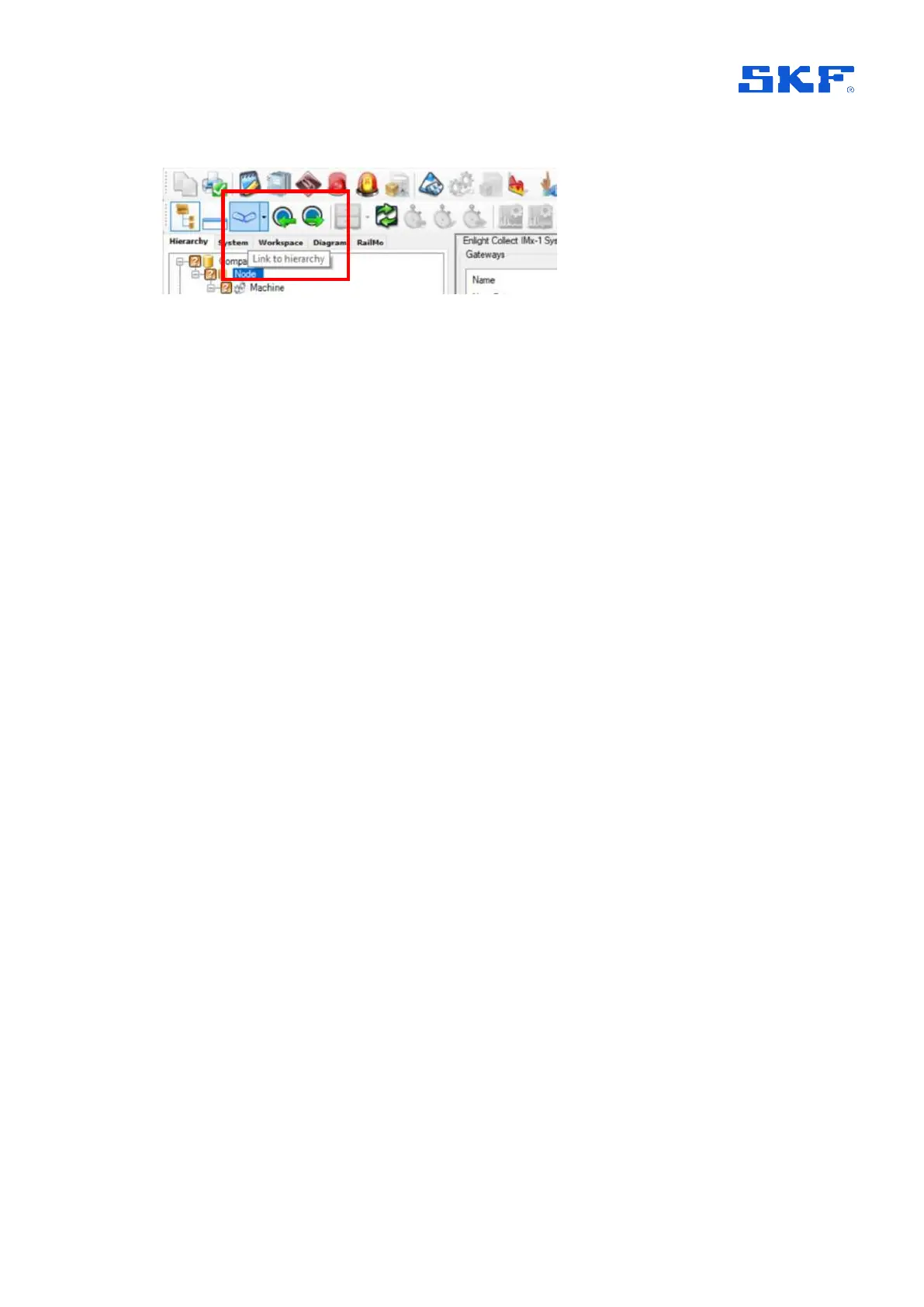
Figure 15 Activate/deactivate link to hierarchy view
2.3.1 Gateways
For each gateway, the following properties are shown in the gateway table:
Name: Name given to the gateway.
Hardware ID: The unique identifier of the gateway. If the gateway is commissioned
and has successfully connected to @ptitude Observer, it will show a MAC address in
this field.
Location: Descriptive text for the physical location.
Self diagnostics status: Displays the latest reported self-diagnostic status or in
case of multiple errors the item considered most critical. "Ok" or an error in the
following priority order:
o Mesh module licence error.
o Missing/invalid network and identity configuration. This is a
configuration known as ‘configuration 2’, in the event log.
o Missing/invalid ‘other’ configuration. This configuration includes
measurement configuration. See also
Missing/invalid.
o NTP Error.
o Manufacturing data fault or corruption (QSPI)
The status field will initially be empty until the actual gateway status has been
received. Note that double clicking a gateway entry or selecting it and then choosing
Edit, will launch the gateway properties dialog where extended status information
can be viewed on the Gateway status tab.
If the gateway status deviates from OK, this will also be reflected by appropriate
system or critical system alarms being raised.
Synchronized:
• No: the configuration held by @ptitude Monitor/Observer is different to that in
the gateway.
• In progress: a synchronise action is under way.
• Yes: the configuration in @ptitude Monitor/Observer and in the gateway are
verified as being the same.



 To Next Page