INTEGRATION WITH SKF @PTITUDE OBSERVER
IMx-1 system configuration
SKF Enlight Collect IMx-1 System
User Manual
Revision F
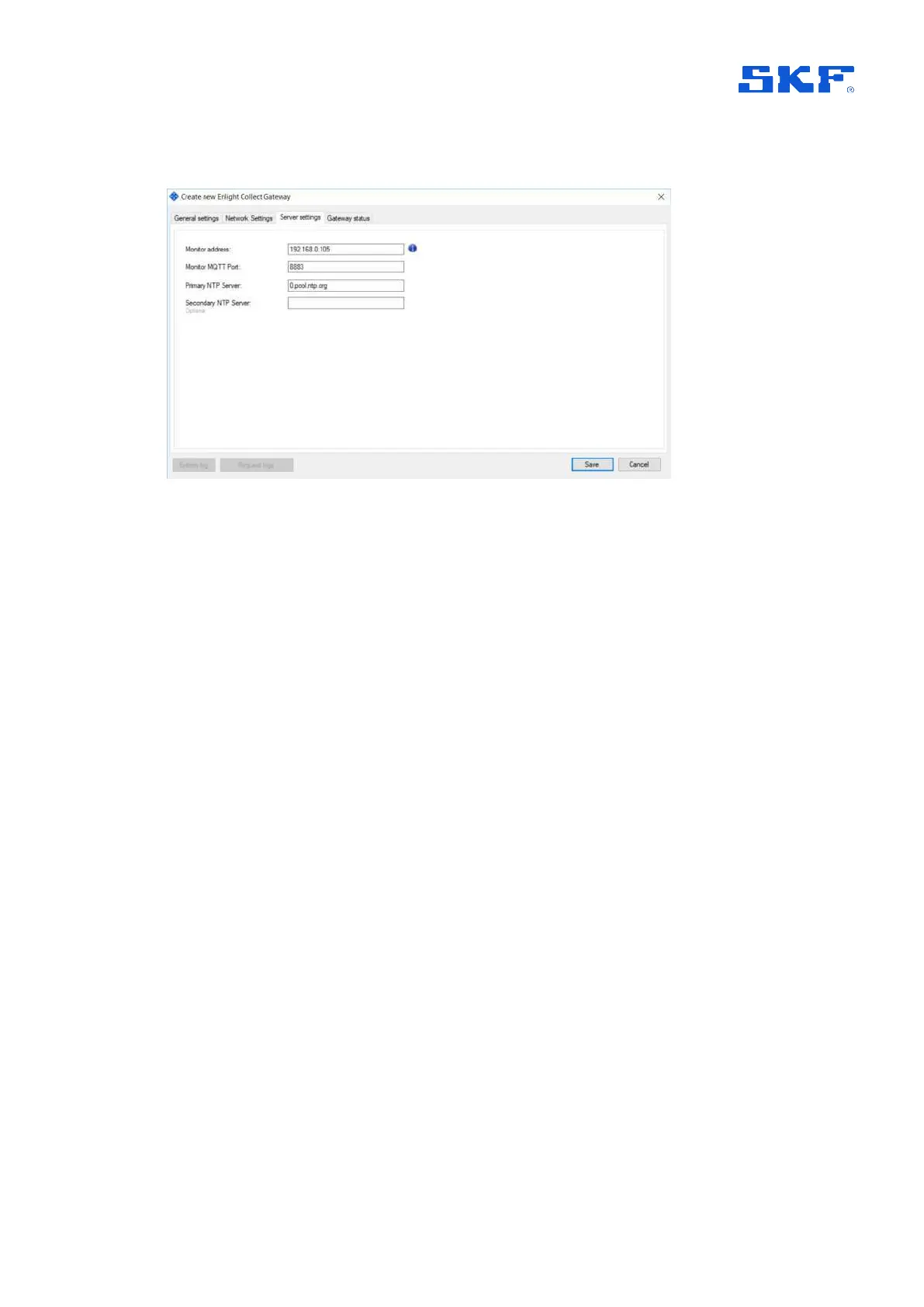
The third tab is Server settings:
Figure 21 Gateway properties – Server settings tab
There address and port settings relate to the location of Monitor. In general, the
address can be entered using domain naming or IP addressing noting that if an IP
address is entered here for a system communicating across public networks, it
should be the external facing or public IP address for the Monitor server.
Note also that when using TLS and a trusted public Certificate Authority, the Monitor
address must match the Common Name used in the certificate.
The connection must not be specified by either an IP address or a DNS naming
related, for example, to a web service provider’s domain.
See also
TCP and UDP Port Usage.
NTP settings indicate to the gateway where an NTP server can be contacted. An
entry for at least the ‘Primary’, is required before the configuration can be saved. Like
other IMx devices, in Database > Options > Device settings tab, time synchronisation
thresholds can be configured to generate system alarms if time synchronisation is
lost.
Status information when/as it is available, is presented on the Gateway status tab:



 To Next Page