MAINTENANCE FUNCTIONS
Troubleshooting
SKF Enlight Collect IMx-1 System
User Manual
Revision F
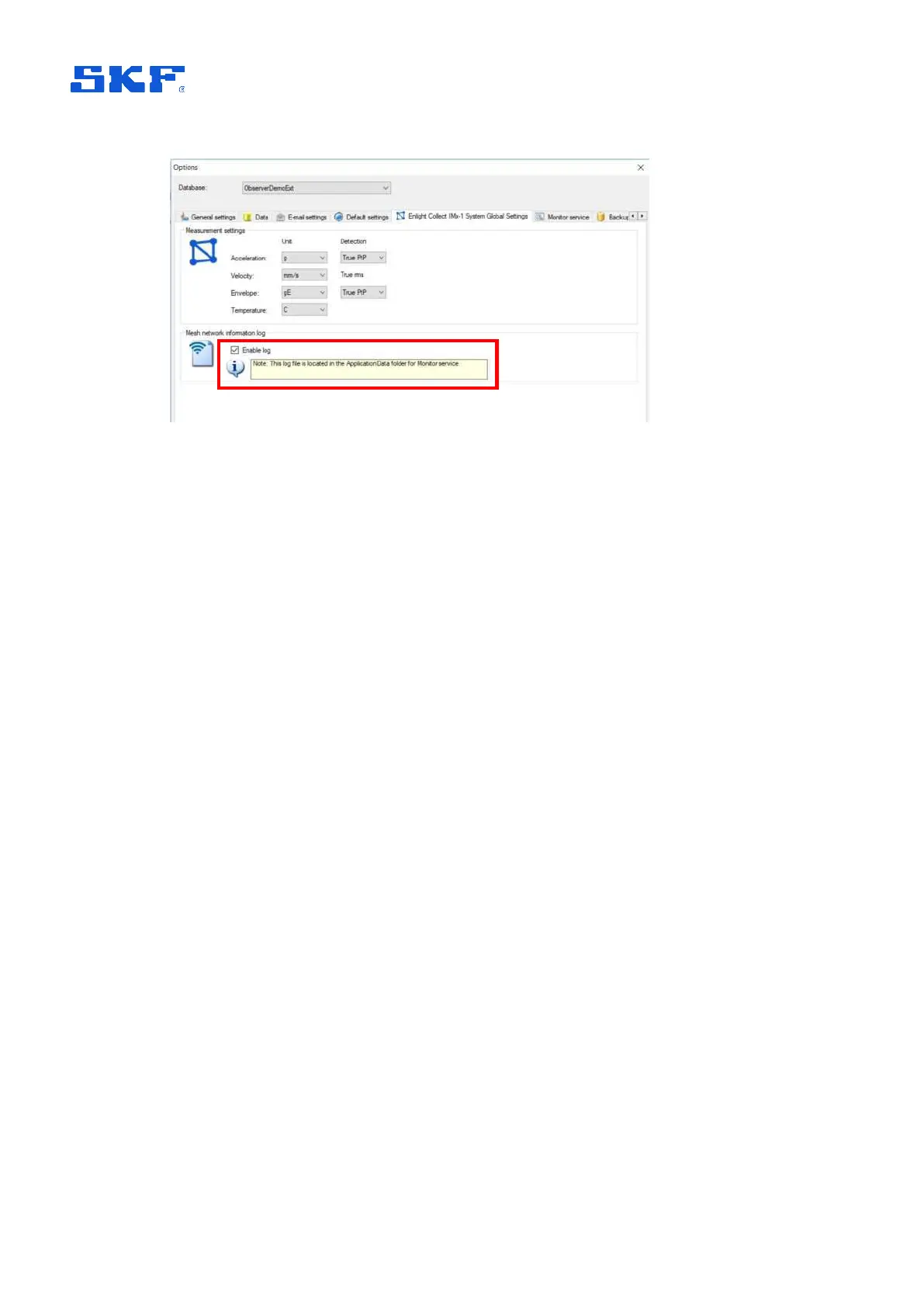
Figure 51 Enabling the ‘Mesh network information log’
The log will be created in the application folder for the monitor service and will be
named <MonitorName>IMx1SensorMeshInformation.log, i.e. prefixed by the actual
name of the monitor service. It is a human readable CSV format file that provides
information on sensor mesh, parent-child relationships and performance statistics
such as packet loss and transfer time:
• Log time
• Timestamp from sensor
• Sensor hardware ID
• The last 8-bytes of the sensor address
• The last 8-bytes of the sensor parent address
• Parent link metric
• Packets sent
• Packets lost
• Packets round trip minimum
• Packet round trip maximum
• Packets round trip average
• Network instability flag
• Watchdog reset flag
• Sensor self-diagnostic (see also Status,
2.3.2, for decoding information)
• Gateway Hardware ID
• The last 8-bytes of the gateway address
Such information can be invaluable when troubleshooting issues with the
performance or behaviour of the sensor mesh.



 To Next Page