CHAPTER 5
USING YOUR DOCUMENT CAMERA IN PLAYBACK MODE
49 smarttech.com/kb/171225
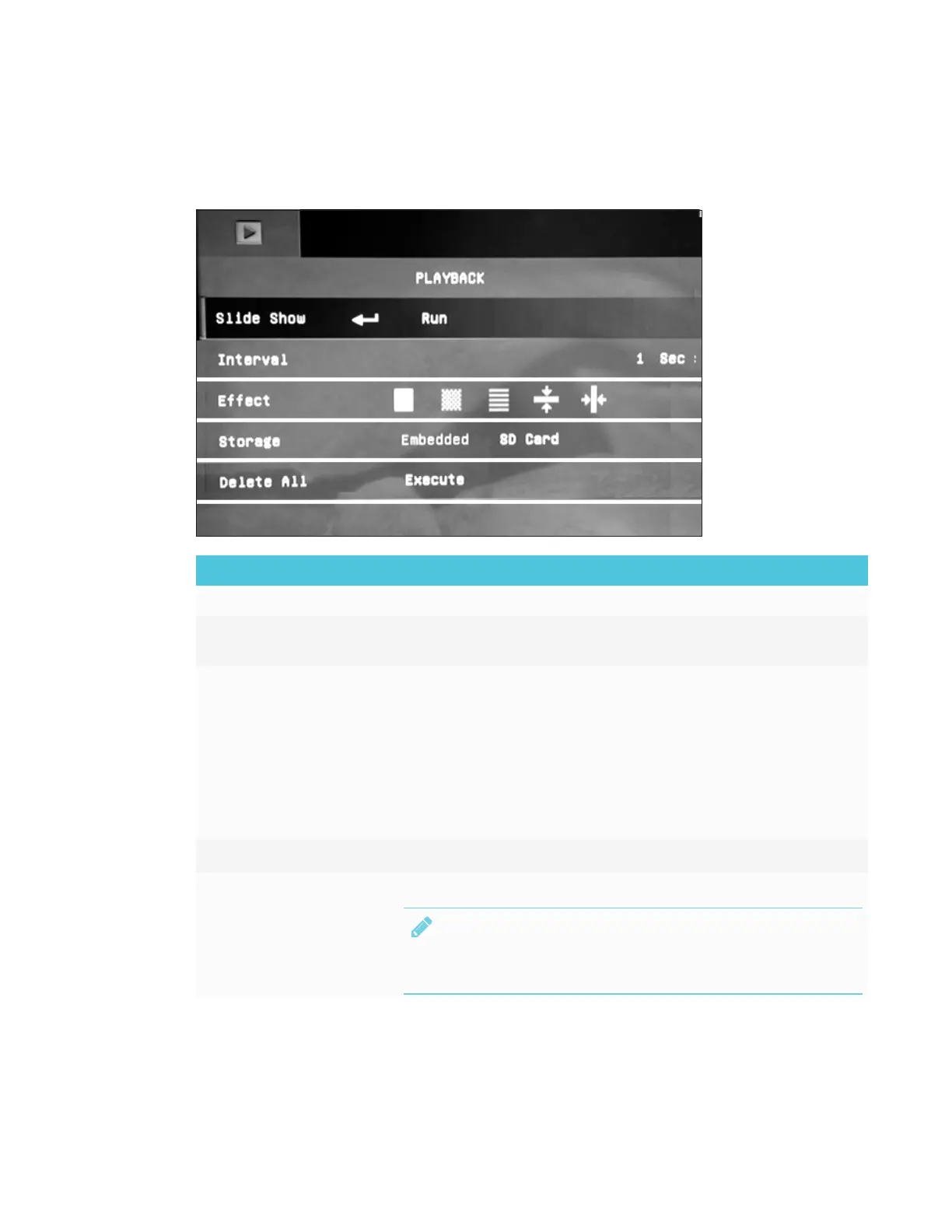
Using Playback mode OSD menu options
The following OSD menu options are available when your document camera is in Playback mode.
Playback menu option Description
Slide Show Displays all captured still images in an automated slide show.
Interval Set the slide show interval before displaying the next image. The
maximum interval is 100 seconds.
Effect Select the slide show transition effect:
l
Slide image
l
Checker down
l
Blinds
l
Split Vertical Out
l
Split Horizontal In
Storage Select the source of the images.
Delete All
Permanently deletes all the data in the selected memory source.
NOTE
A warning message appears. Select YES to continue or NO to
stop.



 To Next Page