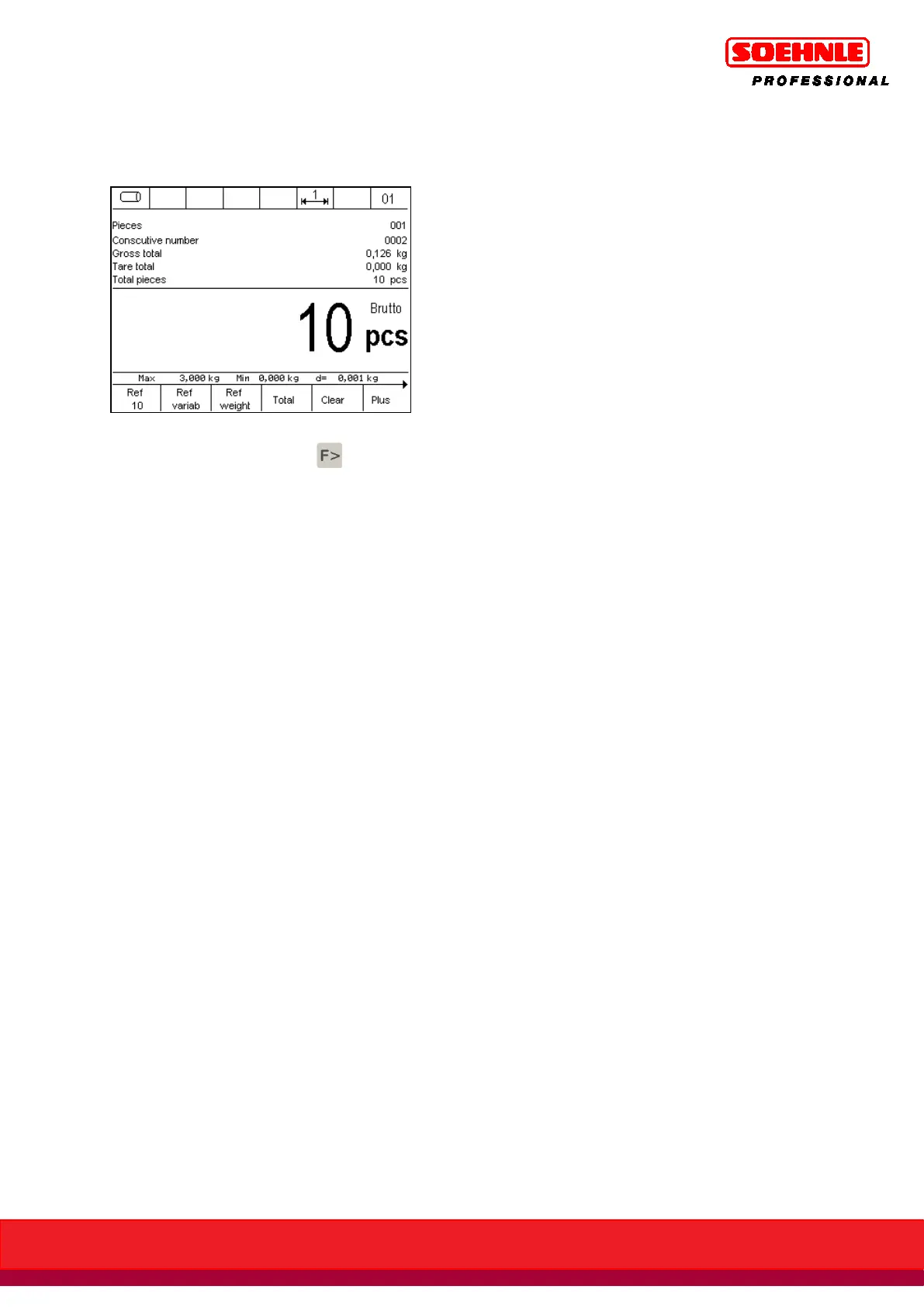
After the first totaling transaction, the display switches from the basic screen Counting to the
Totaling screen, if the "Information Field Display" setting is set to the factory default.
Operating the totaling function
Press the Function Page key to start the Totaling Functions level
•
Press the Plus key to save the weight on the weighing bridge to totaling memory. The item
counter and the sequential number are incremented by 1.
Prior to a new totaling transaction, the scale must be relieved by a minimum relief factor
specified in setup mode.
A weight value of 0 or totaling without relieving the scale is displayed with "Error 55 - Place
Weight". The relief factor = 0 only requires a change in weight.
Gross, tare, and net values and unit counts can be totaled.
•
The Cancel key is used to cancel or reverse weigh individual items. Pressing the Cancel key
is followed by the prompt to either place the weight to be canceled on the scale, or to
enter the sequential number of the weight to be canceled.
Press the key combination Info and F5 Plus for information about the sequential number.
Use the number keypad to enter the sequential number of the item to be canceled and
confirm with F6 Save.
If no sequential number is entered, the weight value on the scale is saved by pressing the
F6 key. The error message Error 46 is displayed if the scale is not under load. Cancellations
or reverse weighings are marked on the printed receipt as Cancellation. A cancellation
causes the sequential number to be incremented by one, while the item counter is
decremented by one.
If the item counter is 0, no further cancellations are possible; this is displayed by error
message Error 48.



 To Next Page