109
Using the Solar-Log™ Android App
8.5 Accessing Yield values
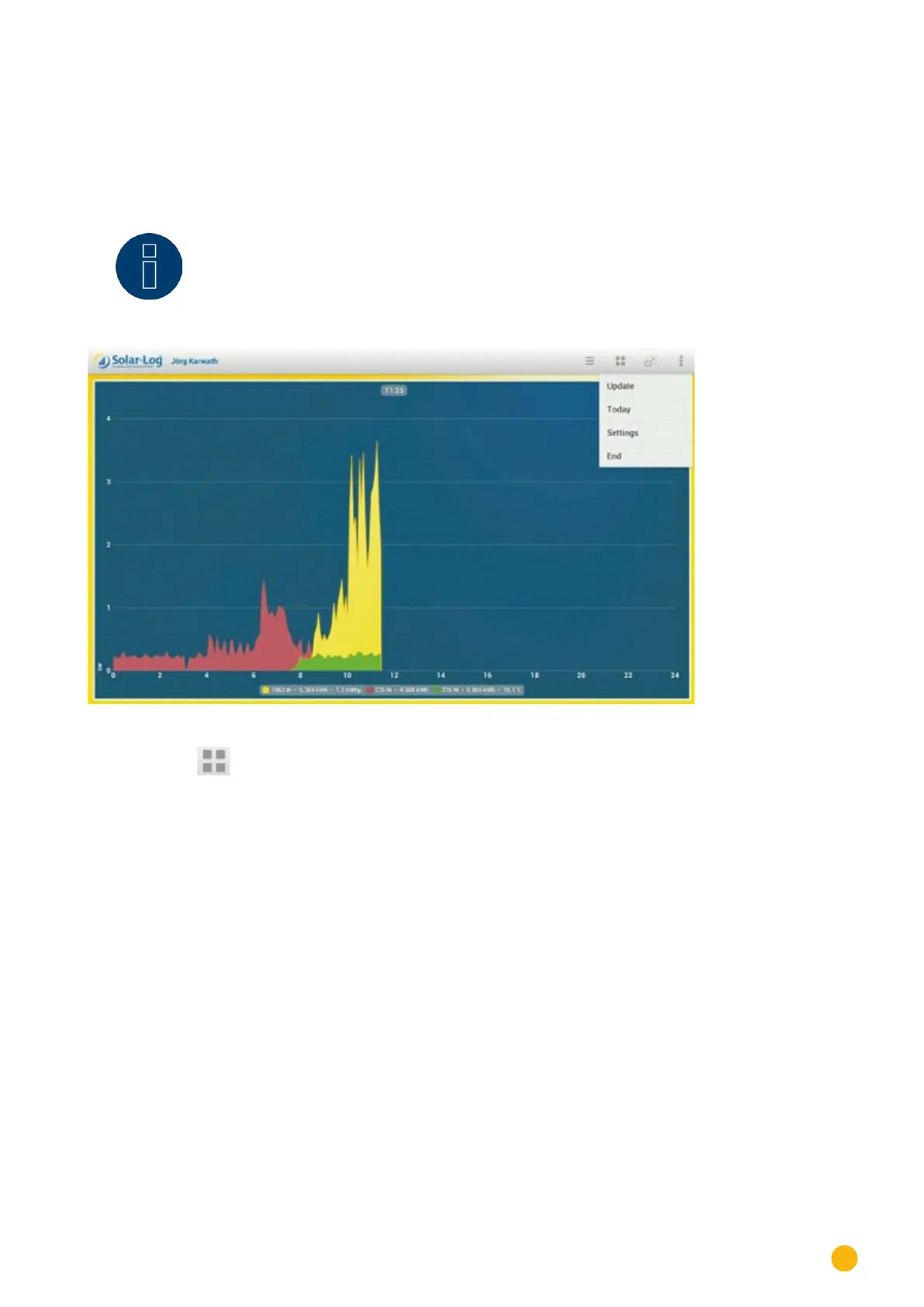
After your plant has been correctly recognized, the yield values are displayed with the current daily values
in the overview.
Note!
The data is only updated when your mobile device is connected to the Internet.
Fig.: Day curve with a menu selection
By selecting the symbol, you can display various yield values.
•
Day
•
Month
•
Year
•
Total
•
CO2



 To Next Page