46
Operating via a web browser within your own network
2.10.6 Accessing components
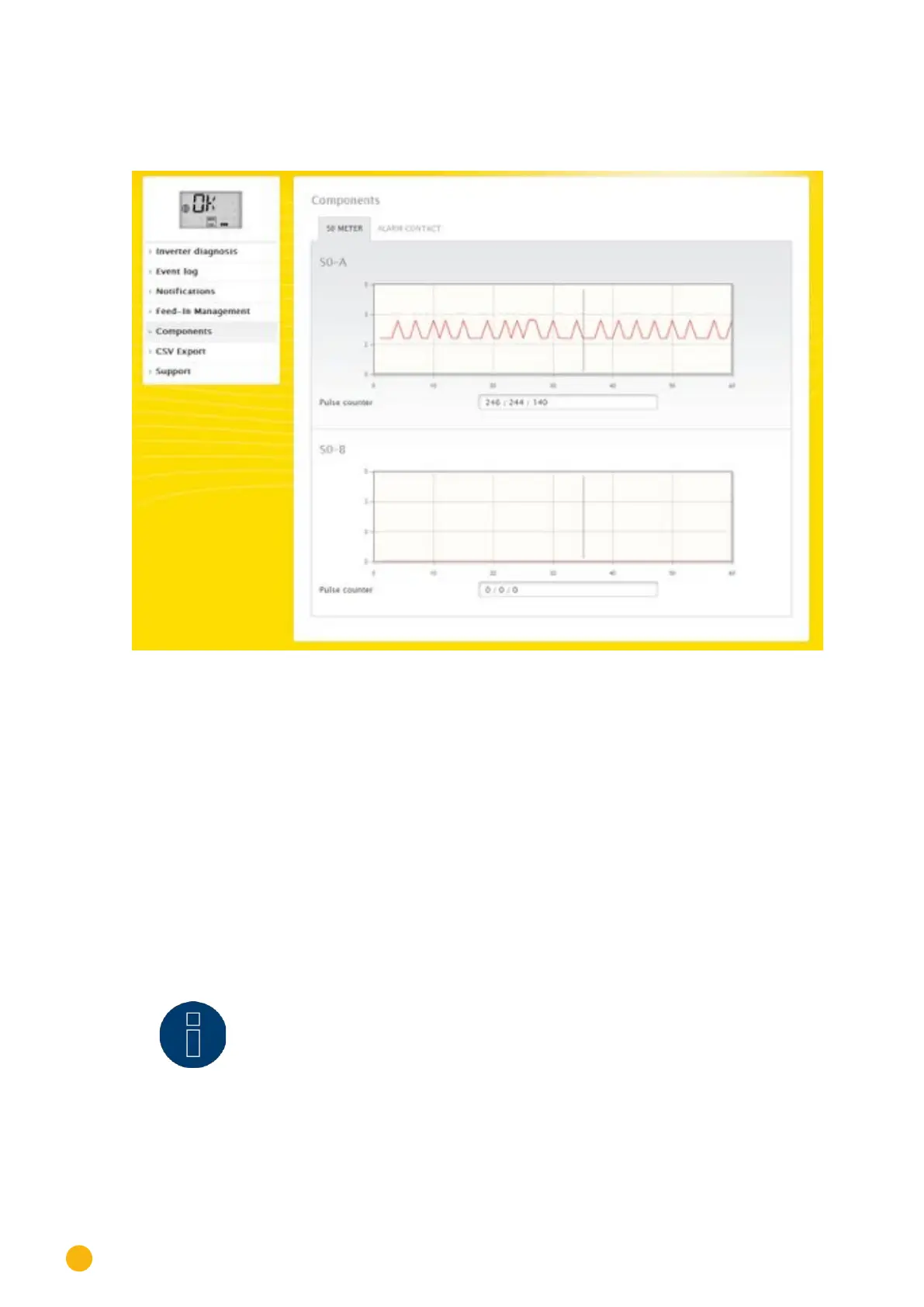
To access the Components menu, go to Diagnostic | Components.
Fig.: Components - S0 meter on interface A and B
The following tabs are available in the Components menu:
•
SO meter (see Fig.: Components - S0 meter on interface A and B)
•
Alarm contact (only with the Solar-Log™ 2000) (see Fig.: Alarm contact)
•
Wireless Package (only when connected and the Wireless package visible has been activated) (See
Fig.: Connection Test - Wireless Package)
All of the SO meters connected to the Solar-Log™ are listed in the Diagnostic | Components | S0-Meter
menu. The following values are displayed in the Pulse meter box:
•
Total number of pulses for the SO meter since the last restart of the Solar-Log™ (first number)
•
Number of pulses since the menu has been accessed (second number)
•
Pulse number interval in a minute (third number)
Note!
The Solar-Log™ restarts every night to reorganize the data. This means the total
number of pulses for the SO meter is reset to zero every night.



 To Next Page