135
Using the Solar-Log™ App iPhone V3 for iPhones
9.8.1 Start the Slide Show
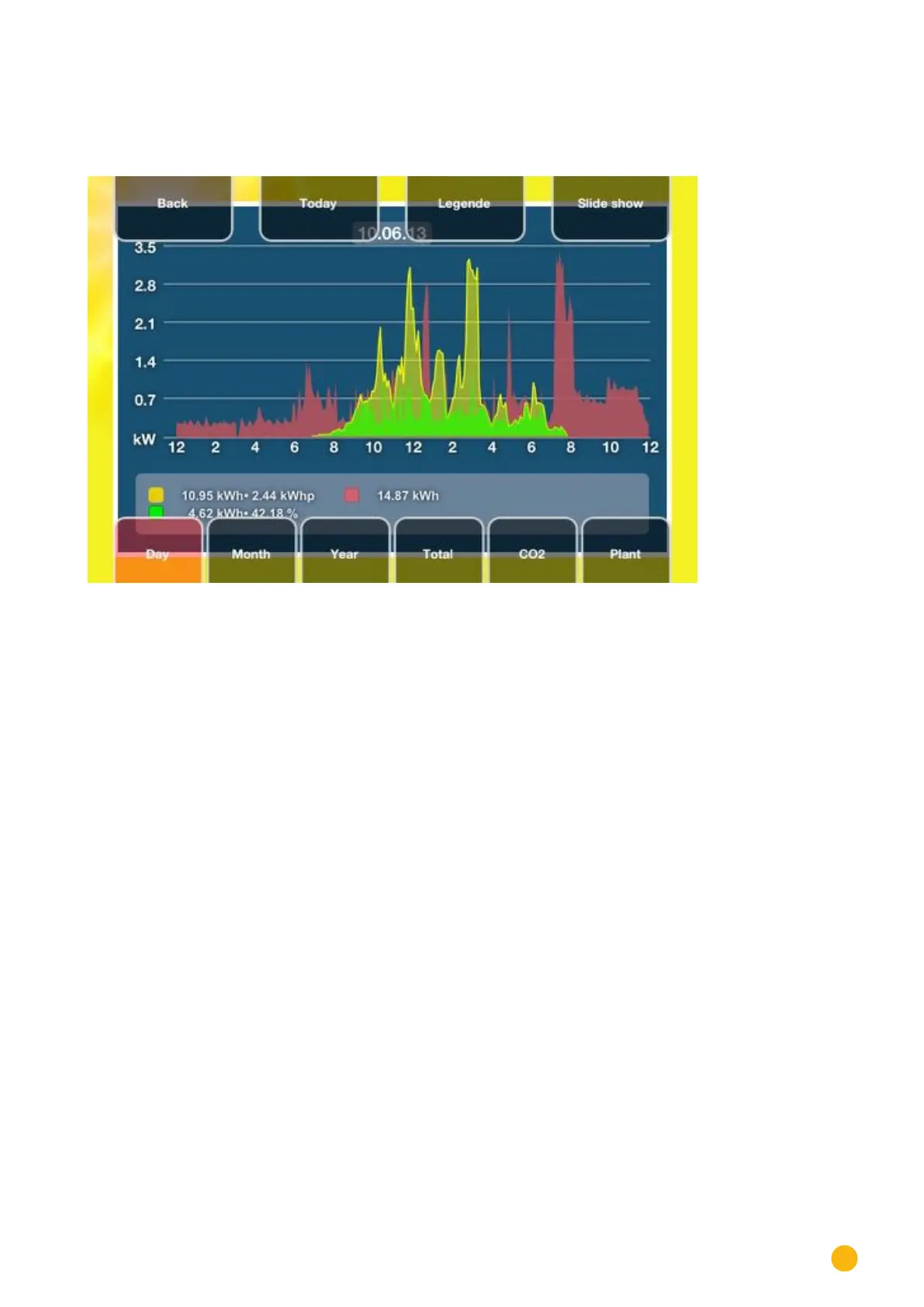
1. Tap the screen. The menu bar is displayed.
Fig.: Screen with the top and bottom menu selection
2. Select Slide Show from the top menu bar.
• Now you can always see the current values.



 To Next Page