113
Using the Solar-Log™ Android App
8.6 Viewing CO2 savings
1. Tap on the symbol in the toolbar at the top right corner of the screen.
The navigation screen then appears.
2. Select CO2.
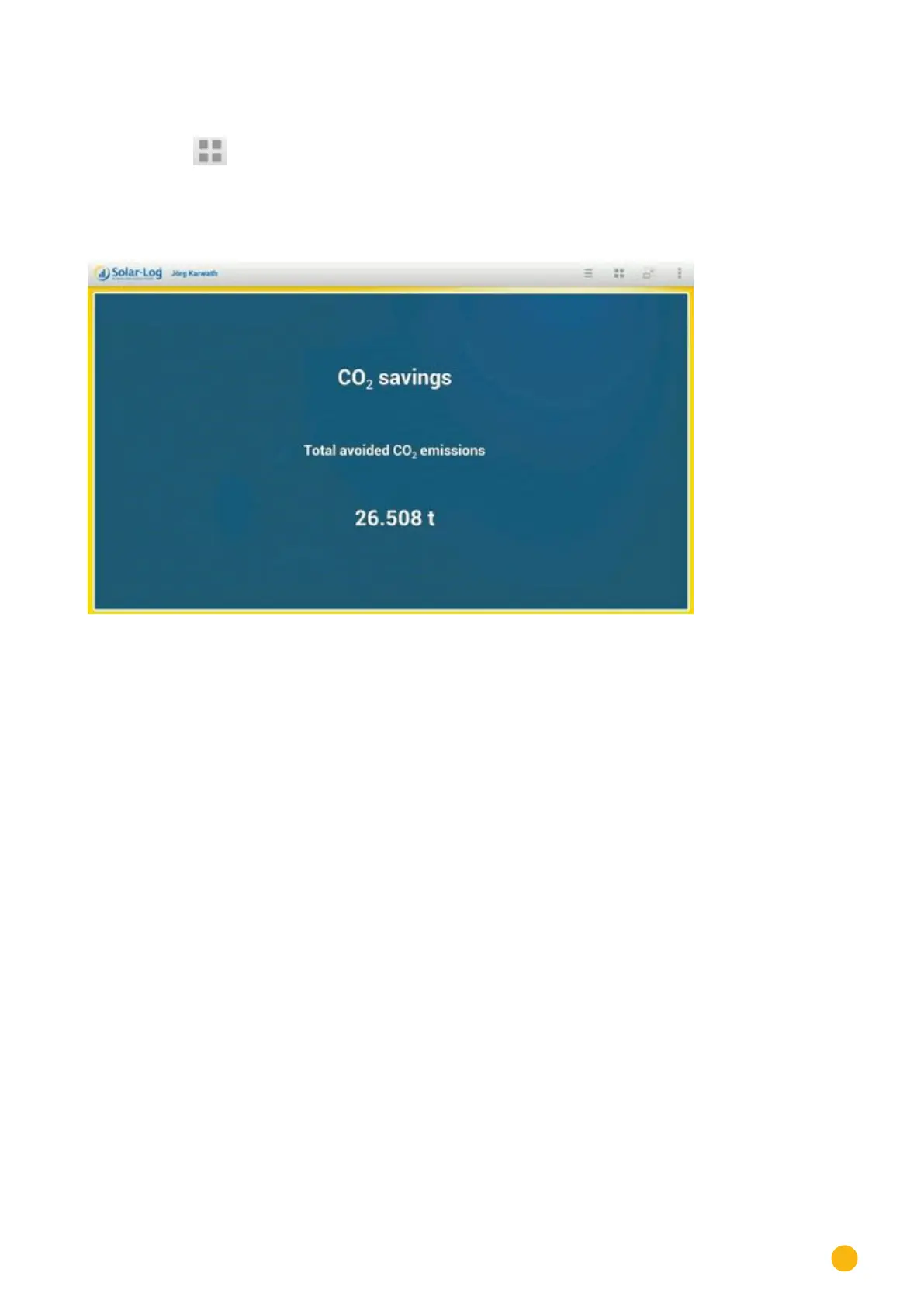
The total accumulated amount of carbon dioxide emissions that have been prevented by your plant is
displayed.
Fig.: Avoided C02 emissions
The savings shown is calculated using the quantity of carbon dioxide that would have been created in
order to generate the same amount of energy using fossil fuels.



 To Next Page