81
Operating the Solar-Log 500 and 1000 via the Display
5.5.2 Display the Inverter Events
Tap your finger on the display again.
•
The main navigation screen is displayed.
Tap on Diagnosis and then on INV Event Log.
•
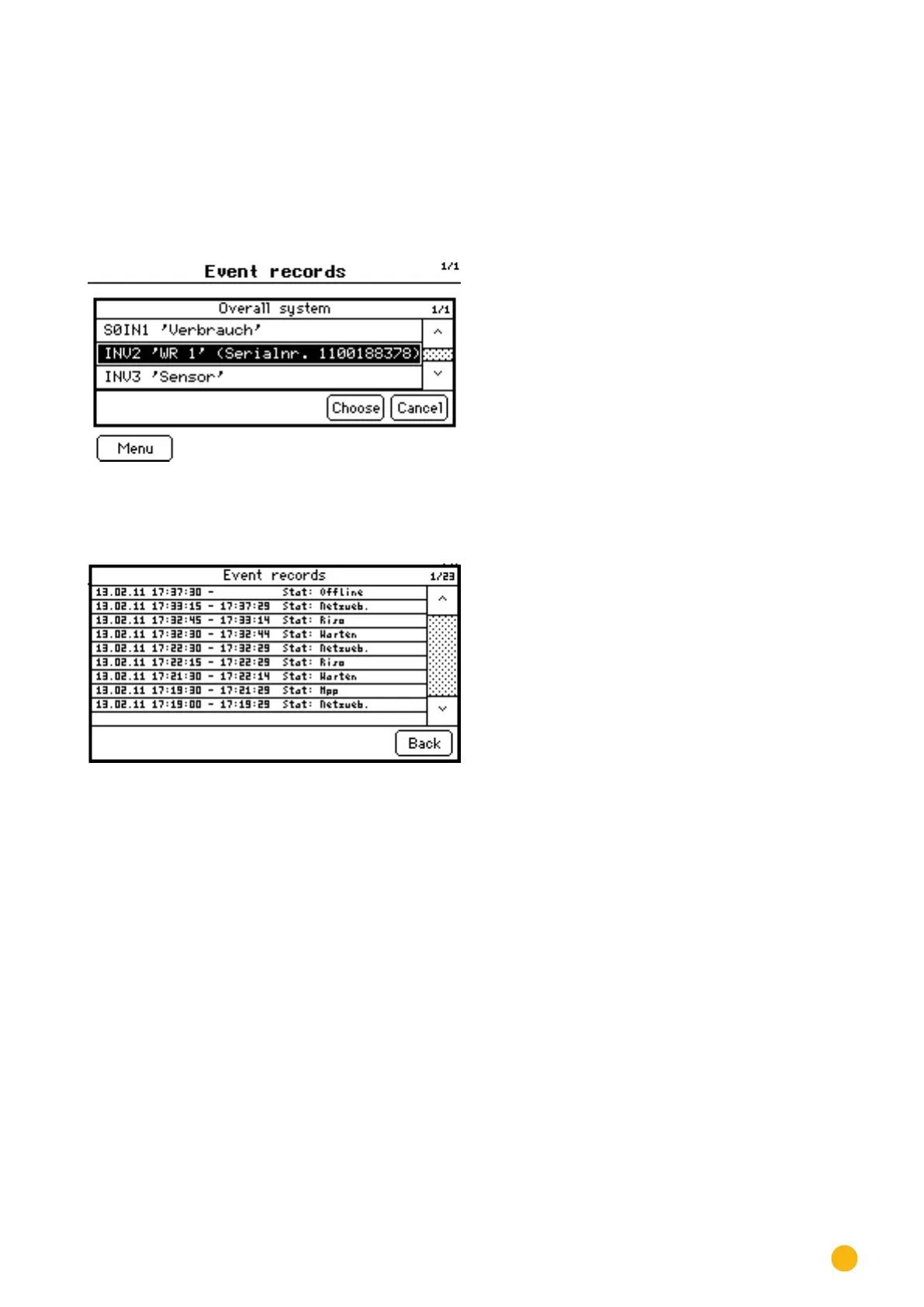
A list of events from the connected inverters is displayed.
Fig.: Inverter Event Log
Select the desired inverter from the list.
•
The event record for the selected inverter is displayed.
Fig.: Inverter Event Log
Tap on Back.
•
A list of events is displayed.
Tap on Menu.
•
The main navigation screen is displayed.



 To Next Page