114
Using the Solar-Log™ Android App
8.7 App settings
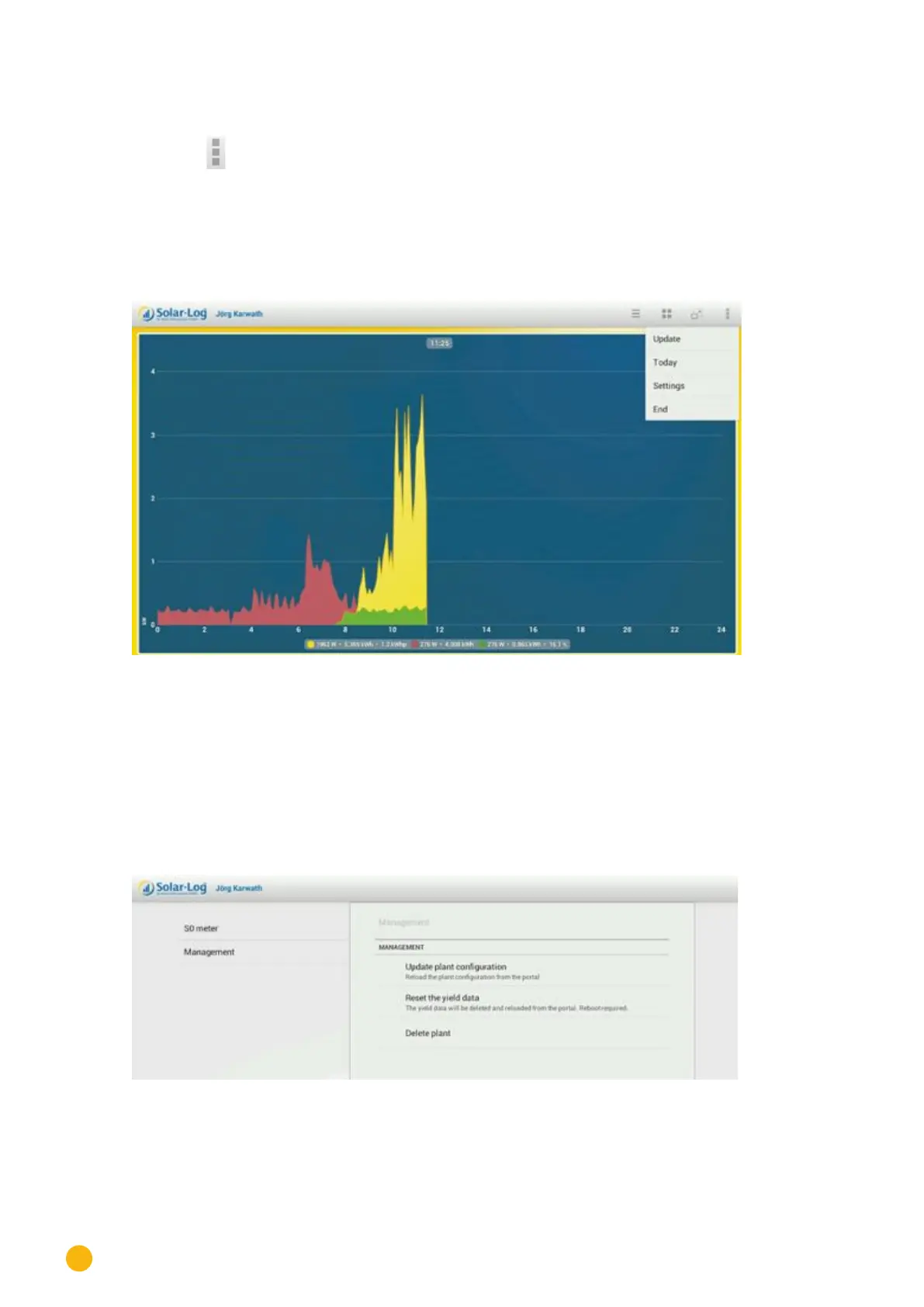
Tap on the symbol in the toolbar at the top right corner of the screen.
The navigation screen then appears.
•
Update
•
Today
•
Settings
•
End
Fig.: Day curve and menu
•
Select Update to update the plant's data.
•
Select Today to leave the yield data and to switch to the current daily overview.
•
Select End to quit the application.
By selecting Settings from the menu, the following categories are available:
• General
• Slide show
• Legal Disclaimer
Fig.: General settings.



 To Next Page