80
Operating the Solar-Log 500 and 1000 via the Display
5.5 Accessing the Diagnosis
The diagnosis menu allows you to access to device logs. You can view all of the errors, faults and status
changes from the connected inverters.
5.5.1 Accessing Notifications
Tap your finger on the display again.
•
The main navigation screen is displayed.
Tap on Diagnosis and then on Notifications.
•
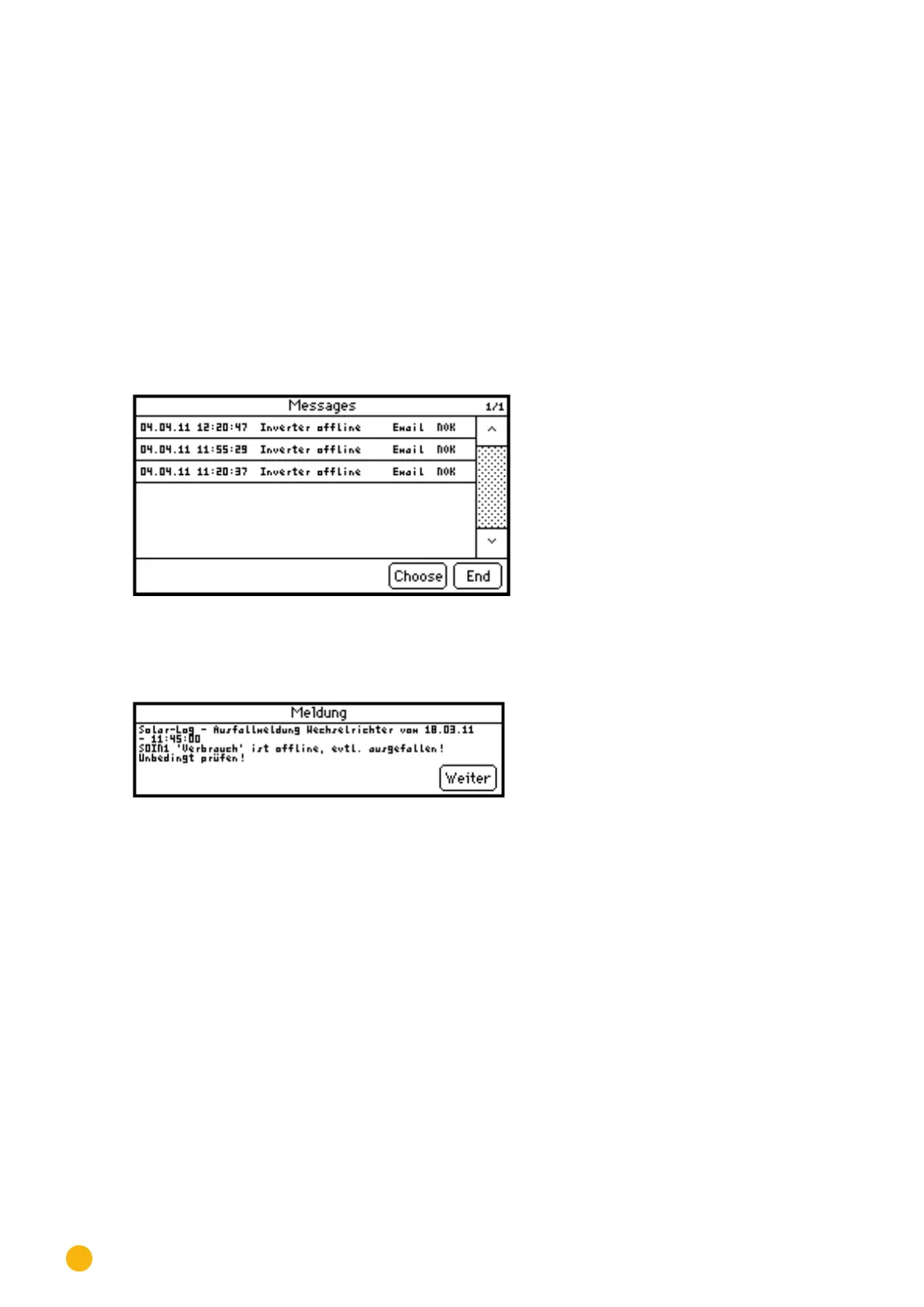
A list of notifications appears on the display.
Fig.: Notications
Select the desired notification from the list.
•
The details of the notification are displayed.
Fig.: Notication details
Tap on Next to display the next notification or to return to the notification list.
Tap on End to close the notification list.



 To Next Page