140
Faults (Solar-Log 200, 500 and 1000)
12 Faults (Solar-Log 200, 500 and 1000)
12.1 LED status display (Solar-Log 200, 500 and 1000)
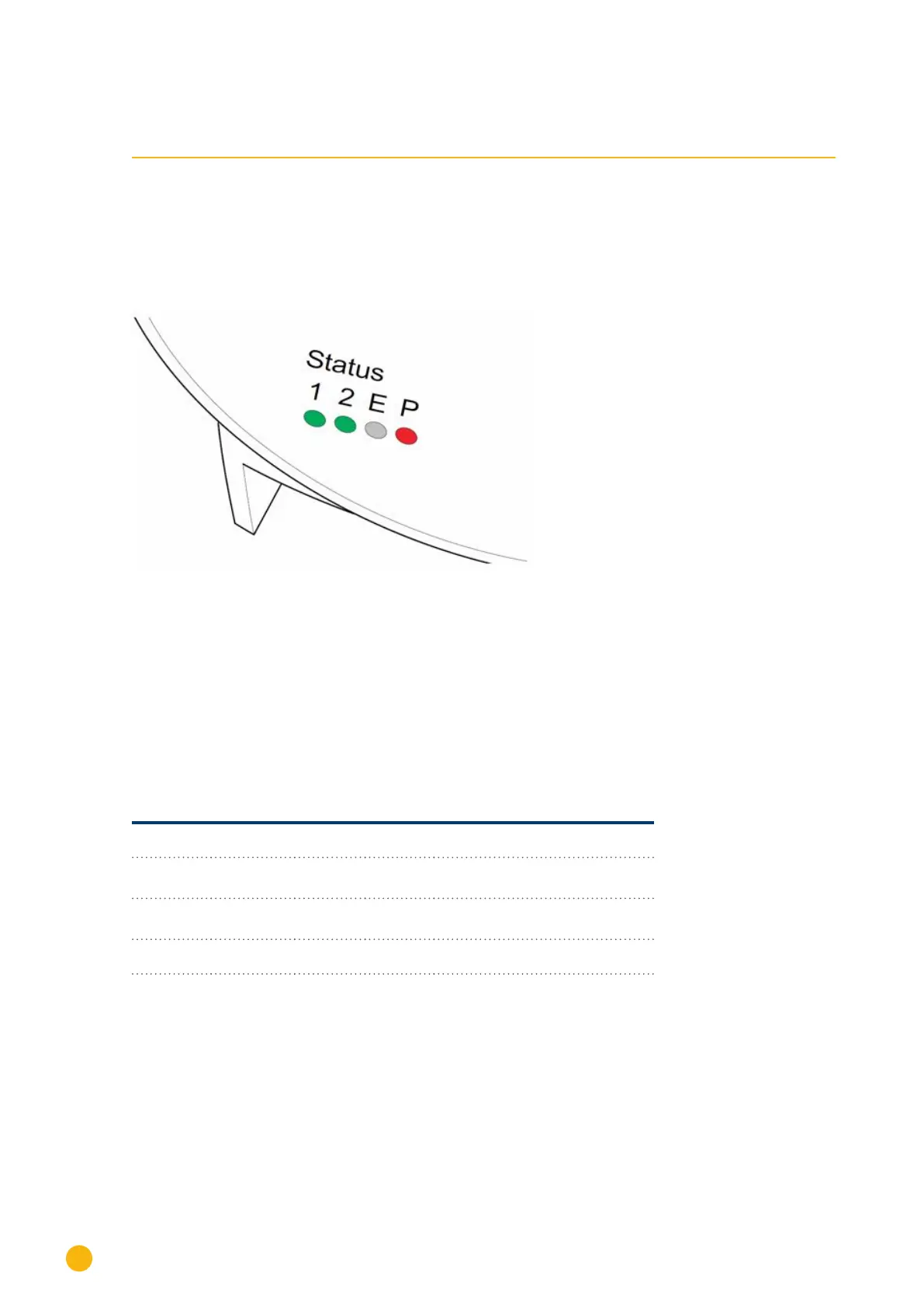
On the front of the unit at the bottom left are four LEDs that show the operating status of the unit.
Fig.: Status LEDs
Depending on the operating status, LED 1, LED 2 and LED E may flash quickly or slowly, and may be lit
steadily or switched off.
The red LED P indicates the presence of the power supply.
LED E is not lit during normal fault-free operation. If lit or flashing, it indicates that a malfunction has oc-
curred.
Normal operation
LED 1 LED 2 LED E LED P Meaning
quickly quickly off Max. 5 min.: Device starts
lit slow off The time is synchronized via the
Internet.
off quickly off Thecongurationisbeingim-
ported from the inverters.
lit lit off Normal operation, inverter online
lit off off Normaloperation,inverterofine



 To Next Page