133
Using the Solar-Log™ App iPhone V3 for iPhones
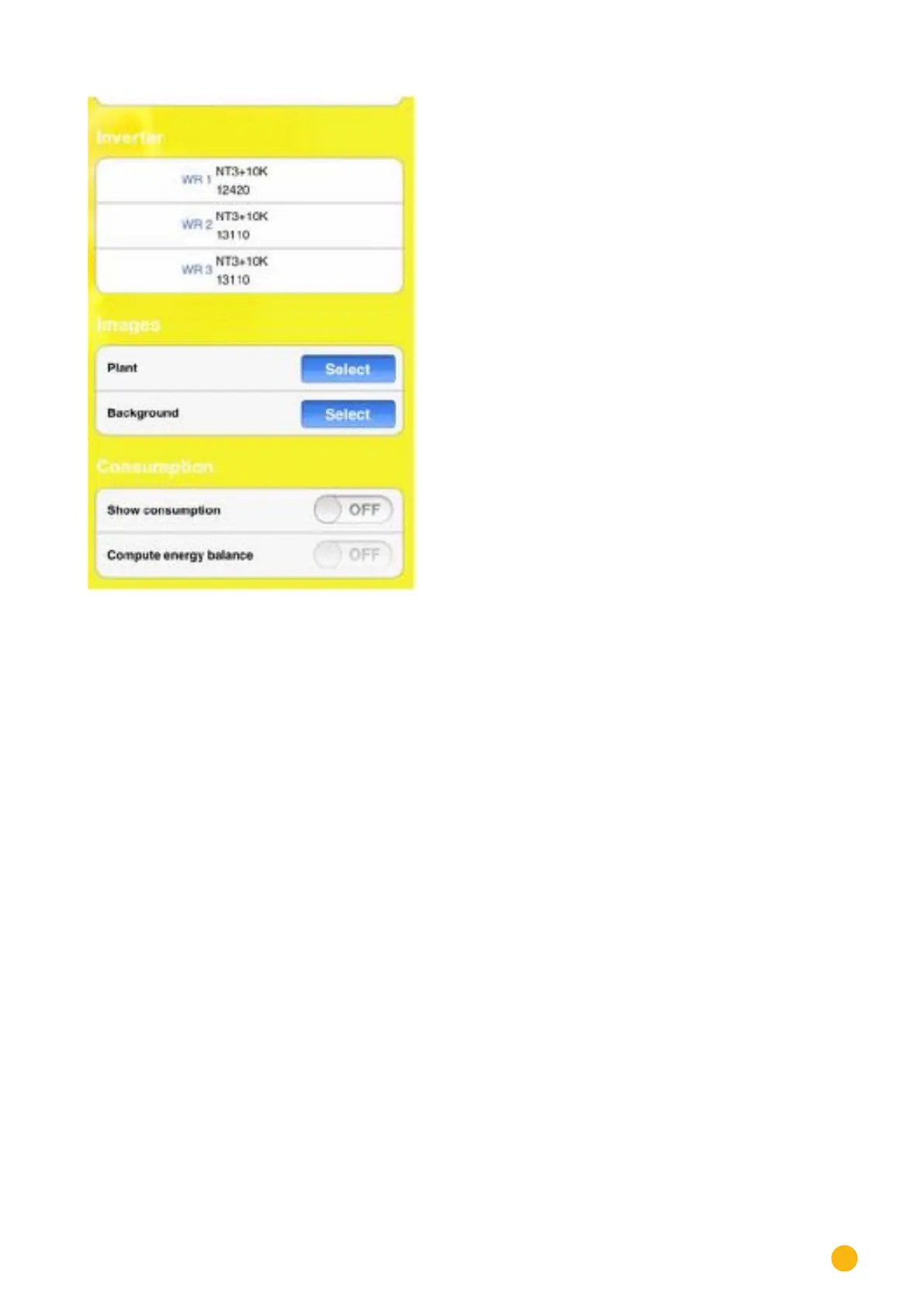
Fig.: Display settings
In addition, you can also adjust the following settings from these menu items:
•
Images.
• Select plant image.
• Select background image.
•
Consumption (can only be activated if a meter is connected).
• Activate display power consumption (has to be manually activated)
• Activate calculate energy balance (has to be manually activated)



 To Next Page