64
Operating the Solar-Log 1200 and 2000 via Touch Display
4.3 Accessing the Energy Balance
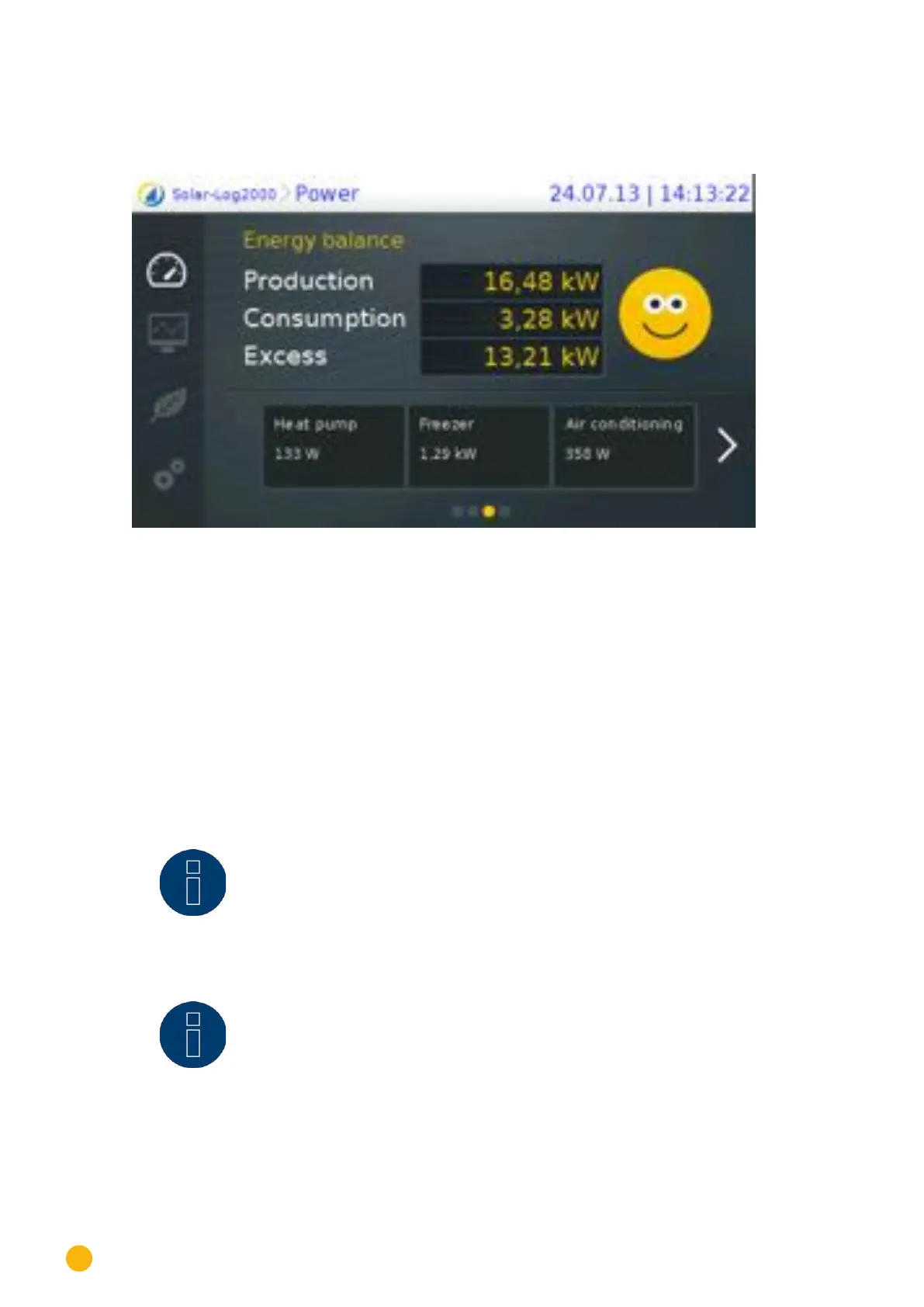
From the Power menu, you can swipe from the start page to go to the Energy Balance.
Fig.: Energy Balance view
The energy balance is a split-screen window. The top part of the window displays the following values:
Production:
•
Current plant production.
Consumption:
•
Current power consumption (only with connected meters).
Surplus:
•
Current grid feed (only with connected meters).
The bottom window displays the connected appliances with their current consumption values. Use the ar-
rows to display additional appliances.
Note!
Values are only visible if appliances are connected via networked "smart plugs,"
relays or the Solar-Log™ Meter.
Note!
Up to 10 appliances can be connected and configured.



 To Next Page