116
Using the Solar-Log™ Android App
8.7.3 Slide show
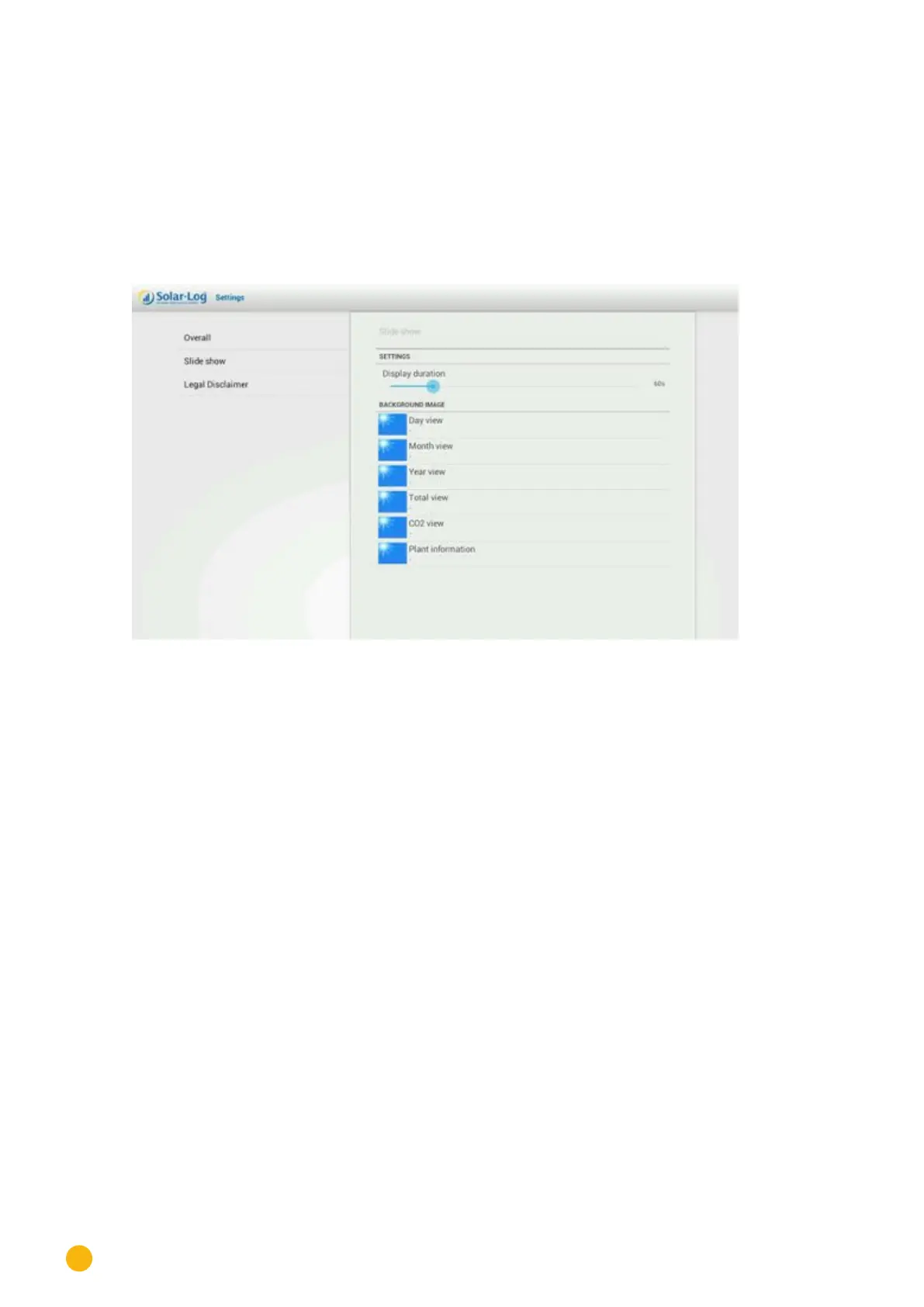
In the Slide Show menu, you have the option to adjust the display duration settings and to select a back-
ground image.
By selecting
Slide Show, the following settings are available:
•
Display duration. You can determine after how many seconds the image should switch.
•
Background image. You can select the background image that is to be displayed when the respec-
tive value is activated.
Fig.: Slide Show settings



 To Next Page