86
Operating the Solar-Log 500 and 1000 via the Display
Import yield data
Note!
Import the current configuration before importing saved yield data.
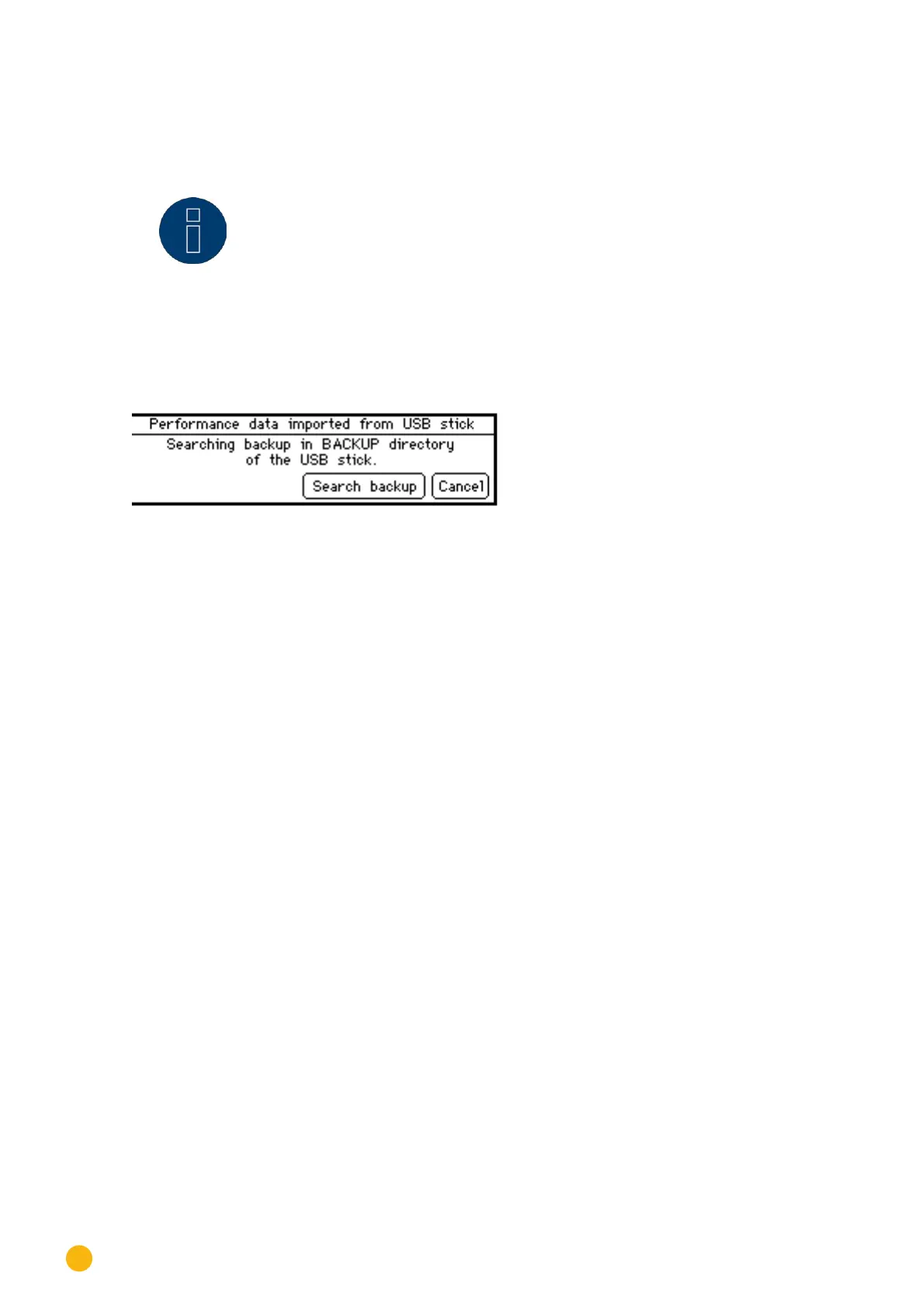
Tap on Import Yield Data.
Fig.: Importing USB Yield Data
Tap on Search Backup.
•
The device searches the USB stick for a backup directory and copies the data. It can take several
minutes to copy all of the data depending on the amount of data.
Tap on Cancel if you do not want to transfer the yield data.
•
The main navigation screen is displayed.



 To Next Page