82
Operating the Solar-Log 500 and 1000 via the Display
5.5.3 Handling Alarm Notifications
You can acknowledge fault notifications in this menu.
Tap your finger on the display again.
•
The main navigation screen is displayed.
Tap on Diagnosis and then on Alarm Contact.
•
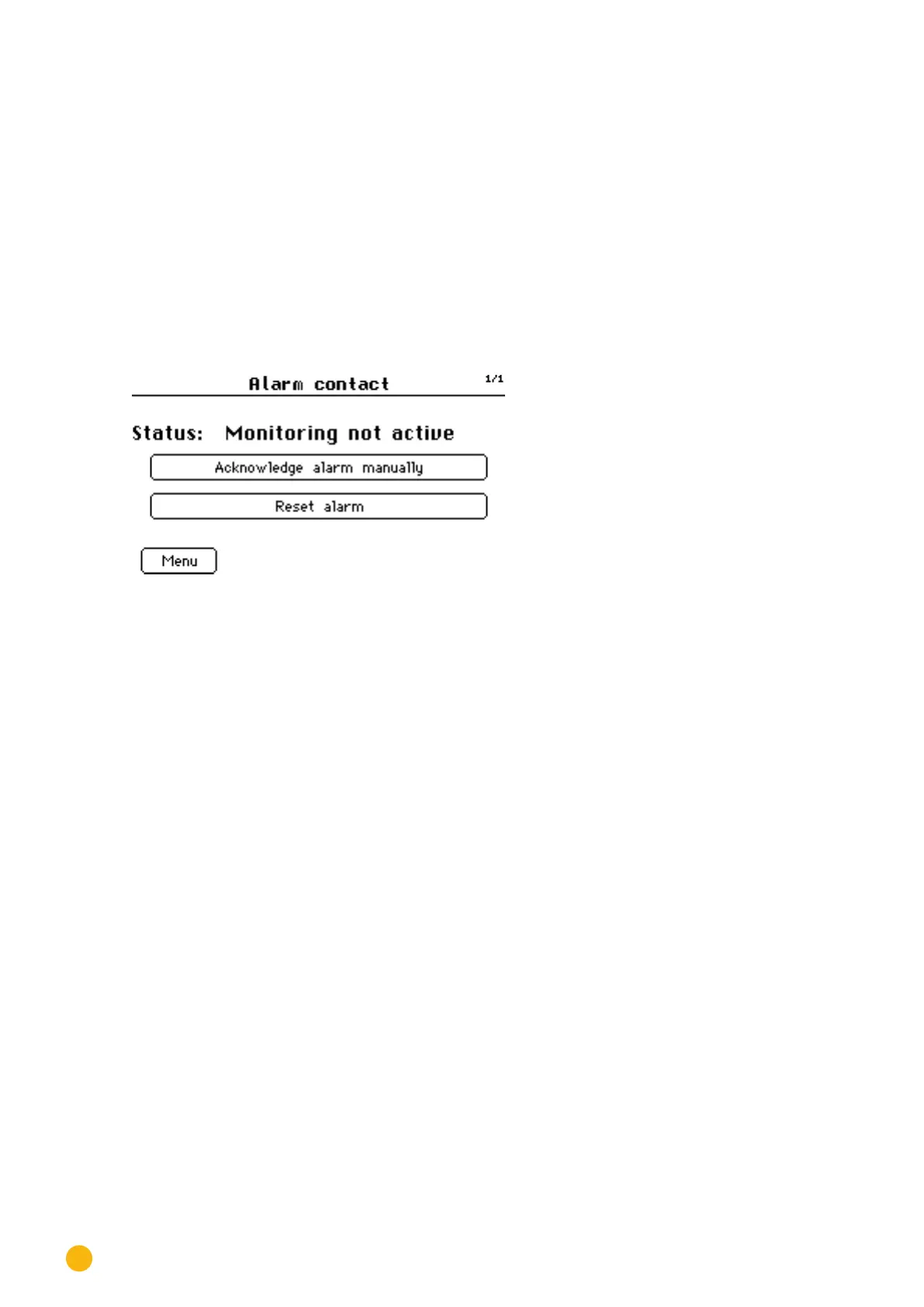
The alarm monitoring status is displayed.
Fig.: Alarm contact
Tap
on Acknowledge Alarm Manually.
•
The alarm notification stops.
After the fault has been resolved,
tap on Reset Alarm.
•
This resumes the operating mode.
Tap on Menu.
•
The main navigation screen is displayed.



 To Next Page