66
Operating the Solar-Log 1200 and 2000 via Touch Display
4.5 Accessing Yield history
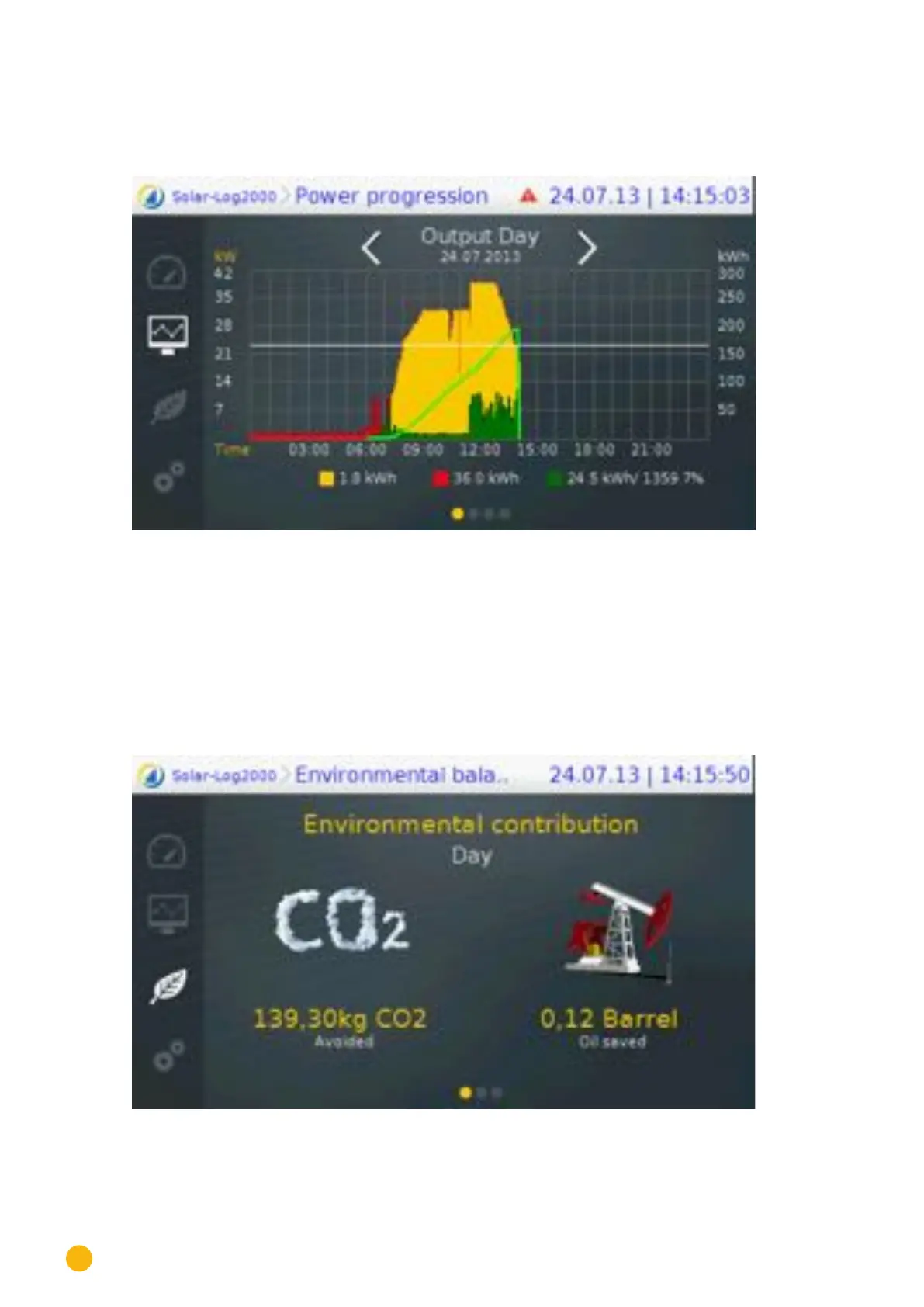
Access the Yield History from the navigation menu on the left by tapping on the symbol.
Fig.: Yield history - Day
The Yield history view is displayed in two sections:
In the top part, you have the option, depending on the display mode (year, month, year), to swipe on the
display to go to the exact date.
In the bottom part, you can swipe to the next display mode: day, month, year or total.
4.6 Accessing Environmental performance
Access the Environmental Performance from the navigation menu on the left by tapping on the symbol.
Fig.: Environmental performance - Day view



 To Next Page