112
Using the Solar-Log™ Android App
8.5.4 Total Overview
1. Tap on the symbol in the toolbar at the top right corner of the screen.
The navigation screen then appears.
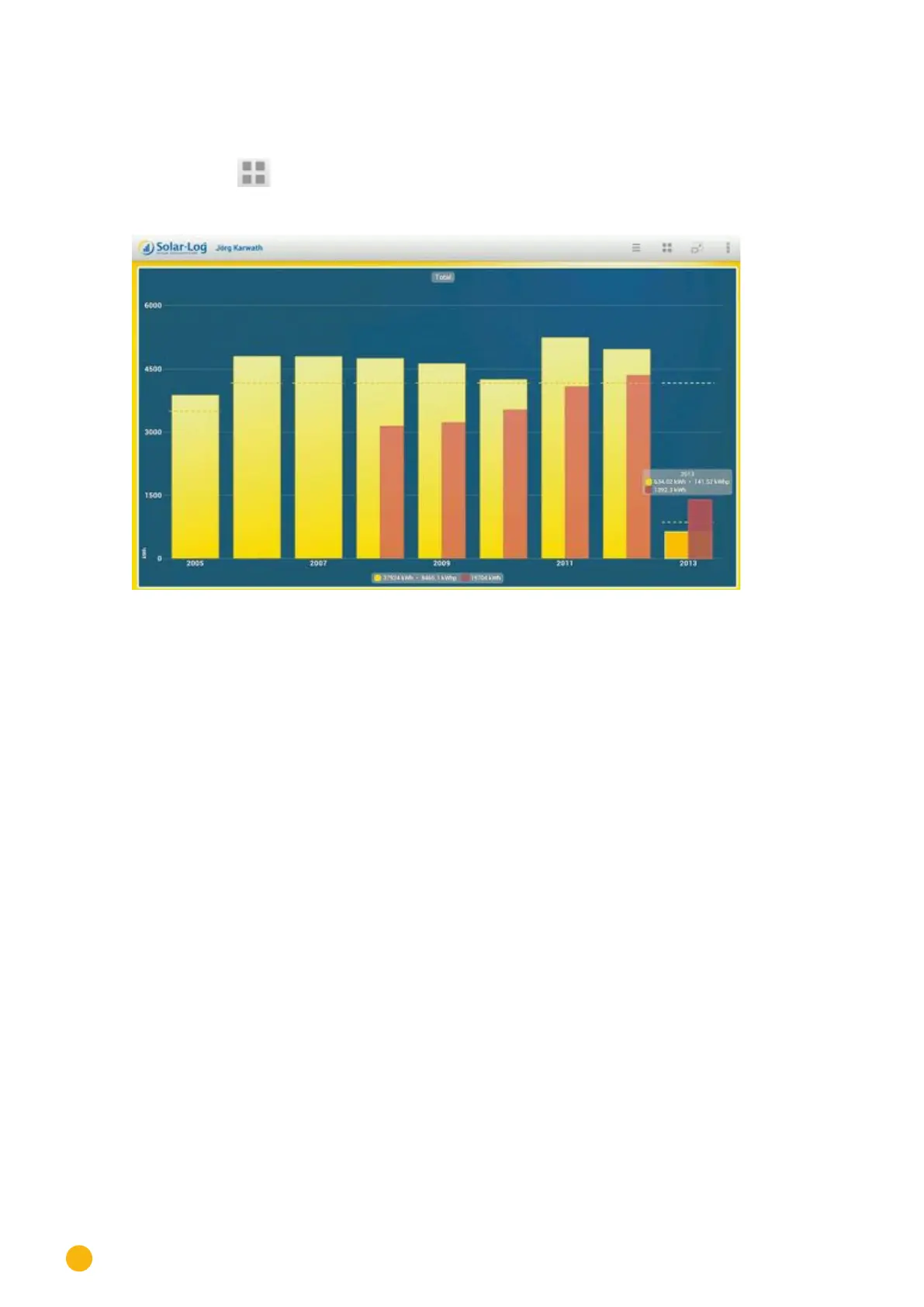
2. Select Total to go to the Total Overview.
Fig.: Total Overview as a bar graph
Swipe up or down to change the module views.



 To Next Page