51
Notifications
3 Notifications
3.1 Yield E-mail
All three Solar-Log models—300, 1200, 2000—come with an e-mail program that can send a daily over-
view of the day's performance to two different e-mail addresses (maximum of 57 characters, separated
with a semicolon).
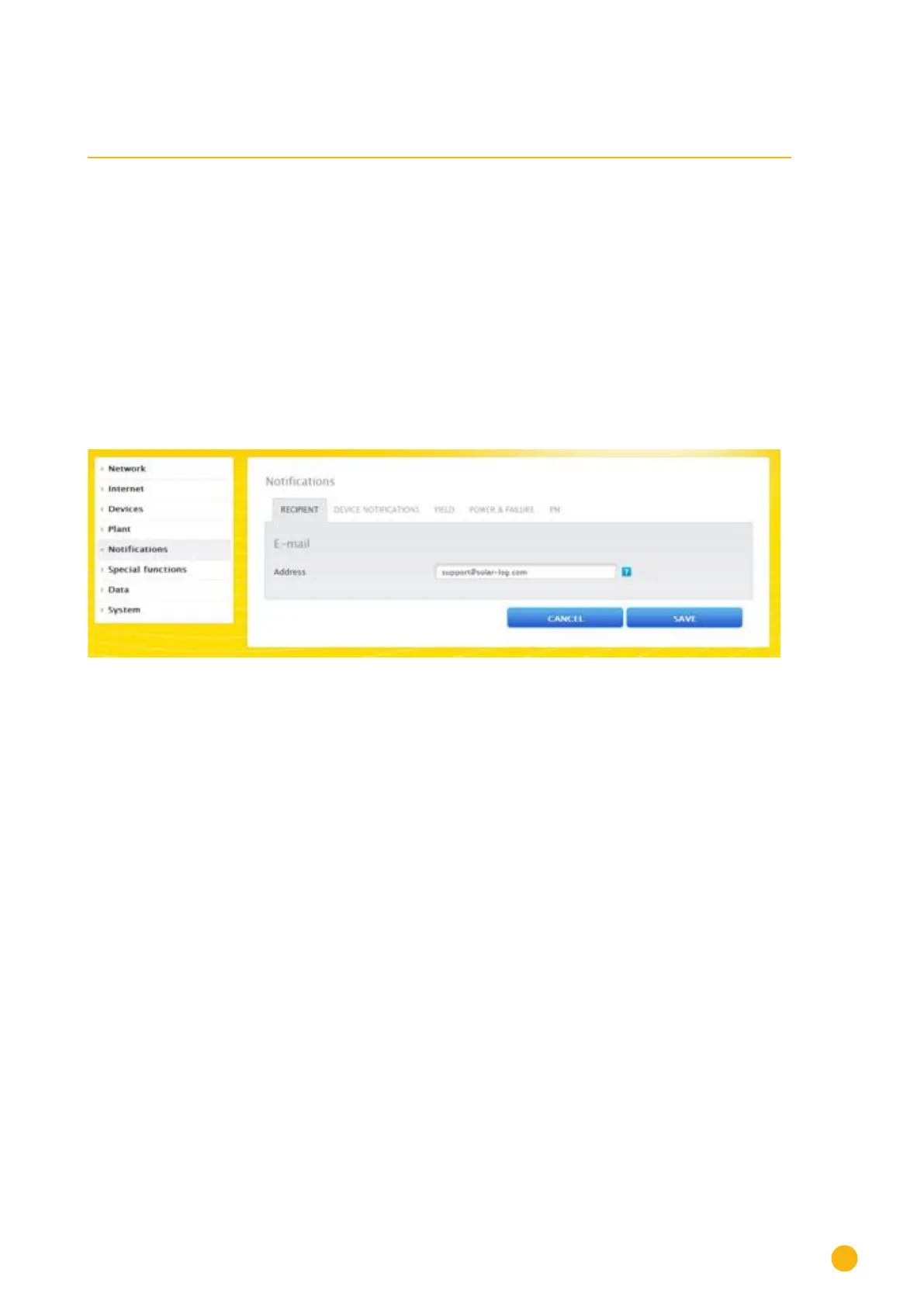
The settings are configured under the
Configuration | Notifications menu.
Click on the
Recipient tab to enter the recipient's e-mail address or set up text message (SMS) notifica-
tions.
Fig.: Entering the recipient's e-mail address.



 To Next Page