142
Faults (Solar-Log 200, 500 and 1000)
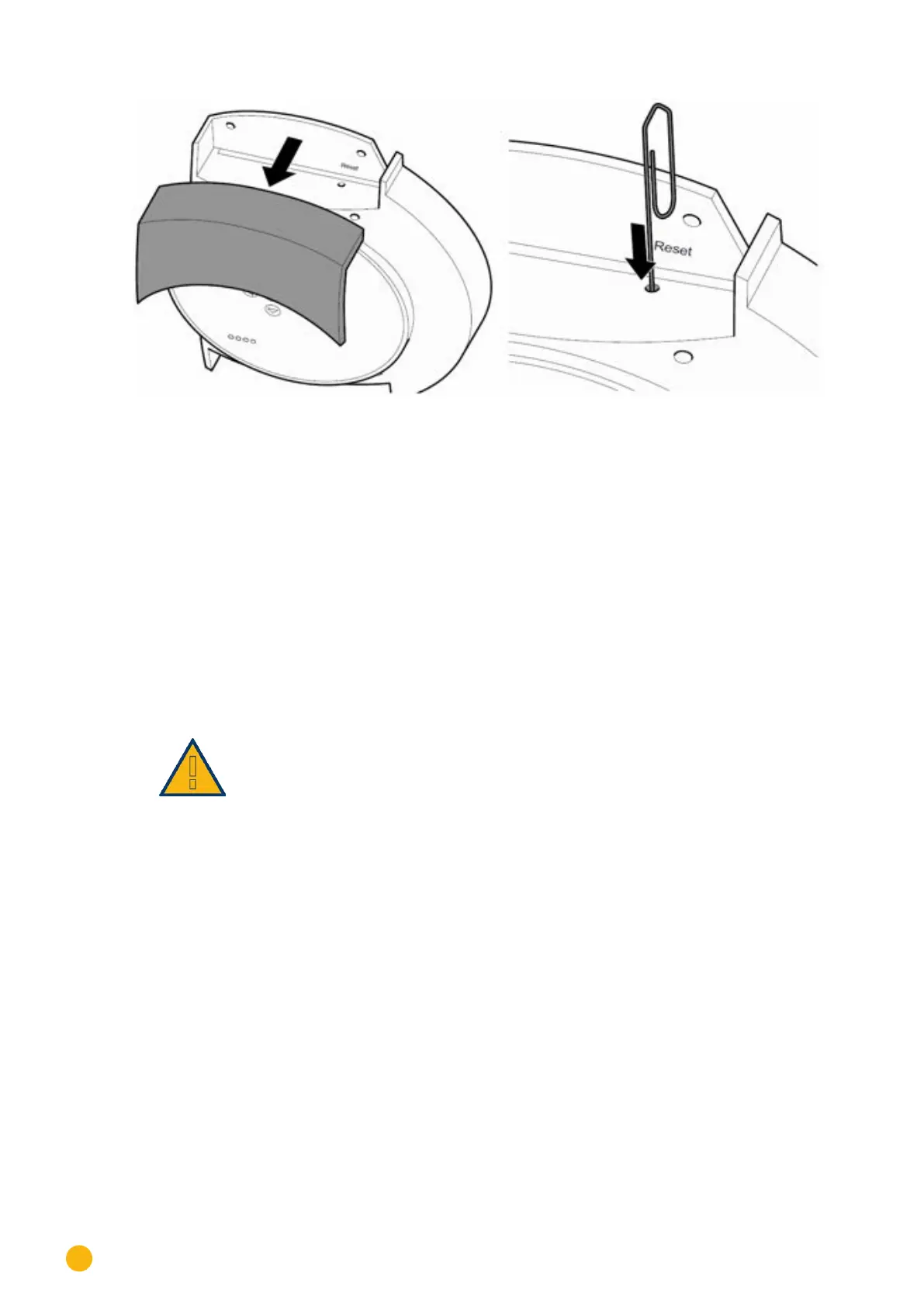
Fig.: Removing the cover from the Solar-Log™
Pull the cover forward to remove.
Restarting
1. Press the reset button for a long period, e.g. with a straightened paper clip
•
LED:1, 2
2. Release the reset button.
•
After about 5 seconds, LED 1 is lit again.
3. Release the reset button.
•
Wait until normal operation has recommenced and then close the cover.
Important:
Do not restart by pulling out the power plug!
12.3 Obtaining information from the Internet
You can also obtain support for operating the device or the settings on our Internet site under the follow-
ing URL:
http://www.solar-log.com/en/service-support/technical-support.html
Here you will also find additional product information and manuals available for download.



 To Next Page