Levelogger Series User Guide
Page 23
3 System Requirements and Software Installation
3.1 System Requirements
The minimal hardware and software requirements for software installation and operation are:
Hardware Software
Processor: 1 GHz or faster processor or SoC OS: Windows 10
RAM: 1 GB for 32-bit or 2 GB for 64-bit
Hard disk space: 128 MB
Display: 800 x 600
Ports: USB or RS-232
Bits per second 9600
Data bits 8
Stop bits 1
Flow control None
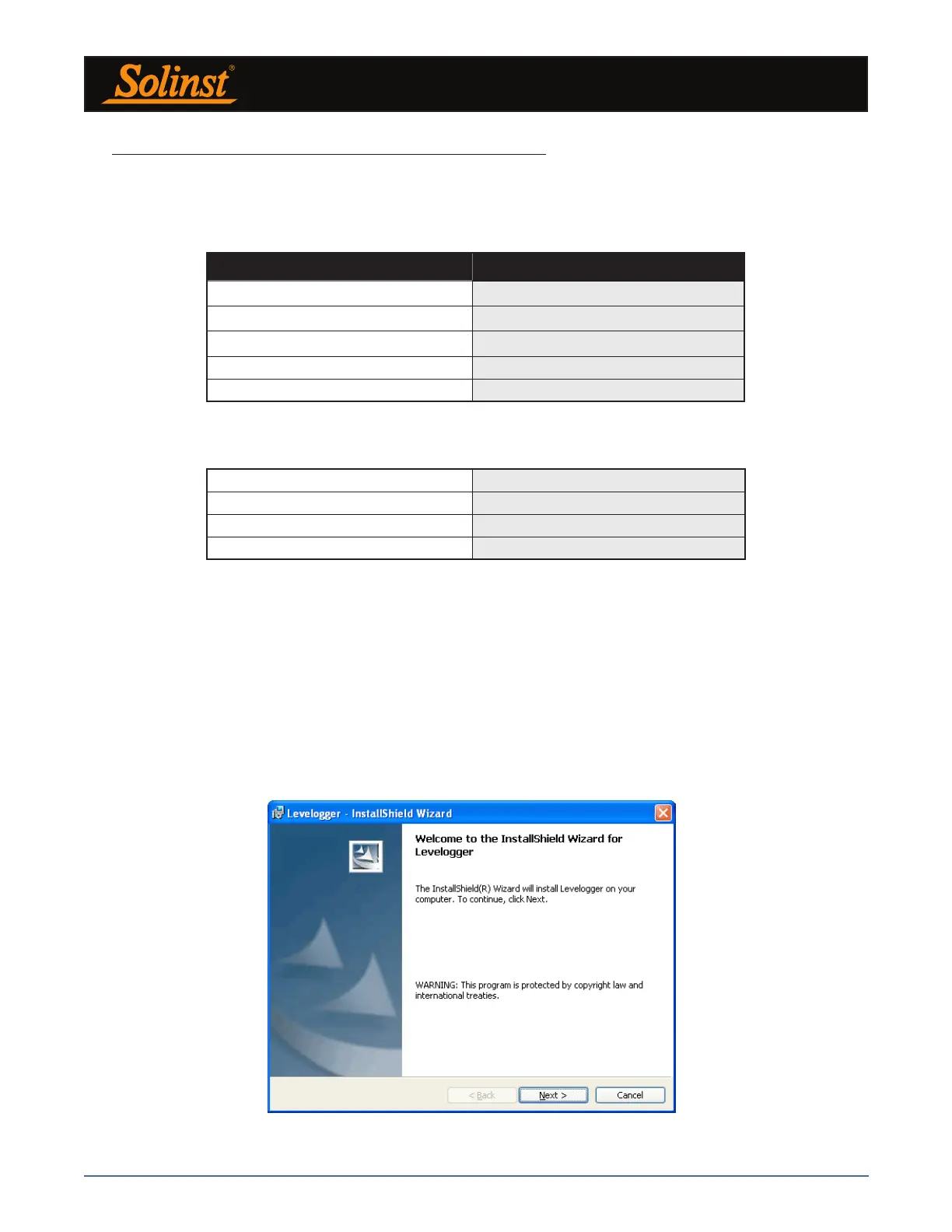
Figure 3-1 Software Installation Wizard
The communication port setting for Levelogger communications is automatically set up when the Levelogger
Software is installed:
3.2 Software Installation
Web Download
1) Download the newest version of Levelogger Software by visiting: https://www.solinst.com/downloads/
2) If the installer does not automatically start, to activate the software install click on the ‘setup.exe’ file.
3) The Software Installation Wizard will guide you through the remaining installation process. Figure 3-1 shows
the Levelogger Installation Wizard.
4) Restart the computer after installation is completed. Default Directory is C:\Program Files\Solinst\Levelogger4_5



 To Next Page