Levelogger Series User Guide
Page 52
8 Data Compensation
Data Compensations, such as Barometric Compensation, Manual Data Adjustments and Parameter
Adjustments can be performed automatically using the Levelogger Software Data Wizard, or manually, by
exporting data to an external spreadsheet program.
8.1 Data Wizard
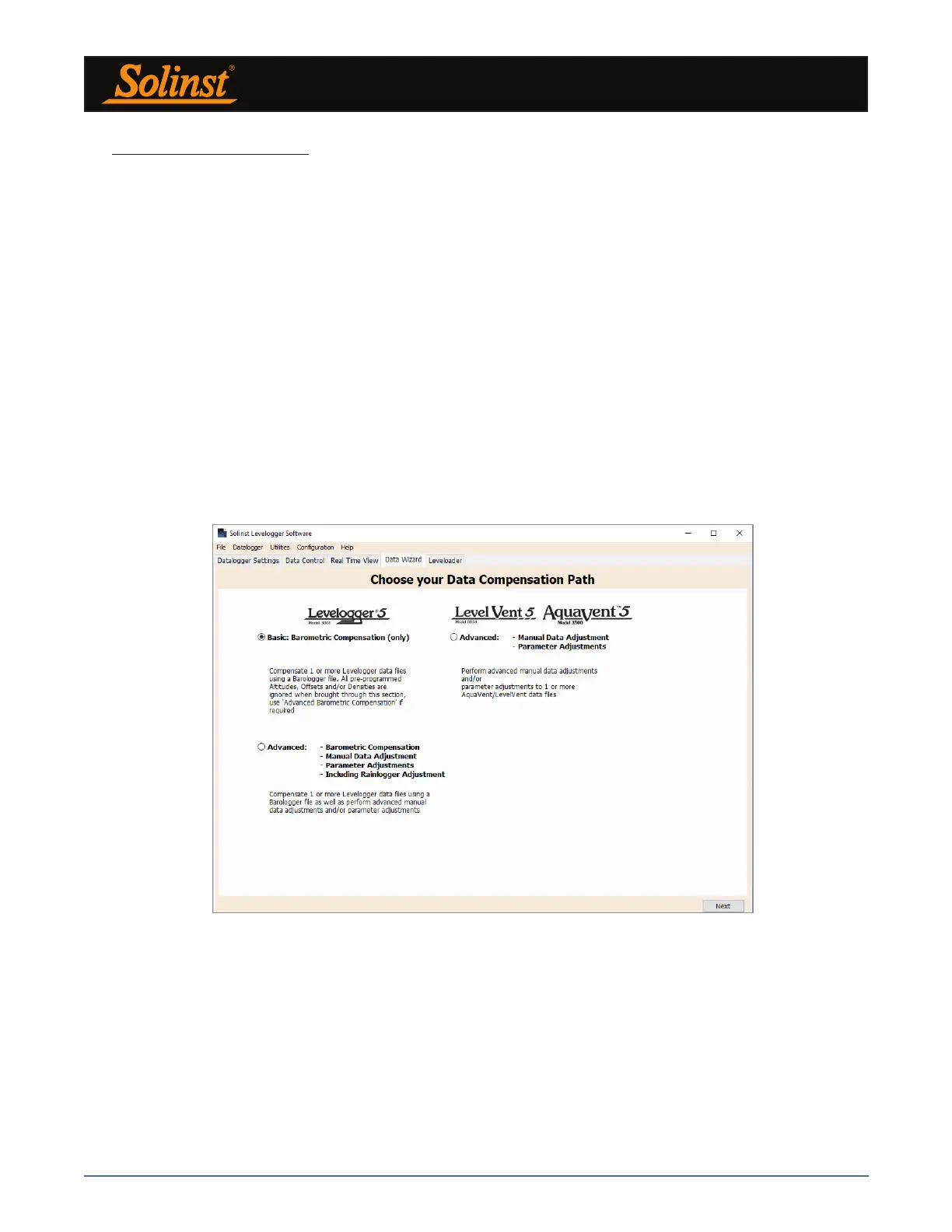
Open the Solinst Levelogger Software Data Wizard tab. The first step is to select your Data Compensation
Path. The choices for Leveloggers are Basic or Advanced.
Choosing Basic allows you to do a simple Barometric Compensation of Levelogger data only.
The Advanced option allows you to perform Barometric Compensation, Manual Data Adjustments and
Parameter Adjustments, including adjustments to Rainlogger data.
Barometric Compensation simply subtracts the barometric reading from the corresponding Levelogger
reading(s), to give true water level measurements.
Note: Multiple datalogger files can be compensated at once.
Figure 8-1 Data Wizard



 To Next Page