Levelogger Series User Guide
Page 51
7.3 File Export and Print Function
Data can be exported in *.csv (comma separated value) file format or *.xml (extensible markup language) file
format by clicking File > Export > Data or
The *.csv and *.xml file formats are supported and can be imported by most spreadsheet and database
programs.
Note: You have the option to choose between North American Format for decimal separators (period symbol) or
based on the System Locale Format, for exported *.csv files. See Section 4.2.4.
Also, the data graph can be exported to a *.bmp file or a *.png file by clicking File > Export > Graph.
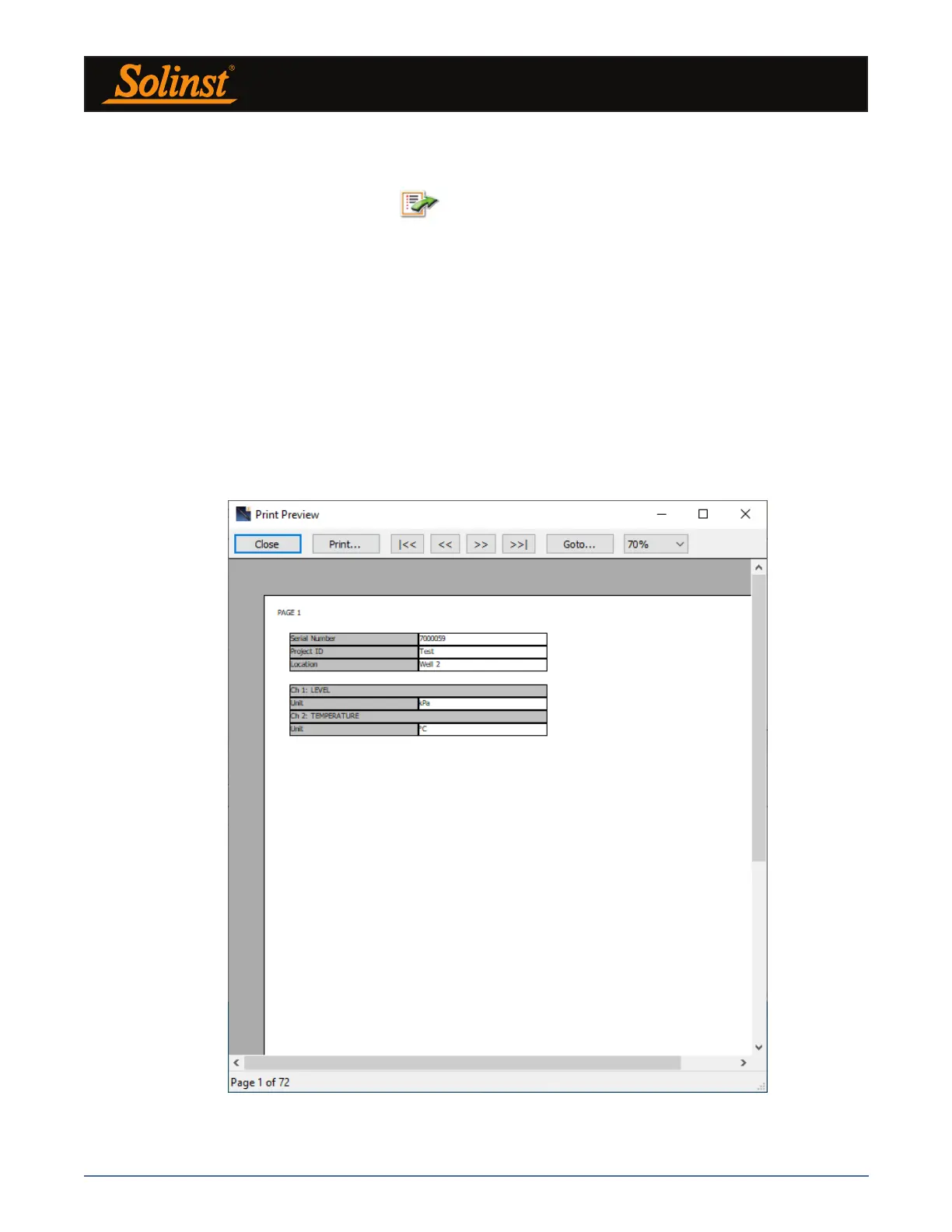
The Datalogger Settings, data table and data graph can be printed. Click File > Print Preview, to open the
Print Preview window. Figure 7-10 shows the print preview of the Datalogger Settings. The Datalogger
Settings are always on the first page of the document. The data graph is on the second page of the document
and the rest of the document is the data table.
Click Print..., to open the print dialog. You can choose to print the entire document or just a selection.
You can also click File > Print, to open the print dialog.
Figure 7-10 Print Preview Window



 To Next Page