Levelogger Series User Guide
Page 35
5.7 Saving and Retrieving Levelogger Settings Files
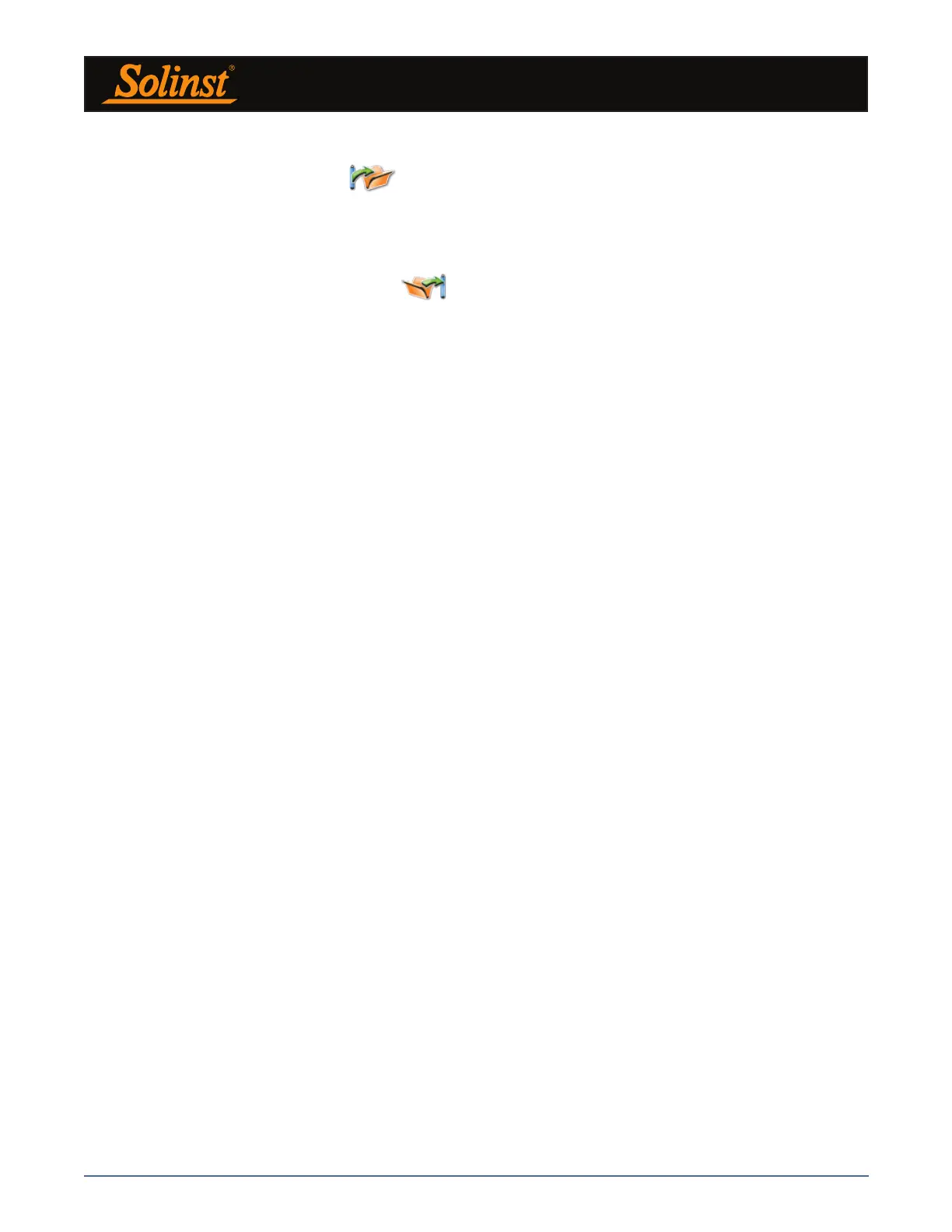
To store settings as defaults, click . It will store the settings of the Levelogger into an *.dtf file as a
series of defaults. The *.dtf file will save the Project ID, Location, Sample Mode, Sample Rate, Channel ID,
Unit, and Offset.
Note:
Settings files created in Levelogger Software Version 3 or earlier (.lls or .sci files) can not be opened by Software
Version 4.5. These settings files will need to be re-created and saved in Levelogger Software Version 4.5.
To retrieve settings from defaults, click from a selected *.dtf file. This is particularly useful if
programming several Leveloggers with similar, or identical settings. Keep in mind that Project ID and
Location identification information will be identical and should be distinguished from datalogger to datalogger
or monitoring point to point.



 To Next Page