Levelogger Series User Guide
Page 82
11.5 LTC Calibration History Report
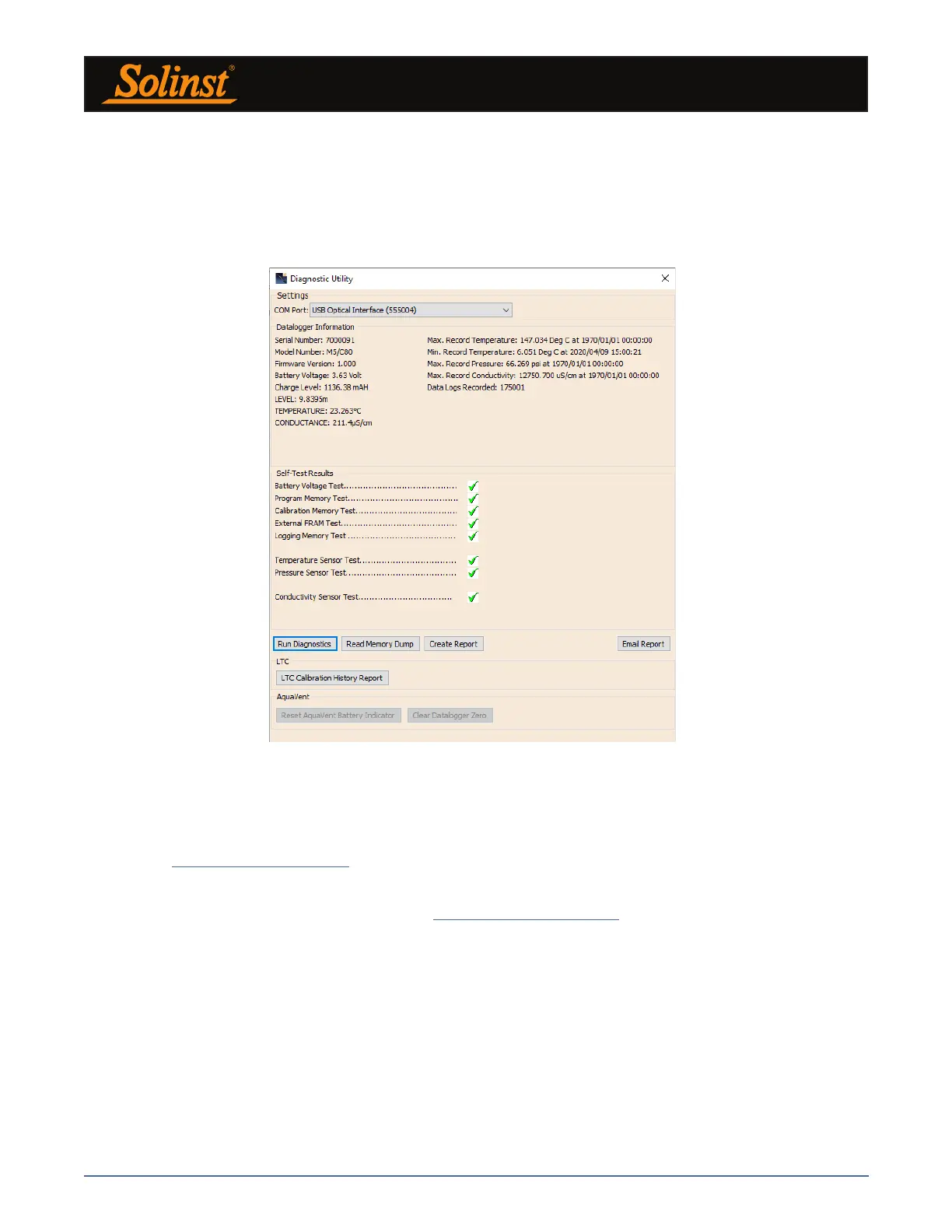
This function creates a report of all previous user calibrations performed on the LTC Levelogger. Use it to
send a history report to Solinst for analysis if the LTC Levelogger readings are irregular and/or the unit does
not maintain its calibration. To execute this function simply click the LTC Calibration History Report button.
This creates a text file that can be sent to Solinst Technical Support.
Figure 11-5 LTC Calibration History Report
11.6 Software/Firmware Updates
Each time the Diagnostic Utility is opened, it automatically checks on-line for software updates. If there is an
update, "Software Update Available" will appear in the top right of the window. When you click the message,
a web page will open, allowing you to download the software update.
The Utility also checks for firmware updates. "Firmware Update Available" will appear in the top right of
the window. Clicking the message will open a web page where you can download the firmware update.
See Section 12 for firmware update instructions.
Note: Your Computer must have an Internet connection to check for software and firmware updates.
Note: You can also check for updates using the Help menu.



 To Next Page