Levelogger Series User Guide
Page 37
Note: Retrieve the Levelogger settings in order to refresh the status (i.e. when the status changes from Future Start to
Started).
Note: Using a Future Start to synchronize all of your Loggers to start at the same time is recommended when
deploying a Barologger to compensate a number of Leveloggers.
Stopping the Solinst Datalogger
There are two ways to stop logging: Stop Now or at a programmed Future Stop time.
To stop the datalogger immediately when it is logging, click , (it should say Stop Now below the icon).
The Levelogger can be stopped at any time before it reaches the maximum reading capacity.
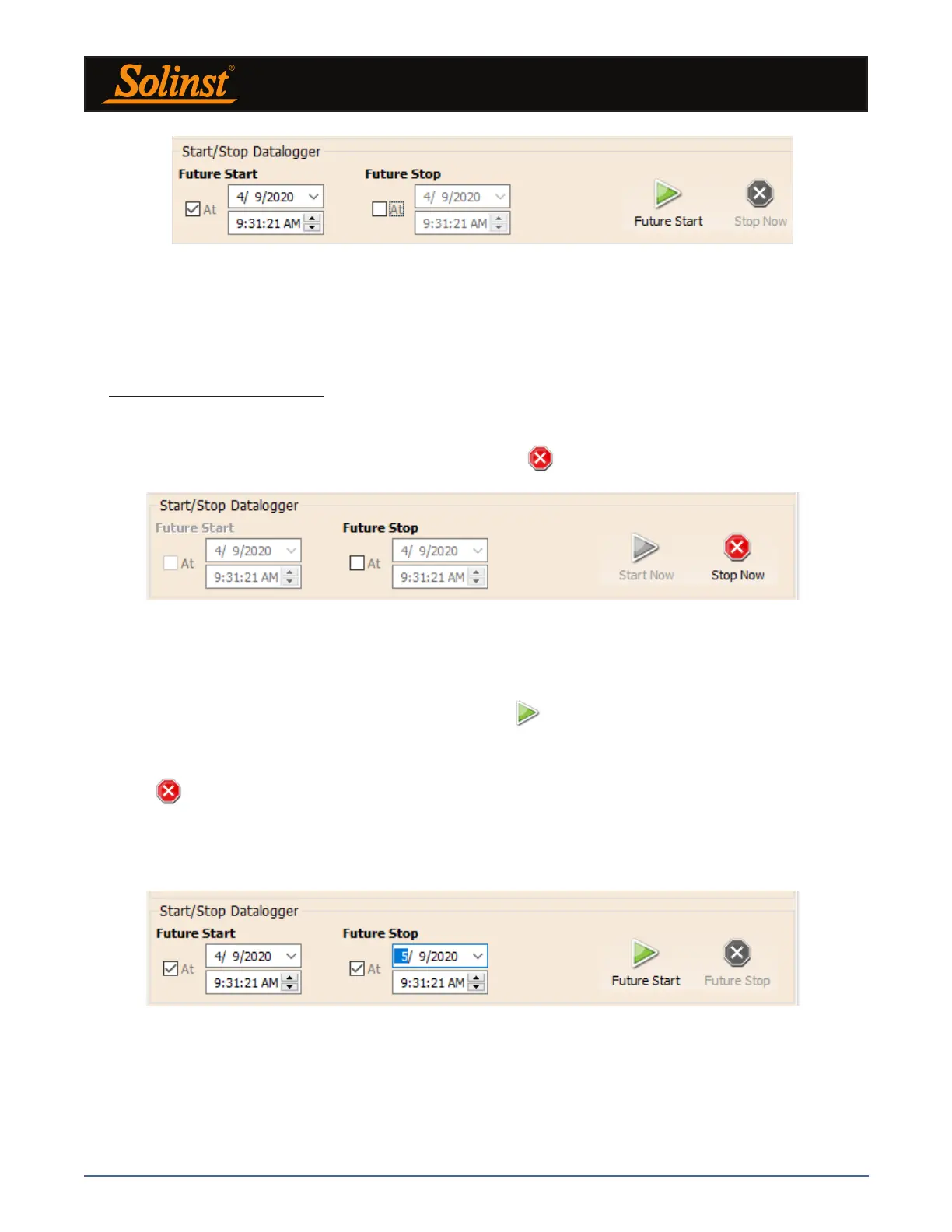
To program a Future Stop time for your datalogger, check Future Stop 'At' and fill in the desired stop time.
The Future Stop time will be applied to the datalogger once is selected for an immediate or future start.
You can also program a Future Stop time after you have started the datalogger, by checking Future Stop 'At'
and filling in the desired stop time.
Select to apply the Future Stop time (it should say Future Stop below the icon). The Stop Time should
be shown in the Datalogger Status section.
Note: If you have set a Future Stop time, but wish to stop the datalogger immediately, uncheck the Future Stop ‘At’
box, and the Stop icon should say Stop Now. Click the icon to stop logging.
Figure 5-16 Future Stop Setting
Figure 5-15 Stopping the Datalogger Immediately
It is critical to note that when Leveloggers log data in Slate mode, it means they will record data until stopped
or their memory is full. For this reason, it is important to determine, based on your start time and sampling
rate, the date and time at which the memory will be full and the datalogger will stop recording. Levelogger 5
and Levelogger Edge units record in Slate mode if Event or Schedule logging, but in standard Linear mode
they can be set to Slate or to Continuous logging.
Figure 5-14 Future Start Setting



 To Next Page